RETRO ZONE POWERED BY MZRETRO © 2025 All rights reserved!  


COMMODORE C64/COMAL-80-V2.01    
MEGADOG-V2.0.0 COMAL & SPRITES COMAL-8-SPRITES LOAD-RUN-LOAD-RUN
COLLISION-TEST LOAD-AUTORUN PRELOAD-AUTORUN GAMBLER-SOULS-V1.0.0


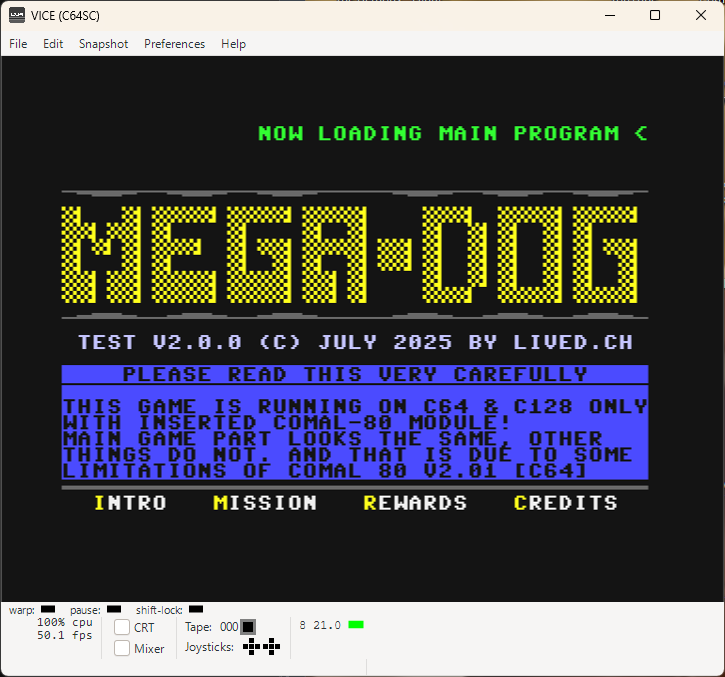
MEGADOG-V2.0.0 Download {.d64 File} COMAL-80 {C64}  
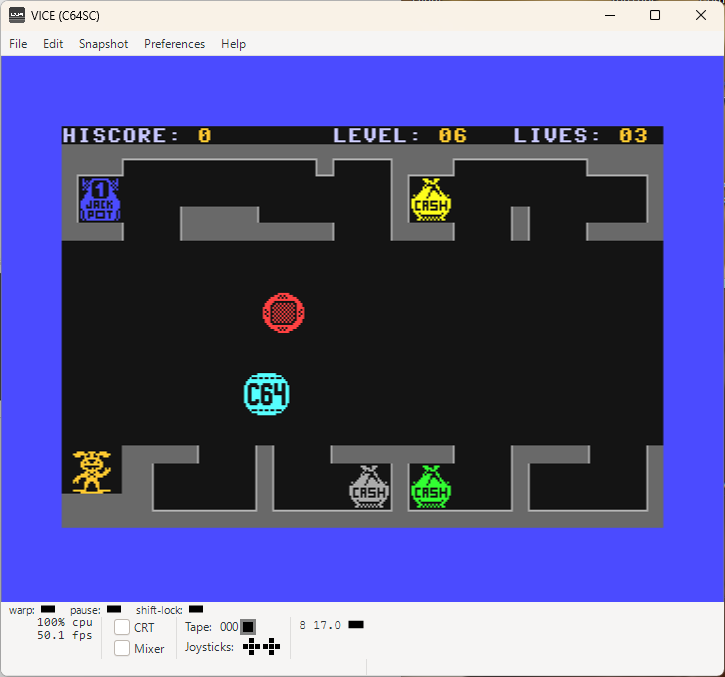
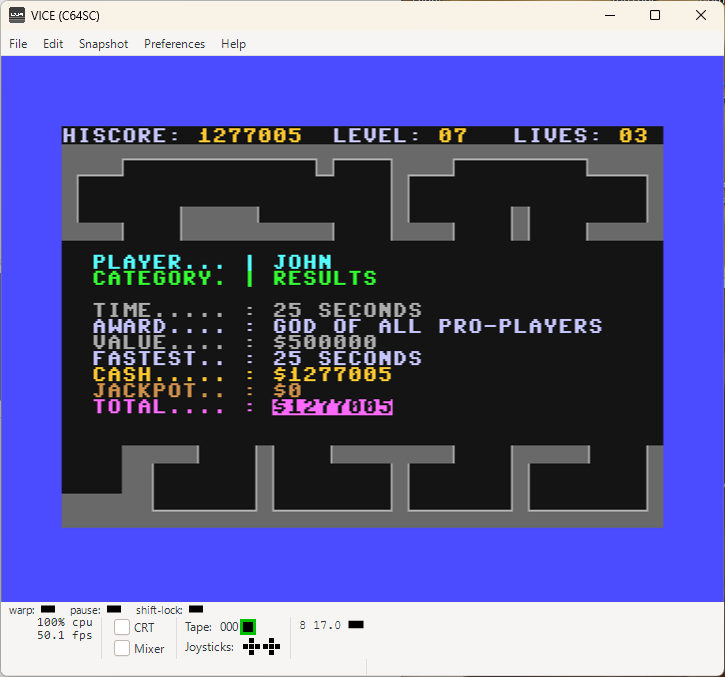
MEGADOG2.0 MEGADOG2.0-IG MEGADOG2.0-Result  
I finally managed to put also this version of CASHDOG online {22.01.2026}

MEGADOG is older version of CASHDOG and is C64 / C128 compatible.
In fact, it should run on anything that can emulate C64/C128 and is properly supporting COMAL-80-Module {C64, V2.01 or C128, V2.02}.
At first. this game was written only with Commodore C128 in mind. Later, thx to OMEGA from forum64.de. I also made this version. MEGADOG name was his idea.
That means MEGADOG started as GameOnC128...
Because development didn't stopped and C64 is offering approx. 10KB less memory than the C128, I had to stop the development of the C64/C128 compatible version and continue with C128 version, calling it CASHDOG because keeping it the same was impossible.
Basically, MEGADOG is C64 and C128 compatible and CASHDOG is just C128 compatible!
Main game is the same, so you won't miss anything on C64.
{can change in the future!}
...
FOR ALL INTERESTED:
C64 version wasn't developed on C64 or in GO64 in C128.
It was completely programmed in C128 Mode of Commodore C128 with COMAL-80 V2.02 Module and it really is doable as you can clearly see!

...
COMAL-80 is having no compiler! It means, you are getting the full source code and can change whatever you want! Just don't forget to add some credits towards this webpage.
Namely: www.lived.ch and www.mzretro.ch

Thank you very much!
COMAL-C64 & SPRITES Download {.txt File}    
COMAL-80-C64-Sprites COMAL-80-C64-No-Sprites COMAL-80-C64-SpritesOK-Again  
THIS WAS A MYSTERY FOR A VERY LONG TIME!

For many many months {maybe also a year or two!} I was absolutely not able to figure out how to keep sprites visible on the text screen using COMAL-80 for the Commodore C64.
I turned around every stone on the planet and found nothing!
And then one day... There it was, just like that...

But let's share some general COMAL knowledge in first place:

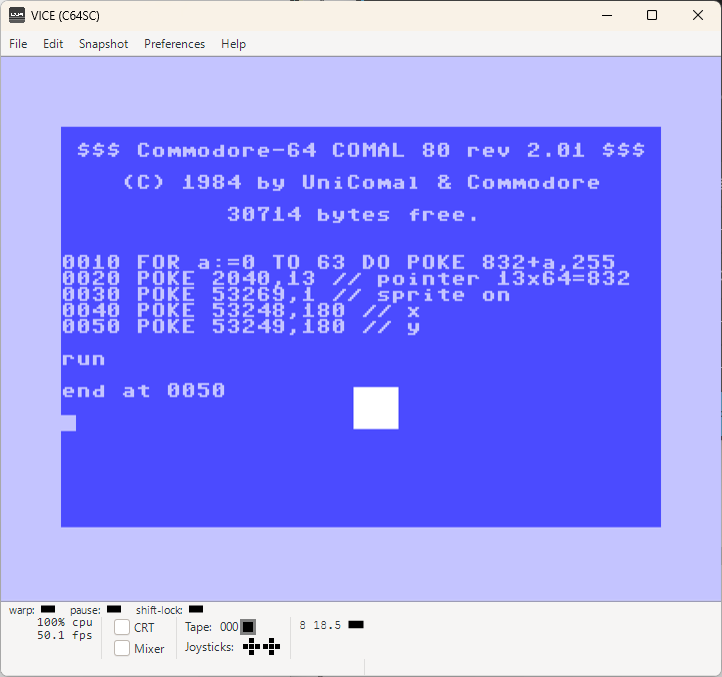
SPRITES are officially accessible only in graphics mode {e.g. graphicscreen (0)} or in other words, if you type showsprite (0); spritepos(0,100,100) and you haven't activated the high resolution screen, you'll see no sprite.

You can try whatever you want, sweat like a champion and bag on your knees! You'll se no sprite on your text screen no matter what you'll offer! I tried all that, i know! Hahaha...

What's the secret then? Because it is possible!
Check the .txt Download File!

COMAL-8-SPRITES Download {.txt File}    
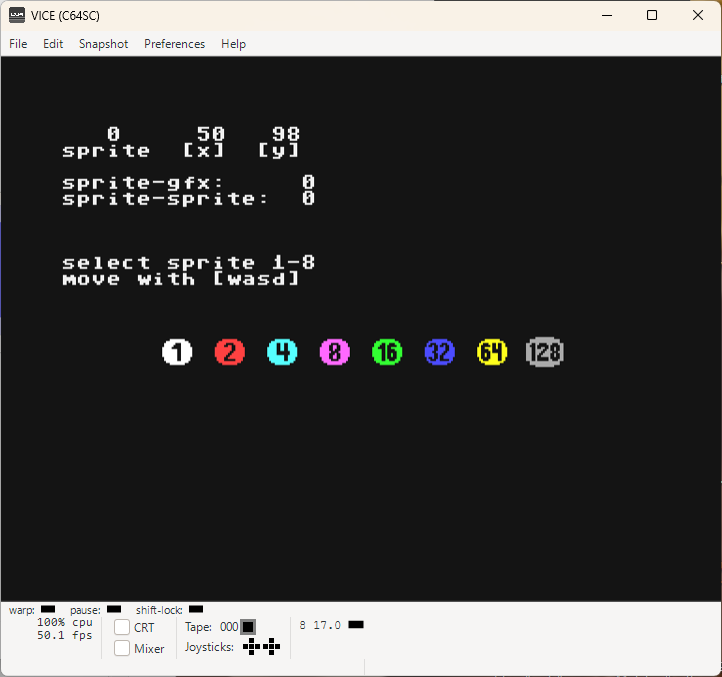
8-SPRITES-TextScreen SPRITE-GFX-SCREEN    
COMAL-80, TEXT SCREEN & SPRITES

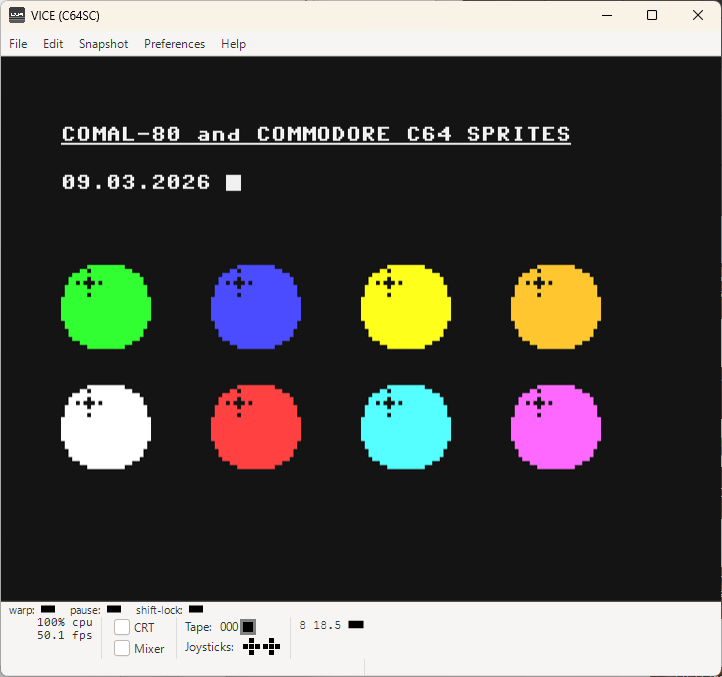
Bringing 8 Sprites on the screen isn't a magic anymore {unless you use SETPAGE and start wondering! But that's also not an issue any longer}
However, we have another one!
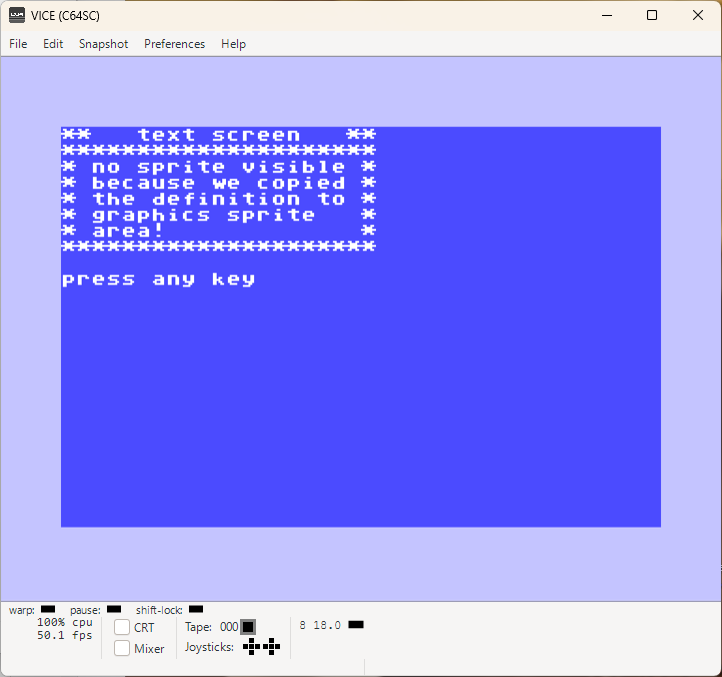
As you can see, on the text screen everything is fine.
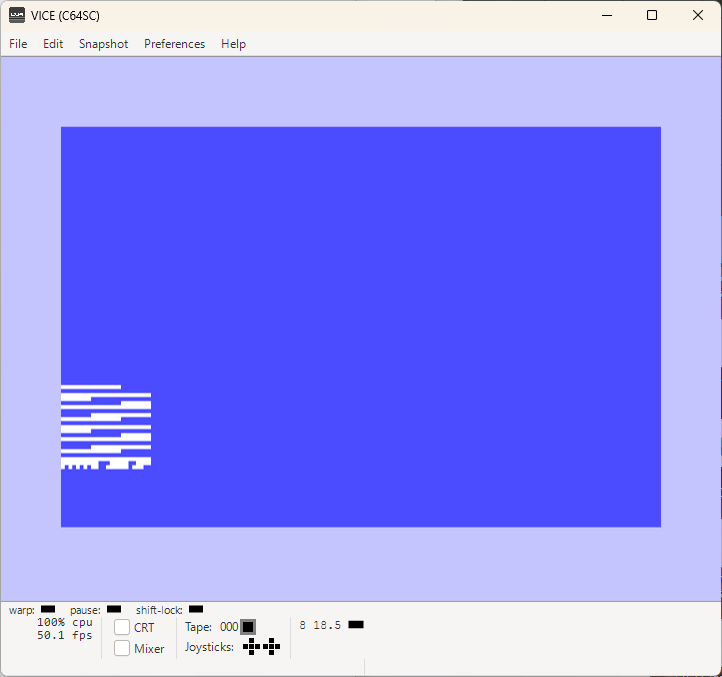
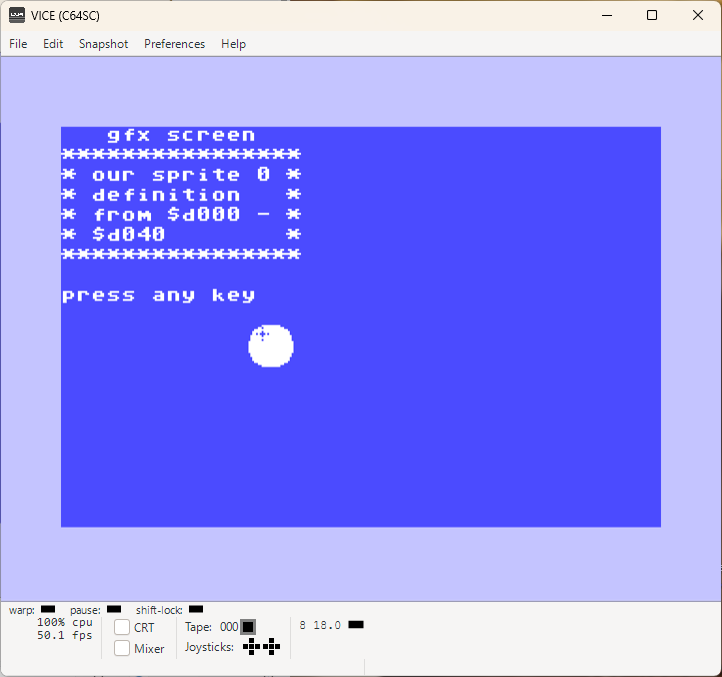
Switching to high resolution graphics {screenshot 2}, the Sprite isn't the same shape anymore.
When you switch to high resolution, the sprite pointers are targeting $d000, dec 53248 and up as a default and that is why we don't see the ball anymore.

Next lesson we will take care of it... Keep waiting or do it youself... Hehe...

LOAD-RUN-LOAD-RUN Download {.txt File} Comal-Sprite-Shape.d64  
TextScreen Graphicsscreen Copyscreen BallsOfSteel
STRANGE TITLE... HOWEVER!
That is exactly what we are doing here.


1. Loading a sprite definition
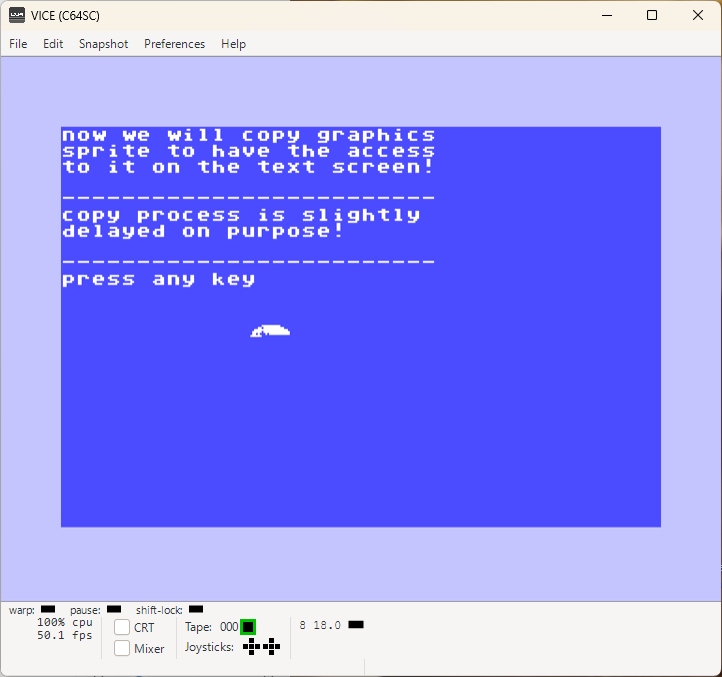
2. Export it to $d000, dec 53248 {SETPAGE 0}
3. Transfer a copy of it to $0340, dec 832
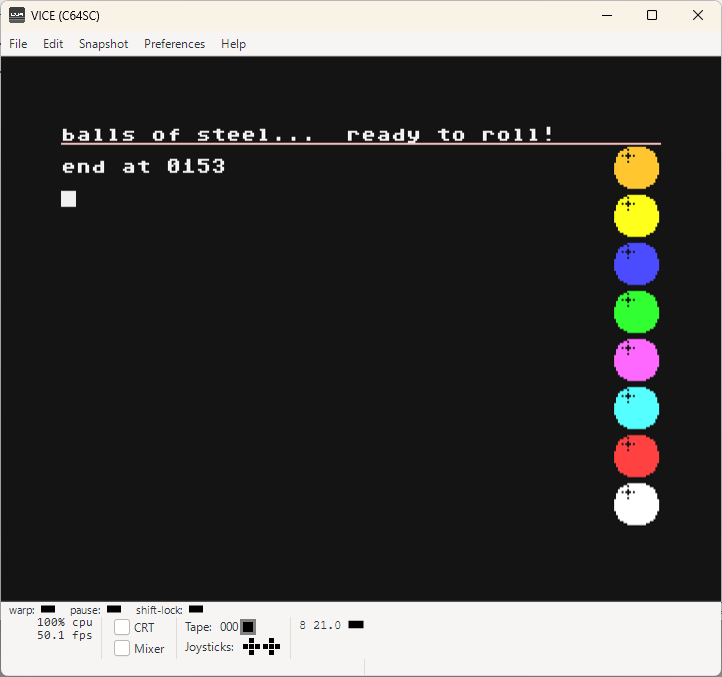
4. When the process is finished we load the main program
5. ...and have fun!

The whole point is to save more than 10KB memory, which is a 1/3 of the available BASIC memory and efforts to achieve that are close to zero. So why not doing it, right!

Well, as you have probably noticed so far, the sprites are @ location $d000, dec 53248 and are going 2048 bytes {2KB} up. And it is 2KB because a sprite is a matrix of 504 bits

24x21 pixels, bits = 504 pixels or bits or 63 bytes {504/8}
504 pixels x 32 sprites = 16128 pixels or 2016 bytes {16128/8}


We are missing 32 bytes!
That is because byte 64 isn't used {but must be included!} and is zero, normally {BASIC 2.0}
However, it is used by COMAL and its needed as identification for single or multicolor sprites:

define(drawingno,drawing$+""0"")
define(drawingno,drawing$+""1"")


If we add those 32 bytes, we'll have our 2KB or 2048 bytes {2016 + 32}

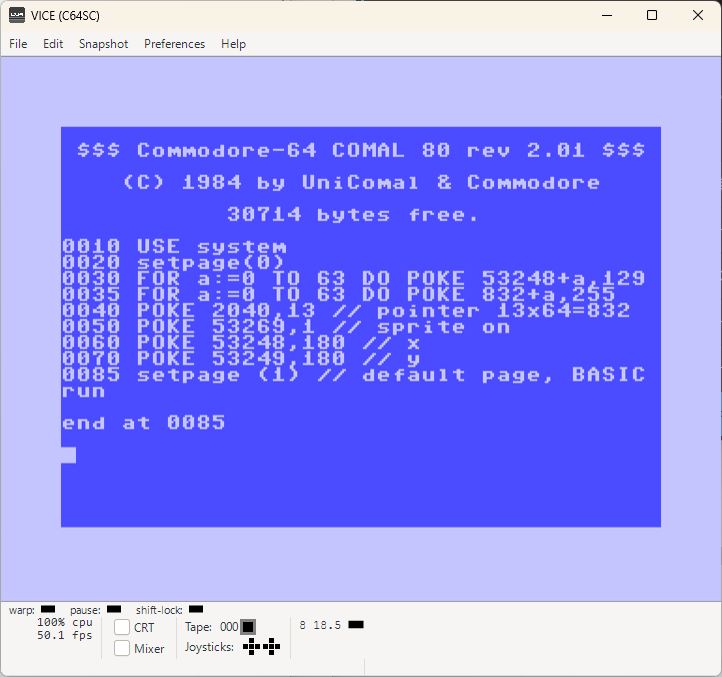
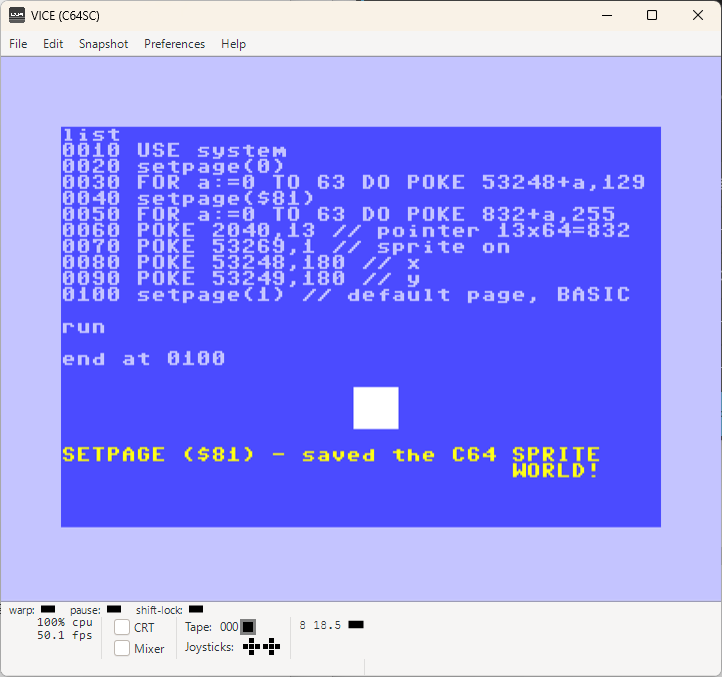
What is the deal with SETPAGE?

When we set SETPAGE (0) then we have the RAM access in that region.
And we also need to disable that access when we want to set X,Y coordinates of the sprite because they are available exactly @ that location too for the sprite 0 {$d000, dec 53248, x coordinate and $d001, dec 53249, y coordinate}

With SETPAGE we set the proper access to avoid errors!

COLLISION-TEST Download {.txt File}    
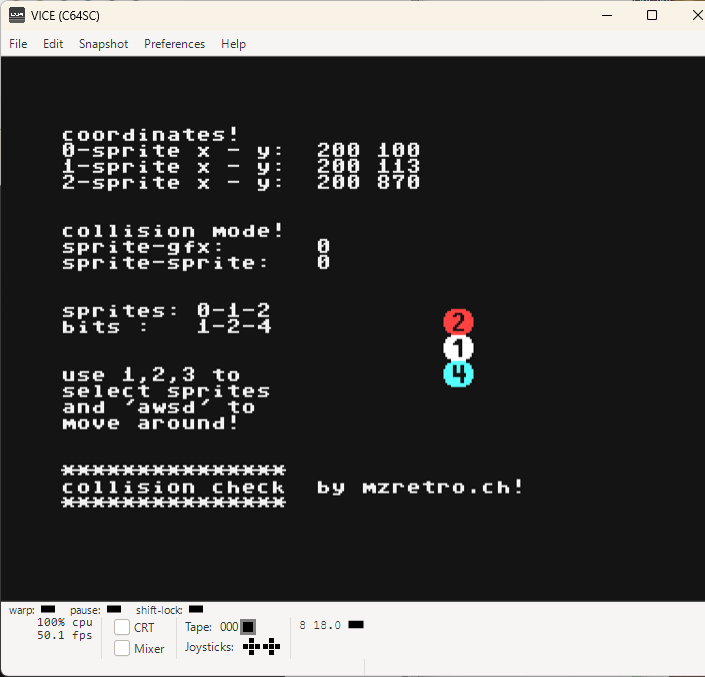
COMAL-CollisionTest      
It's all about SPRITE ON TEXT SCREEN with COMAL-80 {Commodore C64}

I guess we learned a lot the past few lessons.
Today sprite-sprite and sprite-background or graphics elements collision will be our suspects.
COMAL-80 has nice commands for that purpose, however they aren't working when you use sprites on the text screen. No problem with high resolution graphics though.
There is a nice way to check what's going on in regard to that and luckily, it isn't difficult to master it and use in your own programs.
Most important thing is to understand how it is working.
I can only hope that this example i made just for that case will be of huge help.

Basically, there are two addresses and you just need to check the status of it to know what or who collide with what or whom!
Values are accumulated. And that means if sprite 1 has an active collision and another one 2, then it would give a 7 if sprite 3 had a collision with sprite 1 and then sprite 2 also managed to collide with the sprite number 1. So, 3 active collision!
Because Sprite 1 is bit 0 it has a value of 1. Sprite 2 is bit 1 which is a value of 2.
And finally, sprite 3 is bit 2 which is a valuje of 4. All together = 7 {1+2+4}

                 
BIT --- : 007 006 005 004 003 002 001 000
VALUE-: 128 064 032 016 008 004 002 001
SPRITE : 007 006 005 004 003 002 001 000
                 
              = 6  

A collision between the sprite 1 and 2 will deliver a value of 6!

LOAD-AUTORUN Download {.txt File}    
Autorun      
AUTORUN with COMAL-80 {Commodore C64}

It really would be nice to preload everything you need {sprite, assembly routines, graphics} and first then load your main program. It would save you a lot of memory and from the user side all that's need is to load the starter program with LOAD or even better with RUN and that's it!

Not impossible as you see here!
In this lesson i am presenting just the AUTORUN procedure and in the next we will make a use of it and see what is it good for!

PRELOAD-AUTORUN Download {.txt} Preload-AutoRun.d64  
Comal-Preload Comal-Main Comal-Collision-Check  
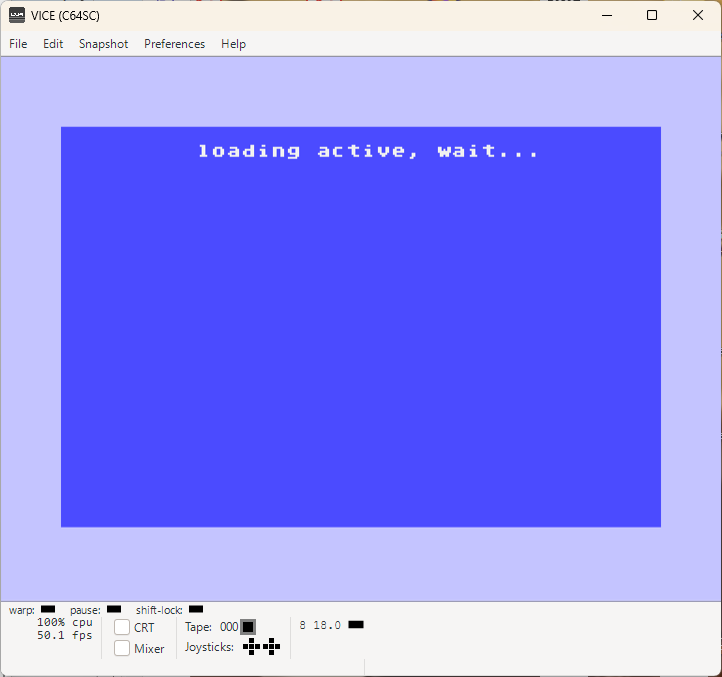
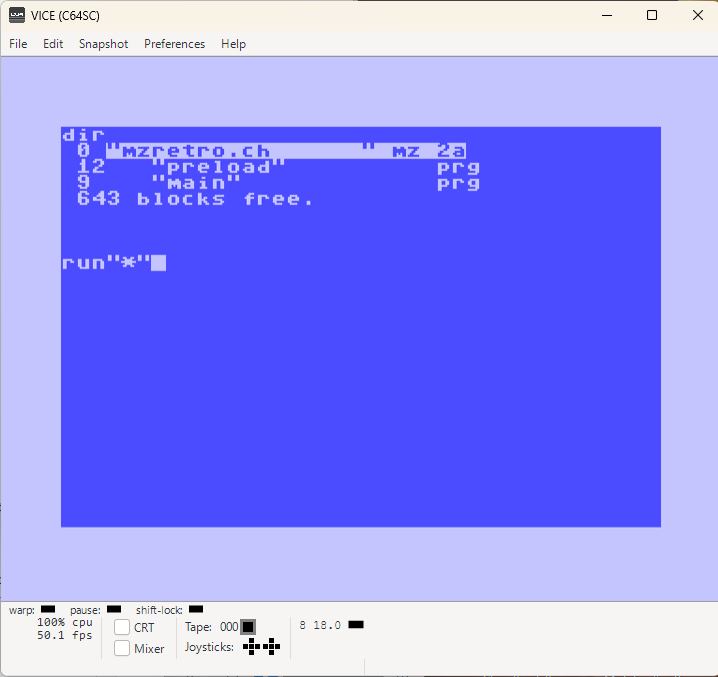
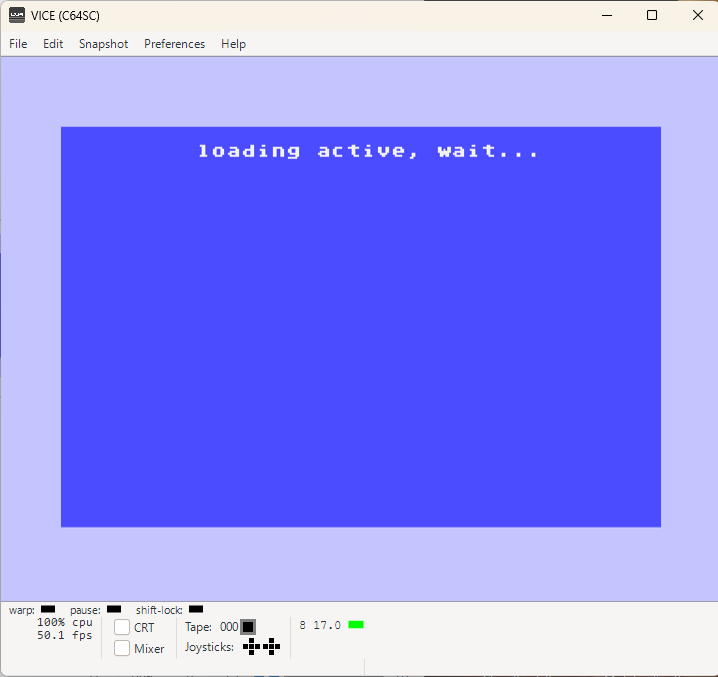
PRELOADING & AUTORUN {AUTOLOAD} of the main program!

Here is one example of how to use this. And i went a bit further with some changes and adaptations. Thanks to which i could preload 8 different sprites {text screen!}

Sprites are located from $3d40, dec 15680. Sprite Pointer 245

BASIC source code end address was moved down to $3d00, dec 15616.

0030 POKE 28,00 // $00
0040 POKE 29,61 // $3D


We could move that even a bit further up to gain more free memory for the BASIC code.
Like using the 192 bytes starting at location $33c, dec 828 to make 3 sprites there and then 5 starting at $3e80, dec 16000 {Pointer 250-254! E.g. poke 2040,250 to access sprite shape 0}

GAMBLER-SOULS-V1.0.0   GablerSouls-V1.0.0.d64  
Gambler-Souls-C64-V1.0.0 Gambler-Souls-Wheels    
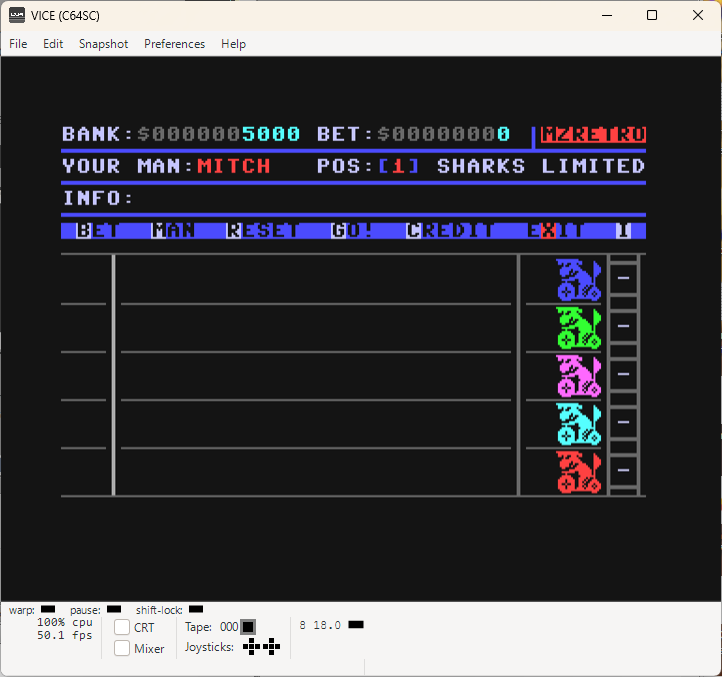
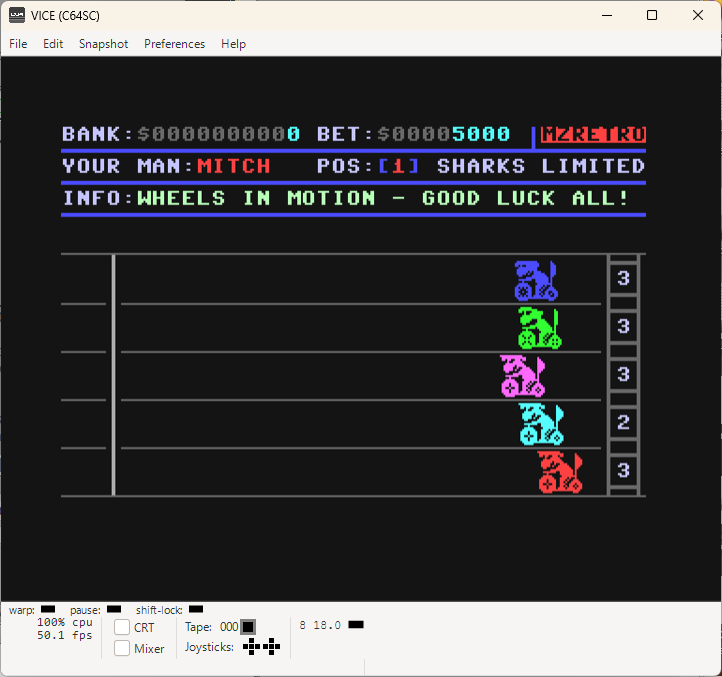
Gambler-Souls-V1.0.0 - New Commodore C64 game made with COMAL-80!

After all we have learned the passed lessons, i thought why not write another game using
COMAL-80-Version 2.01 for Commodore C64 just to show how it is possible even if officially COMAL-80 isn't supporting any sprites on text screens.

Still work in progress, around 80% finished and then it'll need some polishing.
The core, main game part, is fully working already and it is more fun than i've imagined it would be. Not going to complain, haha...

Needless to say how all other projects are on hold for now!

For the moment, you'll get to see just the screenshot.
And yes, the drivers are animated and each is individually giving its best to win for you.
You can of course choose your driver each race before you say GO!

Update (11.04.2026)
Gambler-Souls-V1.0.0 is now available for the Commodore C64!
Have fun playing it and do not get too addicted, haha...


Update (13.04.2026)
I managed to not set the flopy disk correctly previously and it wouldn't load the game!
Floppy disk is fixed now and working!
{Anyone who downloaded this disk previously, please do it again)
...


These pages are NOT USING any kind of cookies or whatever tracking, monitoring, controlling etc. tools.
It's pure and old-fashion webseite like back in the retro days {let's ignore some scripting here & there for a little while!}
Complete content was created by using retro systems emulator for all here mentioned computers.
No real hardware was involved so far {and if it will be one day, it will be additionally mentioned within the subject}
 
NOTE: Use all here at your own risk! I am taking no responsibilities in case of any data loses or damages!
In case you doubt your abilities to properly use applications available on MZRETRO.CH, please consider to not use them @ all!