RETRO ZONE POWERED BY MZRETRO © 2025 All rights reserved!  


COMMODORE PLUS4 - INBETWEEN    
IRQ-ANIM-CHARACTERS CHARACTERSET-00 MULTICOLOR-CHAR-SET BASIC-MC-CHAR-SET
INVERTED-WORLD INVERSE-IT-AGAIN BENCHMARK-CP4-C128 BASIC-TRANSPORTER
TURBOASSEMBLER-v6.0 TURBOASSEMBLER-MACRO BASIC-ASSEMBLY-START WHAT-THE-HECK
LOAD-BINARY-FILES MERLIN-MADE-STARTER IRQ-ANIM-CHARS-2  


The short story why this category was made!    
{26.07.2026} - Like 2 weeks ago, the 8-bit BASIC made videos related to Commodore Plus4 and even if I own Commodore Plus4, I actually never used it and have never looked deeper into it... After seeing the videos, I thought why not look at it anyway... And that is how this Commodore Plus4 journey started...
No instructions in sight for the MERLIN 7501 Assembler, though, but from the examples that were luckily on the disk and while coding and experimenting, I put together my own instructions manual...
As you can see below, added were also Turbo-Assembler-v6.0 & Turbo-Assembler-Macro! Enjoy coding!

Commodore Plus4 Coding Tools and Books    
       
PDF BOOKS      
Commodore Plus4 REF      
       
MONITORS      
none so far      
       
ASSEMBLERS      
MERLIN-7501-ASSEMBLER MERLIN manual    
TURBOASSEMBLER-v6.00 TAS-v6.0-Mini-Manual German Manual and Review-[English]
TURBOASSEMBLERMACRO TASM Mini-Manual Full-Manual-Mini-Review-[English]


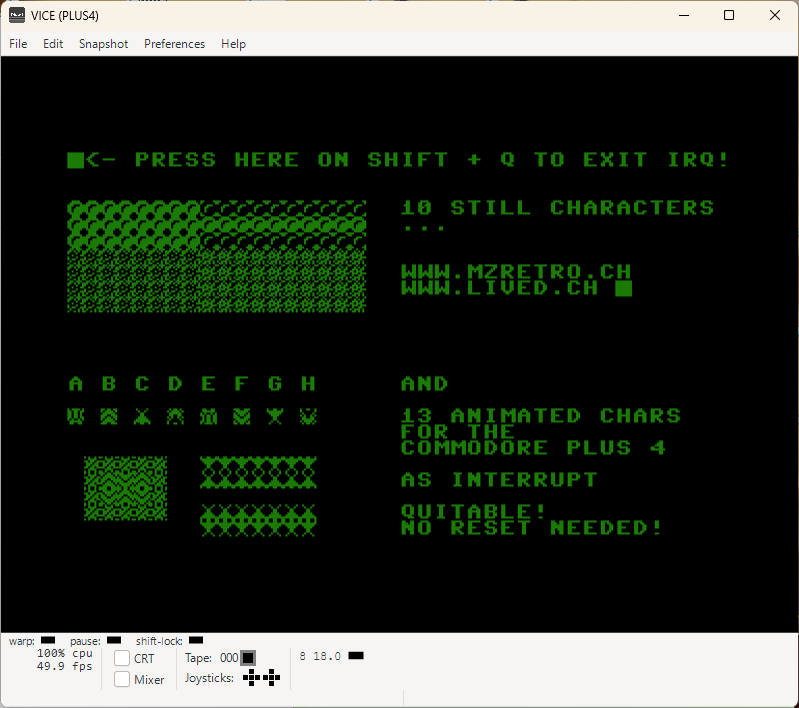
IRQ-ANIM-CHARACTERS Download {.txt File} CharAnim00.d64 CharAnimSYS8448.txt
AnimCharacters AnimDemo    
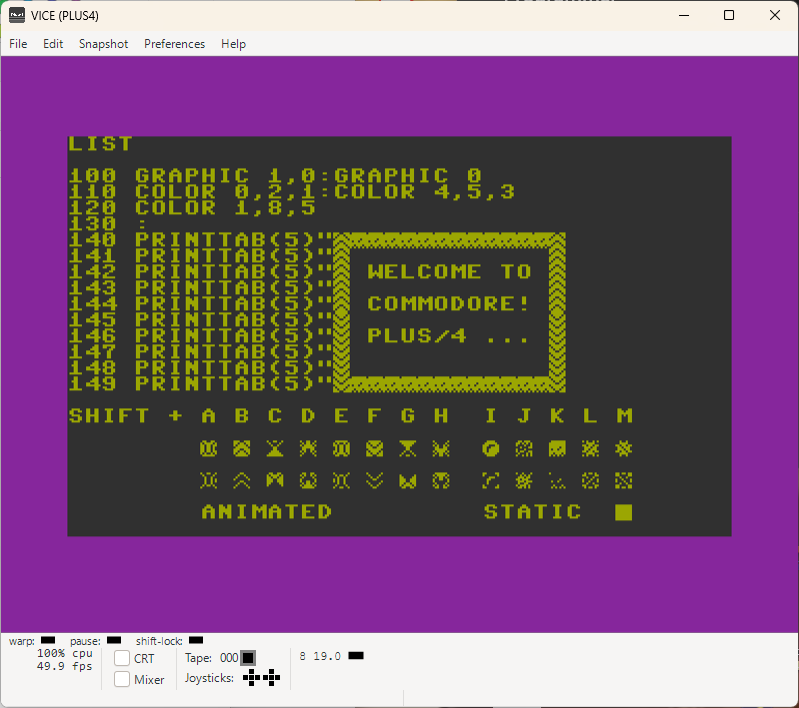
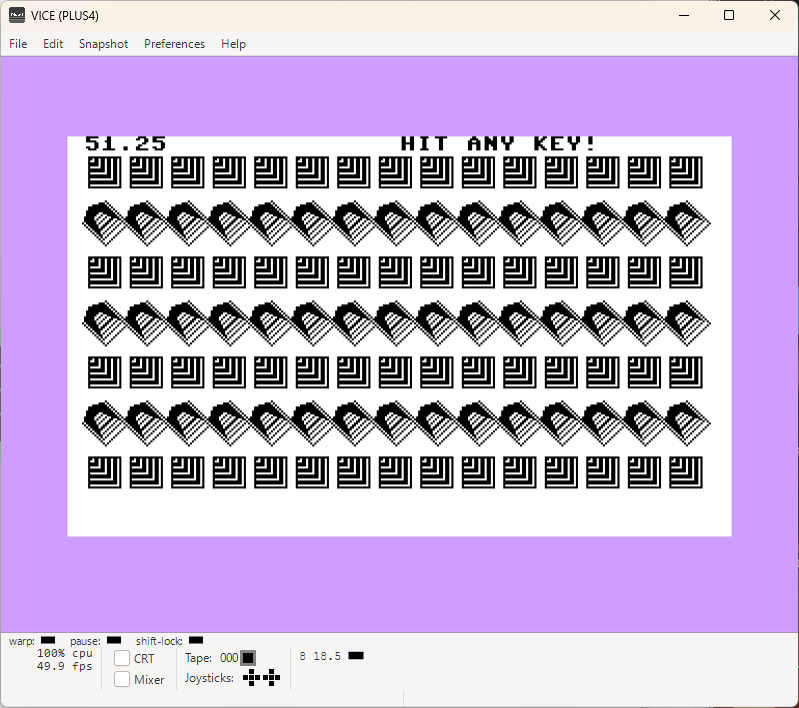
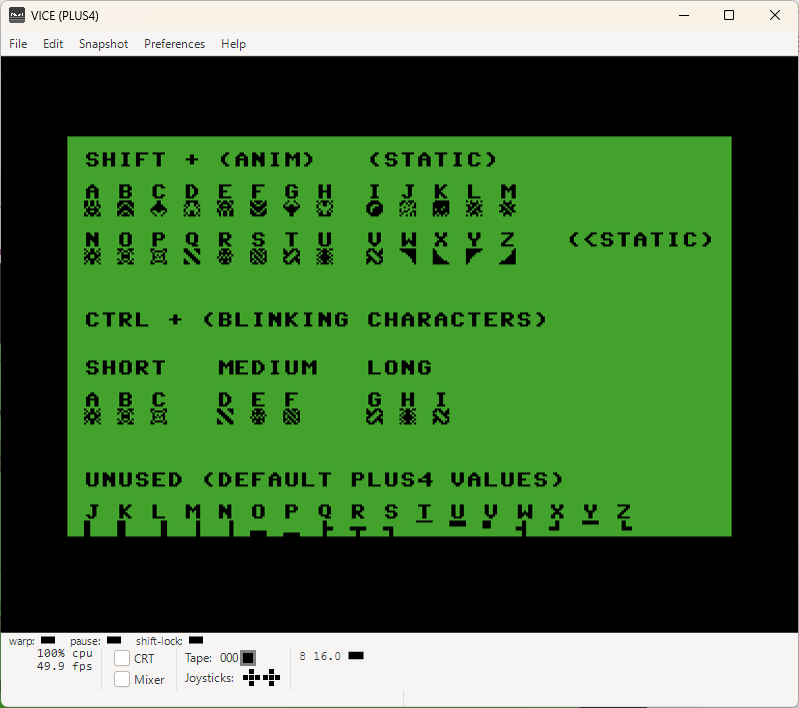
THE ANIMATED and STATIC CUSTOM CHARACTERS!
{16 animated and 10 static {normal/inverse character mode!}
[screenshot is telling differently, but that's old value...]

This is my first ever assembly code for the Commodore Plus4.
And it was coded thanks to 8-bit BASIC and Milasoft. They got be inspired...
Luckily, as first I tried MERLIN 7501 asembler and it was bullseye from the scratch.

Easy to use and very flexible. I had to write my own manuals and find out a few other things out, but at the end of the day, that was the one!

Later I also quickly tried other assemblers, but they were nothing compared to MERLIN 7501!

Then I also found the Turboassembler and much later also a german text file on a floppy as a short instruction guide for it. I stayed with MERLIN 7501 after all... But who knows!
Good about Turboassembler is, it has no lines!

I am also including a disk with the MERLIN 7501 source code and 2 executable files.
They are in different memory addresses.

I noticed that the Programmer Reference Manuals are always saying to RESET the PC to exit the active INTERRUPT. That annoyed me a lot... This programcan be exited and your source code will be intact, no reset needed. Also when used with BASIC! You can exit the custom characters anytime you want and it will bring default values into the game, until you call it again!

That being said: DO NOT START IT 2x... I didn't took a care of that... Maybe next time...

UPDATE: this did not let me sleep, haha...!!!

The code is updated and now you cannot accidentally start it the 2nd time and crash your BASIC program! First you must EXIT with the SHIFT + Q {cursor in the left upper corner} and then it can be restarted again with the SYS command from BASIC.

Many wierd things are possible with this animation set and also the static charaters are useful!

10.08.2026 - {CharAnimSYS8448.txt} added a text file conteining the ML-Code and short description of how to use it!

CHARACTERSET-00 Download {.txt File} CharacterSet-00.d64  
CharacterSet00      
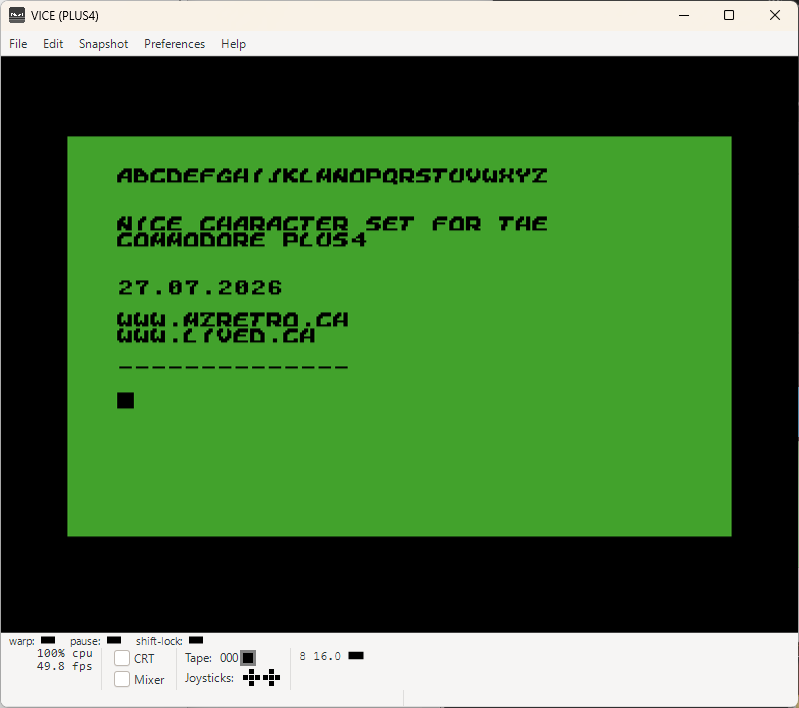
CHARACTER SET FOR COMMODORE PLUS4

This font is actually the same as I have used for the ATARI font example.
This one very probably will be extended to offer more characters and also a combo of the first and this example isn't excluded.
Time will the in which direction the journey will go...

In the meanwhile, why don't you just create your own font!

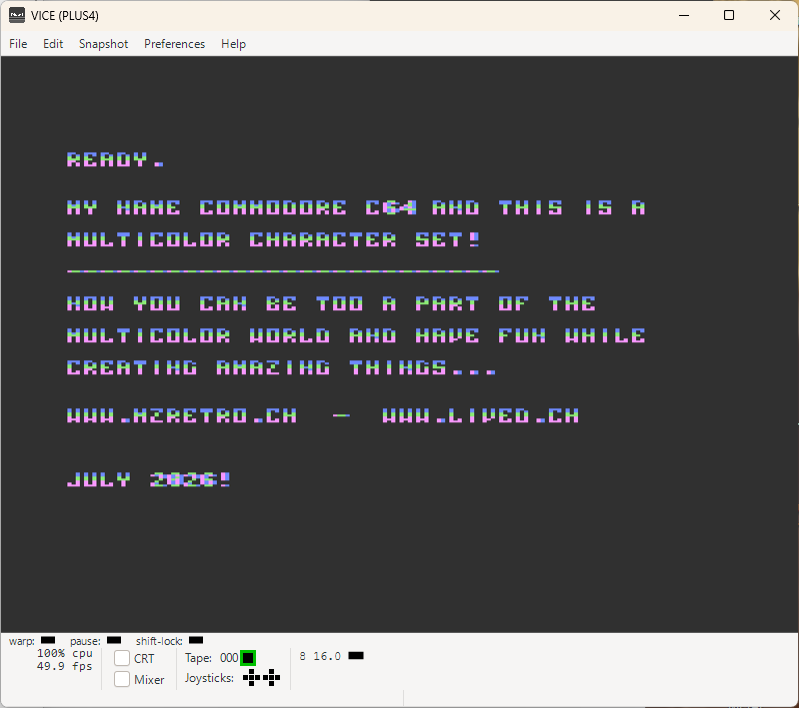
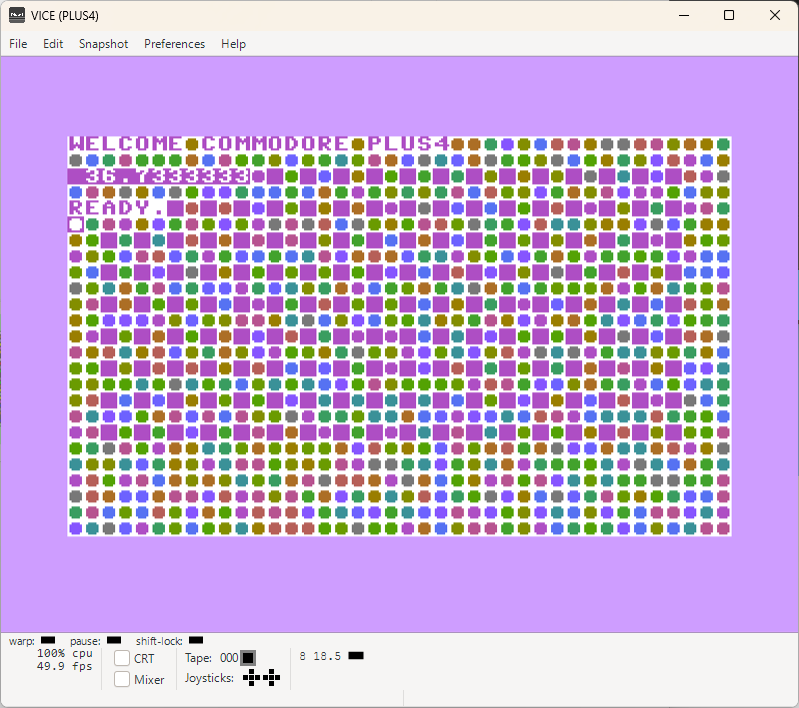
MULTICOLOR-CHAR-SET Download {.txt File} UPDATE {gfx, # added} MultiColorCharSet.d64
C128-SPRDEF Plus4-MC-Characters    
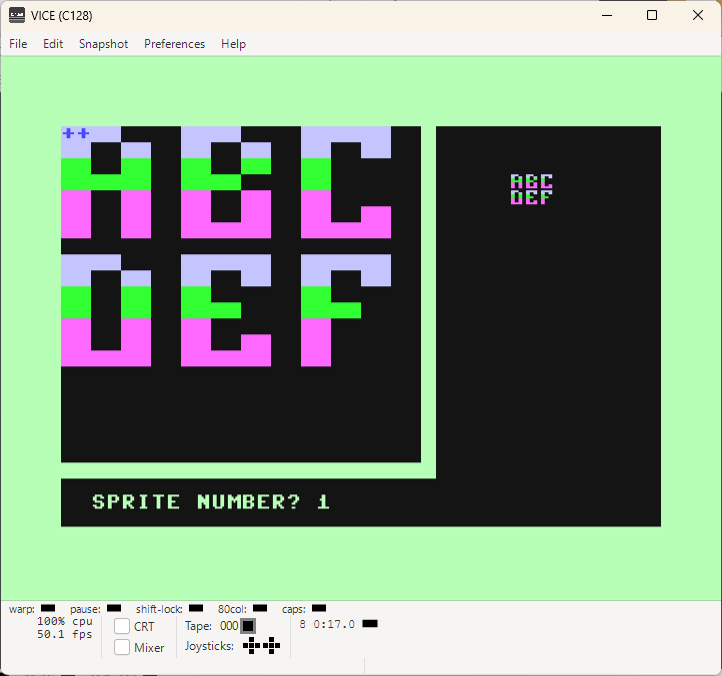
MULTICOLOR-CHARACTER-SET-COMMODORE-PLUS4

There still are some secrets hiding behind the multi color charater walls.
And one of the most annoying thing is:

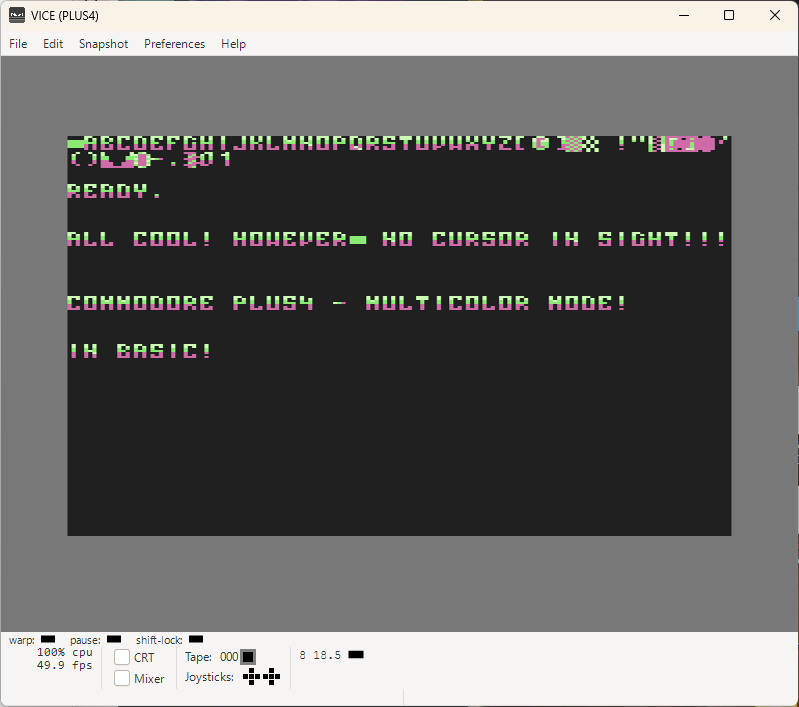
THERE IS NO CURSOR VISIBLE in MULTICOLOR CHARACTER MODE!

Can be that I am doing something wrong, however, I tried a lot here and absolutely nothing led to any kind of success. It can only be a bug!

Even BASIC examples in the book are immediatelly going to default font after you can see the multicolor examples and hit key to exit and set default settings...

That's all highly suspecious!

31.07.2026 - Small update {see UPDATE download!}

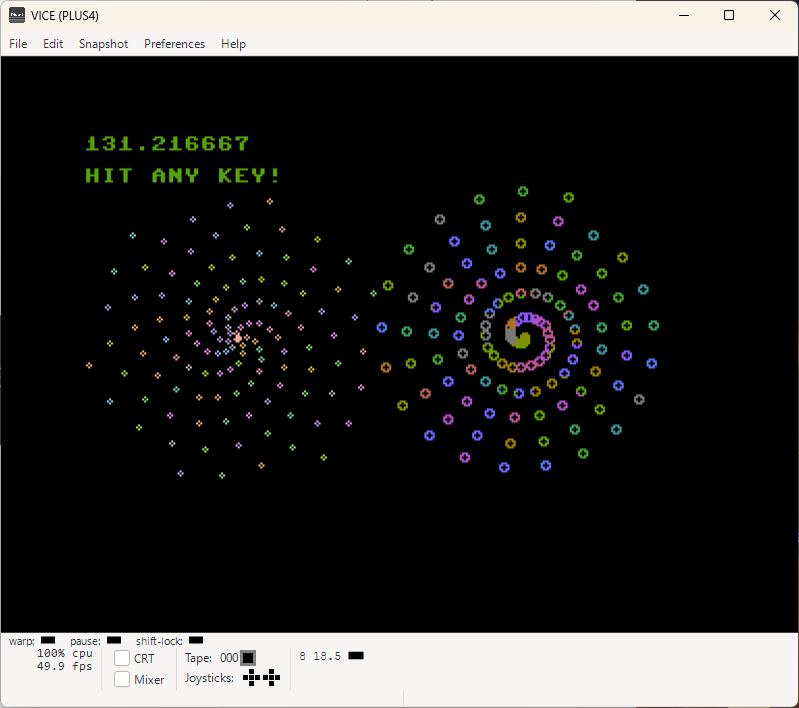
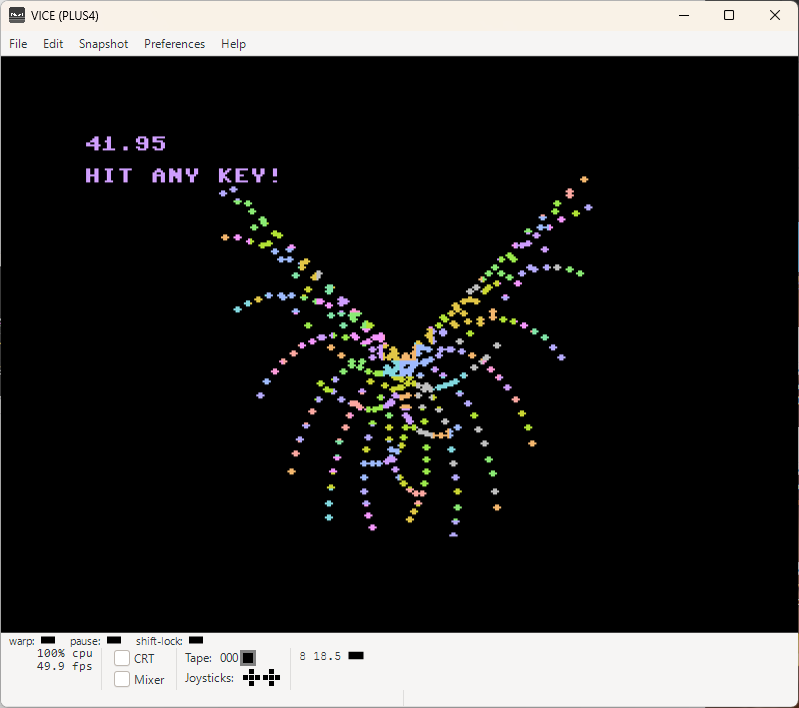
BASIC-MC-CHAR-SET Download {.txt File}    
BASIC-MC-Characters      
AND MULTICOLOR AGAIN... IN BASIC THIS TIME!

Who would say that this is more complex in BASIC than in Assembler on Commodore Plus4.

As we can see, no real MultiColor commands are involved... Because none are existing!
Microsoft didn't manage to add any from BASIC 2.0 until BASIC 7.0 and later they had no more chances
to do it as we all know!

There are a few interesting things related to the address 1177,which obviously is important!

1st - About this address there are just two entries available: poke 1177,62 and Poke 1177,63
2nd - Without these 2x entries, not even God would know that this is existing and what for can or better, said MUST be used!
3rd - Officially, this area ($0494-$04A1, 1172-1185) is for: Self-modifying routine to fetch RAM data via (.A),Y! No further information whatsoever!
4th - If you do not add this addresses as in this example, the multicolor example will not work properly!

This is really not making it easy for a beginner to quickly figure out what you actually can do or cannot!

Commodore Plus4 lived just a year and something and then it was announced dead!
Might be the reason why nobody wanted to bother much with this computer and also with the memory maps like this was the case with the Commodore C64. Lack of sprites and advertised as a business machine, did probably the rest...

In general, the C-Serie of the Commodore Computer wasn't really a smart product AFTER the Commodore C64. You can't call something smart when there were NO SPRITES, LESS GOOD SOUND CHIP, SAME AMOUNT OF MEMORY AS C64, NO RESTORE KEY {=MENDATORY RESET!}
And then you had faster CPU and 121 colors! For what?? To draw a pictures with a business computer??? The strategy behind Commodore C-Series will remain a mystery!

{the manual is full of examples where it's written: NOW RESET THE COMPUTER!!!
Well, it was the only way to get out even out of a loop in assembler!...

"When you are finished with this example, reset the computer by typing G FFF6 {dec 65526} so as to restore the IRQ vector to its default value." = EVERYTHING GONE!

Despite all that, there still is a Commodore Plus4 fan club out there in the universe!
Especially if it was a first love! Then you just love it and ignore all side effects, hahaha...

To all the crazy Commodore Plus4 guys out there: LONG LIVE COMMODORE PLUS4!

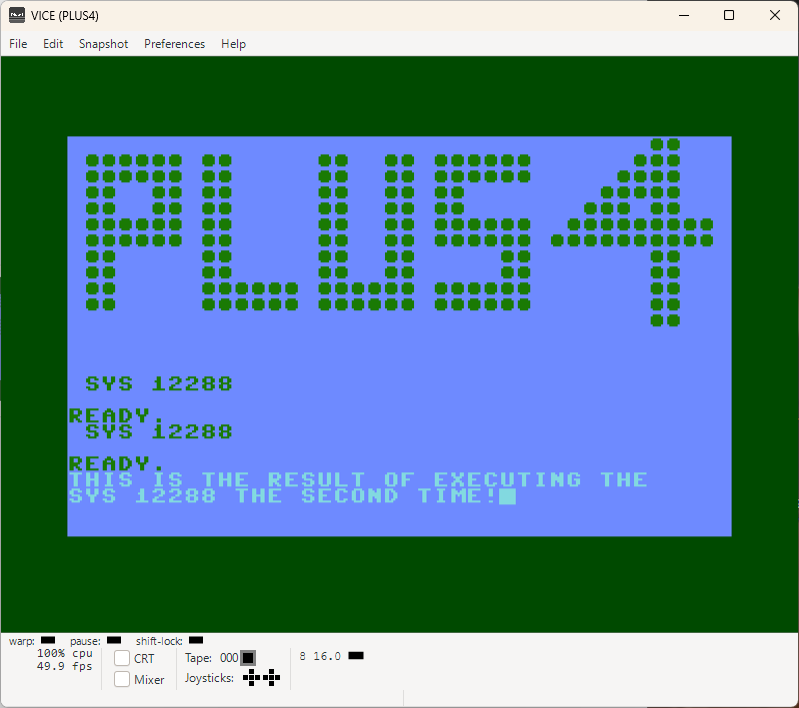
INVERTED-WORLD Download {.txt File}    
Inverted-Normal Inverted 2ndTime  
THE MASTER OF THE INVERTED WORLD

Well, this indeed is a fancy title, hehe...
In reality, it's just converting what's on the screen to empty spaces and also back again if you execute the code again. And if you do this the 3rd time, it will inverse it again.
Basically, you can switch it back and forth...

I initially made this for the Commodore C128, but it is of course working also here...
Wondering how this could be extended with some extra functionality, senseful one, of course!

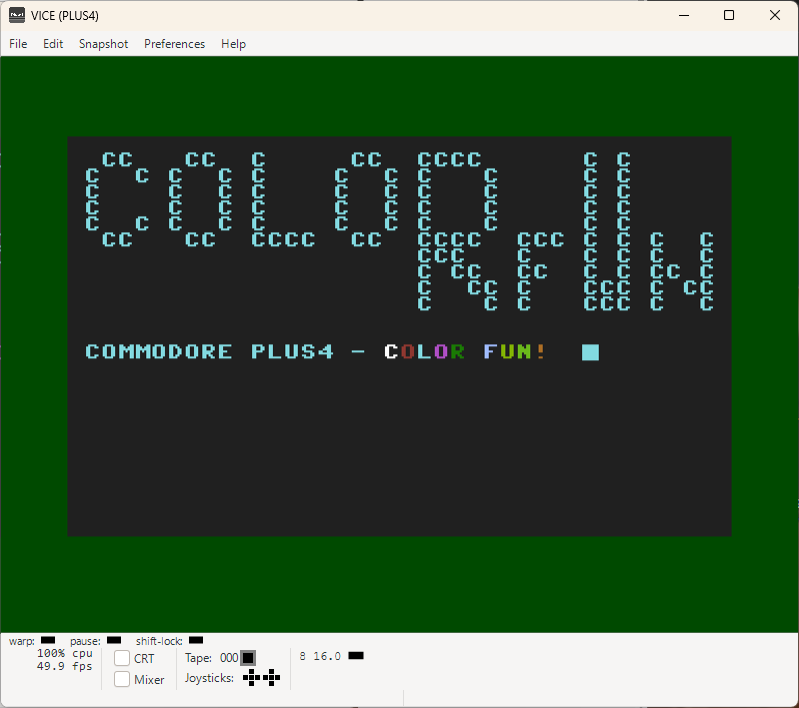
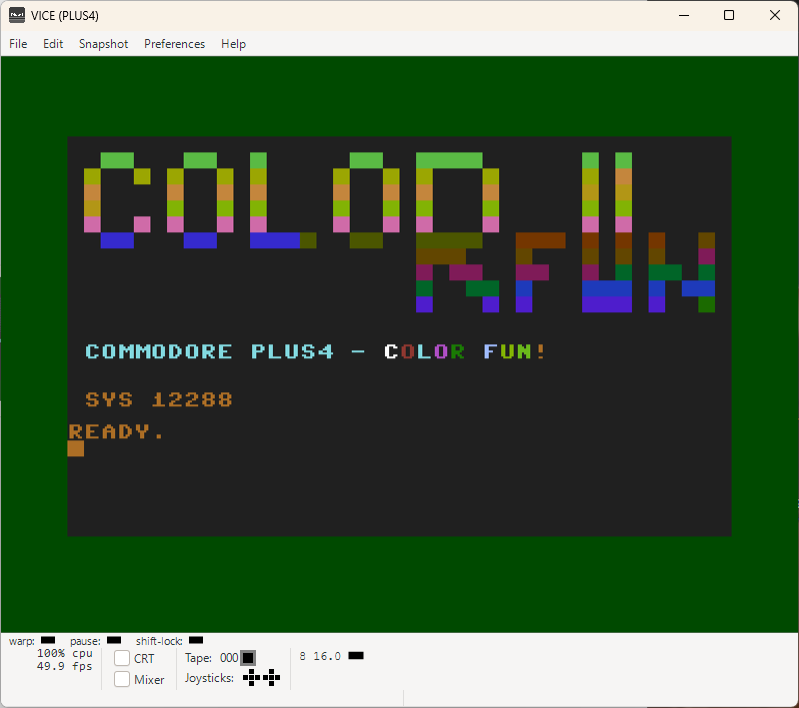
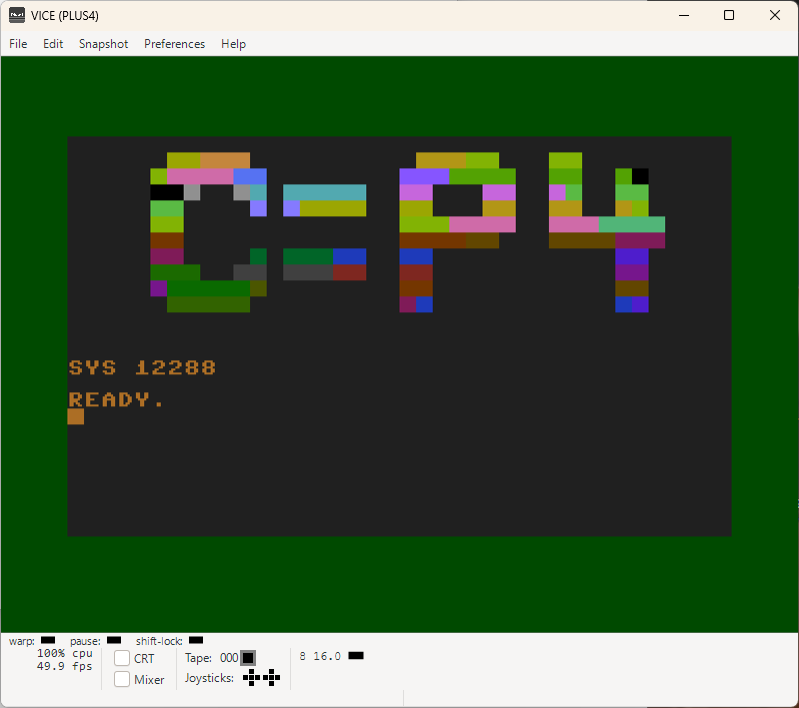
INVERSE-IT-AGAIN Download {.txt File} Download {.txt File} Short  
Inverse-Color-1 Inverse-Color-2 Inverse-Color-3  
INVERSE IT AGAIN, IN COLOR!!!

Adding colors in assembler, needs like 5 bytes extra and a few more to let the things running.
In reality, bytes are a bit different, however in this case, we can profit from the 121 color palette and can use all normal 16 colors by setting different luminance values.

That is freaking cool!

Why I am imagining now a Commodore C128 with 121 colors & 4MHz CPU, 256KB RAM... Haha

Okay, back to reality!
You can modify a thing or two in this code to make bits and bytes work like you want.
Also, making this code smaller would be welcome and I actually didn't do it on purpose!
I want you to have this done...

I'll just give you a small hint: the delay loops could have been implemented much smarter!

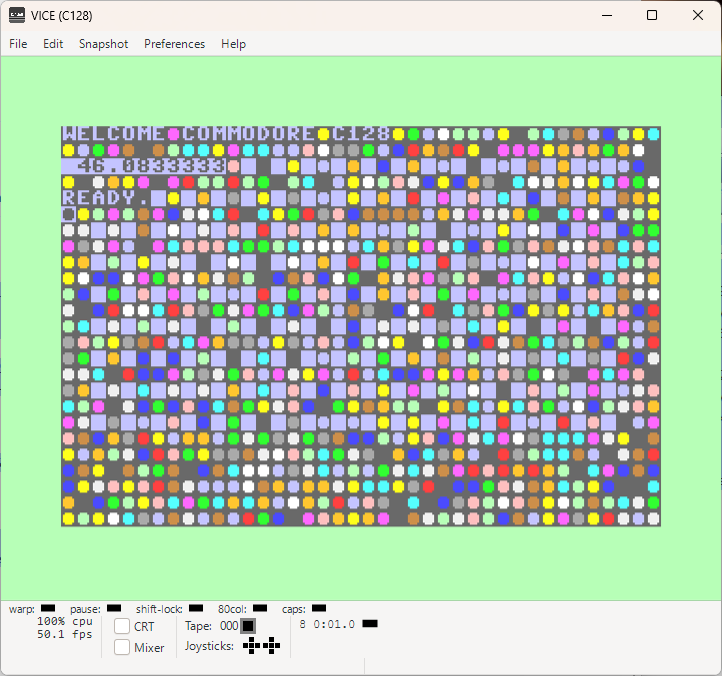
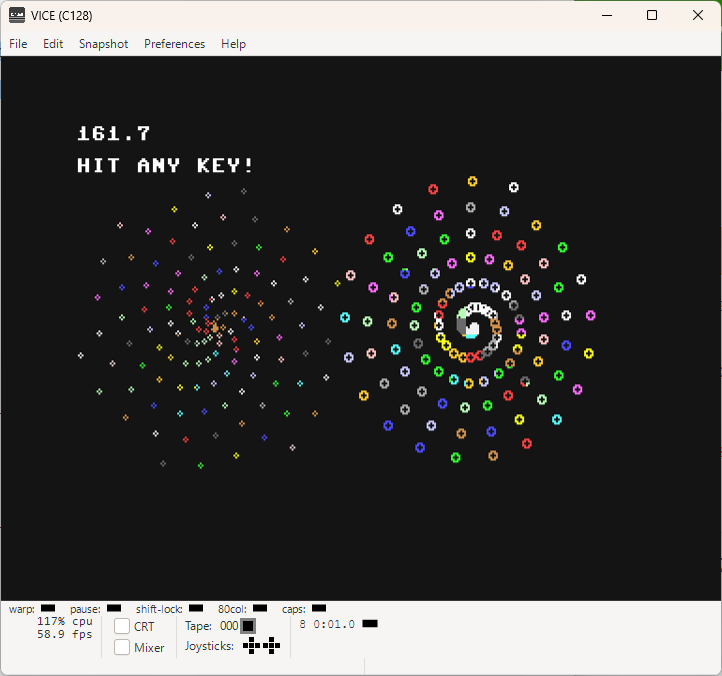
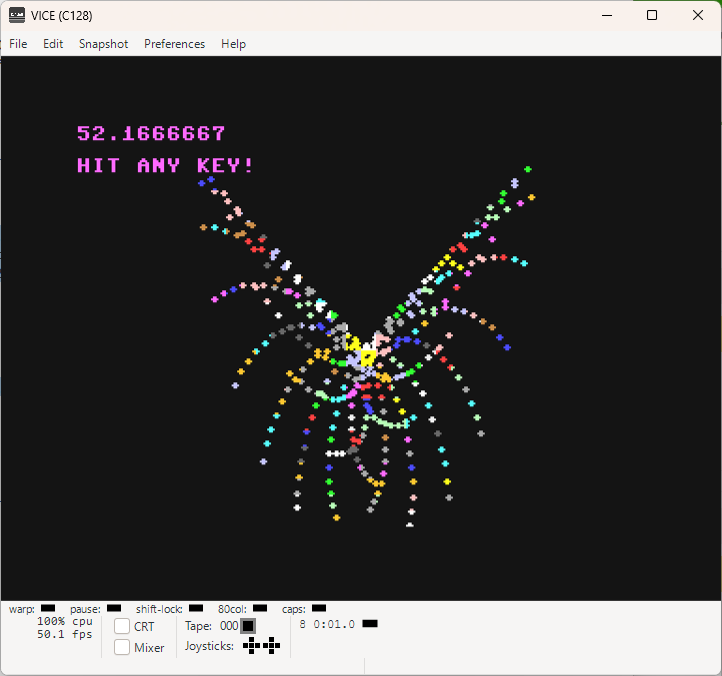
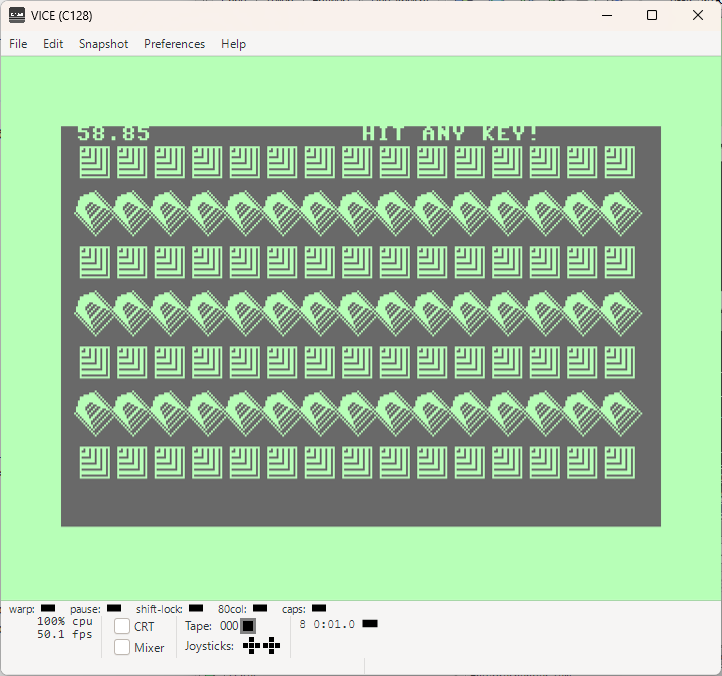
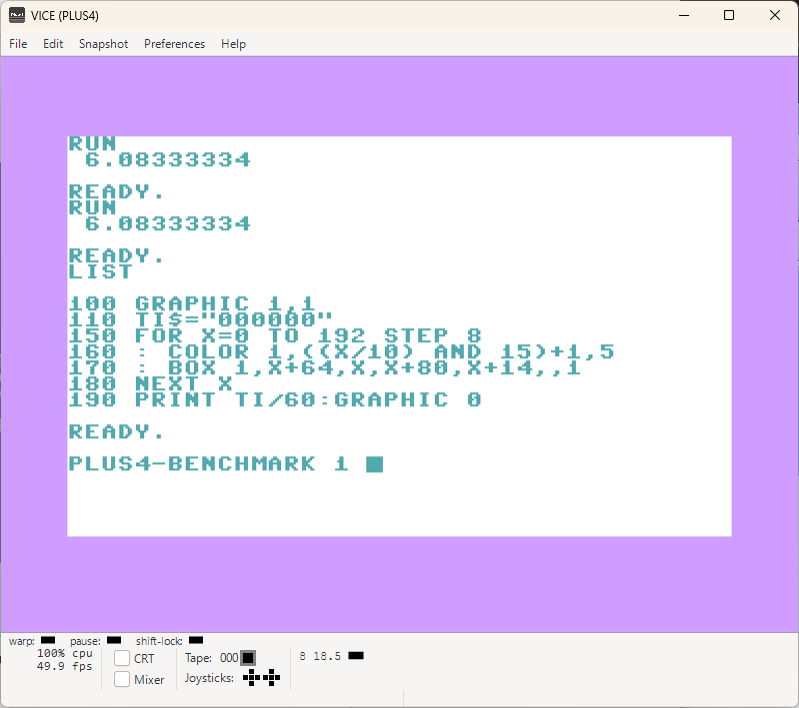
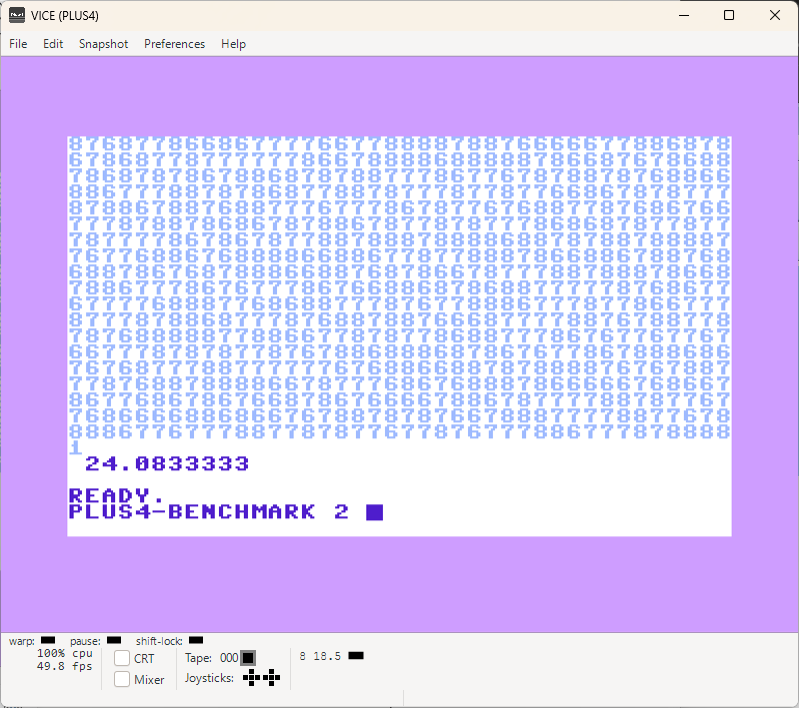
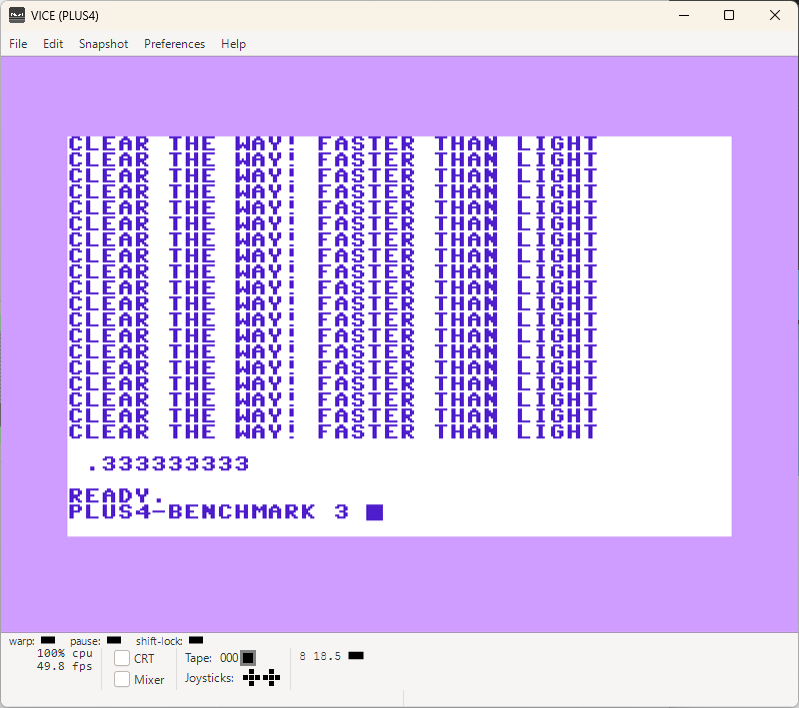
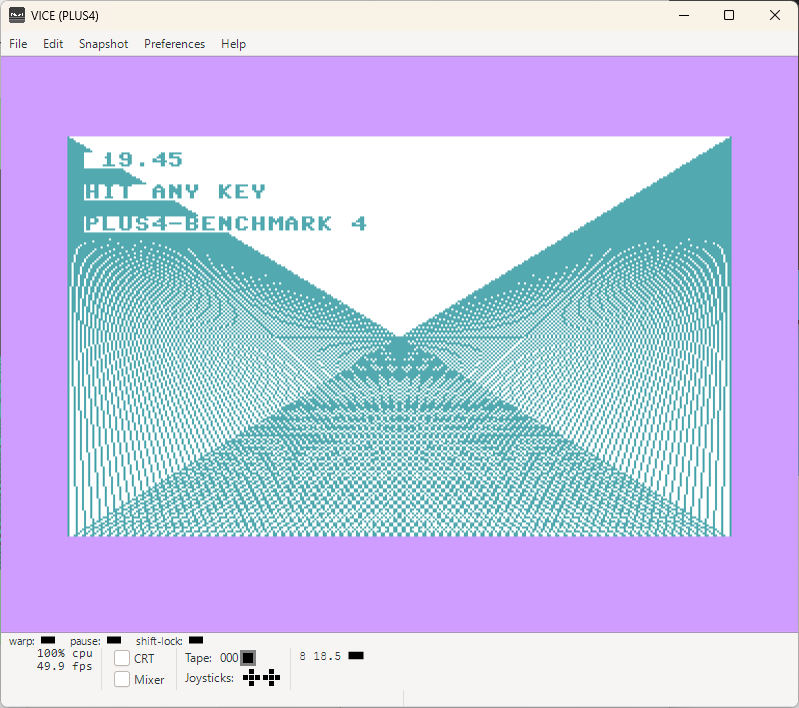
BENCHMARK-CP4-C128 Download {.txt File}    
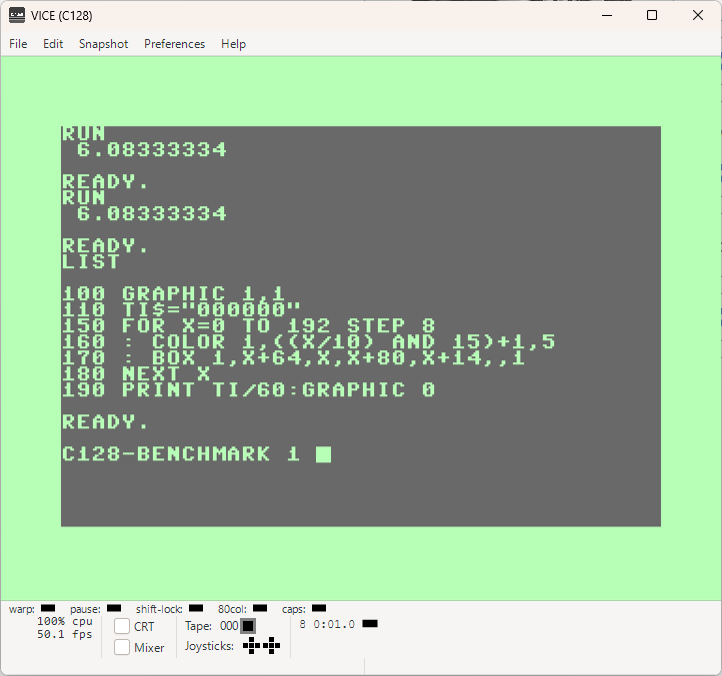
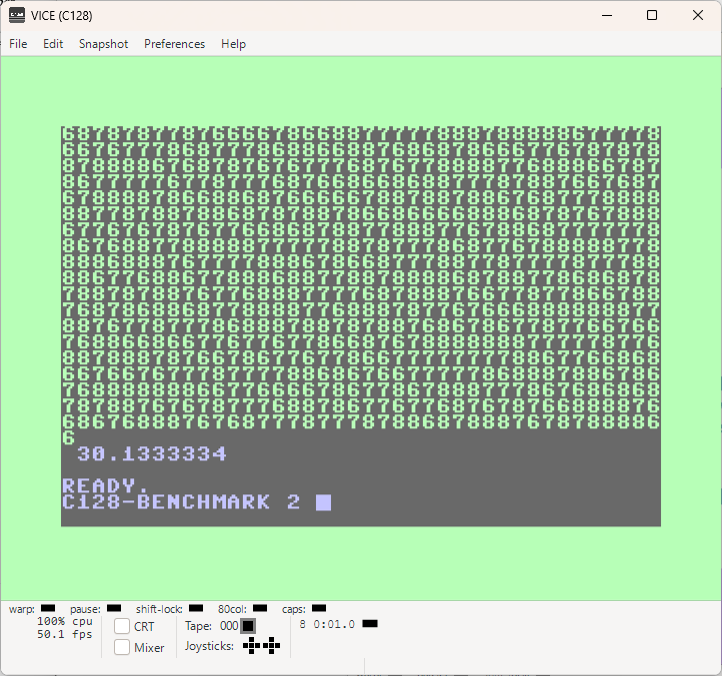
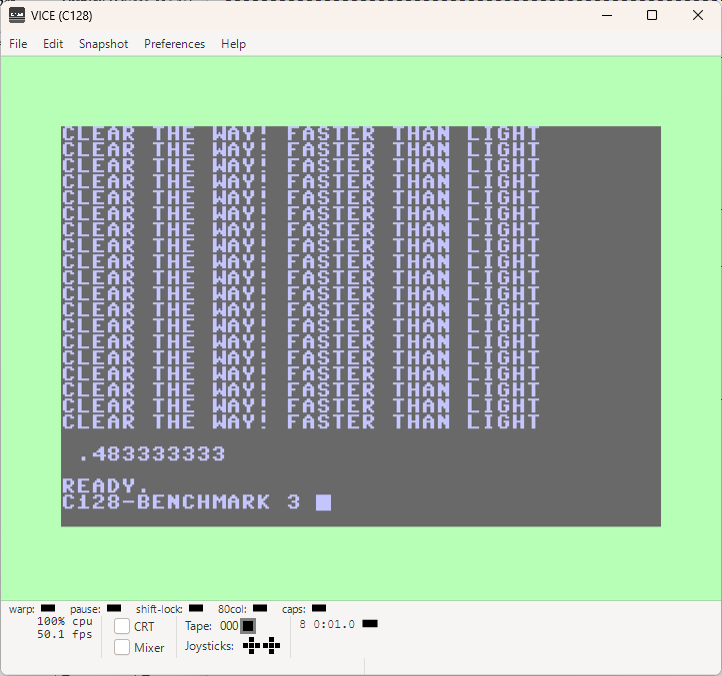
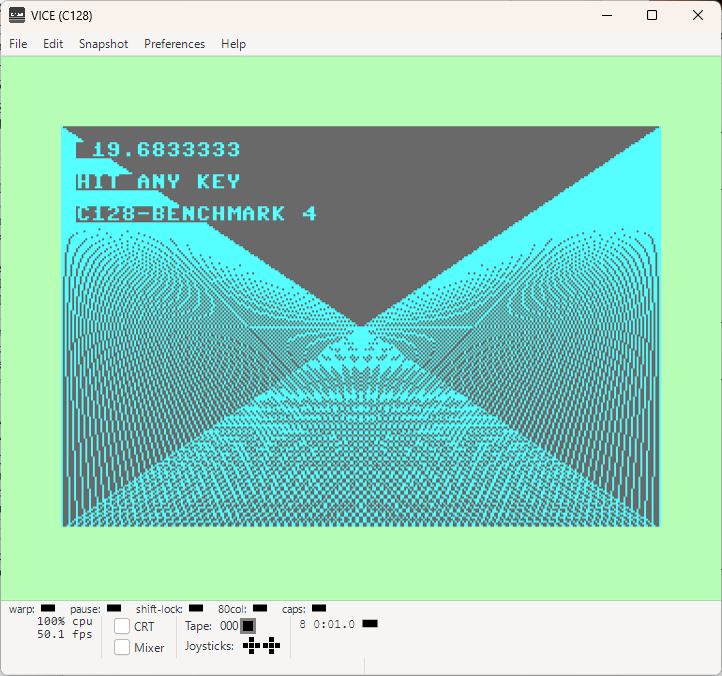
BMC128-1 BMC128-2 BMC128-3 BMC128-4
BMC128-5 BMC128-6 BMC128-7 C128MB-8
       
PLUS4BM-1 PLUS4BM-2 PLUS4BM-3 PLUS4BM-4
PLUS4BM-5 PLUS4BM-6 PLUS4BM-7 PLUS4BM-8
BENCHMARK THE GREY CELLS OF THE COMMODORE PLUS4 AND COMMODORE C128

That was interesting to see! I didn't expect from COMMODORE C128 to win anything here.
It's clear why if we compare the CPU's which are PLUS4= 1.76MHz and C128 = 1MHz.

I was actually surprised that when pure drawing commands are used, COMMODORE C128 was equaly fast as the, actually much higher clocked, COMMODORE PLUS4 CPU.

I guess there are some limiting factors in the commands or we could also say, they were not optimized properly. However, as soon as we use additional command option, it's starting to get clear who the real boss is!

THE COMMODORE PLUS4

Alright! When we now compare COMMODORE PLUS4 and COMMODORE C128, it is clear that the Commodore hardware guys were just doing something, but they had no clue what exactly. They also didn't understand the word progress at all. They were basically just doing something without much understandement of the matter.

Think that's the best way to describe the results in form of complete C-Serie and later also the COMMODORE C128.

COMMODORE brought Commodore C128 on the market 1 year after the Commodore Plus4 because Commodore Plus4 and its brother and sister were a total disaster! COMMODORE as a company didn't unterstood what was the problem!

SO WHAT DID THEY TO HIDE their incapability?

They made a Commodore C128 based on Commodore C64 because C64 was a huge success!
Well, that's a clear stratagey! Copy the winner and celebrate a huge success again!?

So what went wrong despite the greatest strategy plan?
Why Commodore C128 also went down the hill like the C-Series before from the same masters?

There is a Personal Computer in-between of C64 and C128, a Commodore Plus4!
It is offering a faster CPU and proud 121 colors!
Something that every game developer would more than welcome if you add hw sprites, more ram and SID chip!

However, COMMODORE decide to kill it completely and to not use it as a base for the new Personal Computer: Commodore C128.

That's what I call: WE STILL DON'T KNOW WHAT WE ARE DOING strategy!

IMAGINE:

Commodore C128 with 1.76MHz 7501/8501 CPU, 121 colors, SID CHIP, 128KB RAM, HARDWARE SPRITES! {nothing else, no bullshit inside, no business machine, no wrong ideas}

WHAT A PERFECT C64 SUCCESSOR! Faster, more colors, more ram, more motivation for developers to develope for it. And Commodore could still sale the C64 {as they did}.

...

***** WHAT DID Master COMMODORE DELIVERED INSTEAD?: *****

Commodore company FRANKENSTEINED the PC COMMODORE C128 with dead CP/M, lame VDC Chip, half-speed 2MHz-Z80CPU {limited by 8502 CPU!!!}, incompatible VIC-II video chip to 2 MHz 8502 CPU clock and to make sure that it's stays COMMODORE C64 compatible, they even tossed in a COMMODORE C64 inside of Commodore C128. Both are offering the same sound, the same colors, the same sprites and even the same speed of 1MHz! {we can't count the BLIND 2MHz FAST MODE as anything! It's usable here and there, true, but overall it was just another bad decision powered by COMMODORE}

SO IT REALLY IS NO WONDER WHY...

...people who actually bought COMMODORE C128, were using it as what it was:
Just another COMMODORE C64,
called Commodore C128!

Yes, here we go: GO64!

Here is an example of what consequences and impact the COMMODORE decision had, when they decided to make another Commodore C64, pardon me, I mean Commodore C128!

As you know, I also do coding with COMAL-80 {structured BASIC language} and there is this little story about it. COMAL-People went so far to develop a COMAL-80 module with a SUPERCHIP.
And that SUPERCHIP is accessing the C128 features {VDC screen, 80-column mode etc.} on Commodore C128. Sounds nice so far, inovative...!

But wait, WHAT!!!

It's doing that from the Commodore GO64 mode, and NOT natively in Commodore C128 Mode!
In fact, the COMAL-80 for C64 with the SUPERCHIP has more functionality and access to Commodore C128 capability in Commodore GO64 mode, than the COMAL-80 for Commodore C128 in native Commodore C128 mode!

There are two important side effects related to COMAL-80 with a SUPERCHIP:

COMAL-80 with SUPERCHIP has more functionality, but you need to have a C128 in order to use it completely {in GO64 Mode!}.
Otherwise something like 60% of the available commands are usable if you use it only with a "real" Commodore C64. And then, on Commodore C128 in GO64 mode, the access to additional RAM in RAM BLOCK 1 was NOT available.
So you had just 64KB for your creativity on Commodore C128 out 128KB in C64 Mode!

What a waste...

Looks like not only COMMODORE company was a resources waster back in the days.

I am glad i did all tests, because I always thought how Commodore Plus was nothing and obviously that was wrong!

Too bad Bil and the other guys were not {cap}able to use the good sides of the Commodore Plus4 and make a better C128 {they focused on making a different C64 instead}
As it looks, Plus4 has some good ideas, but it came out UNWANTED thanks to Commodore's ABSOLUTELY NO CONNECTION OR COMMON SENSE strategy!

Then the same was done with the Commodore C128 which was practically made be even worse than Commodore Plus4 when you consider what kind of FRANKESTEIN product Commodore C128 is... It was also mostly unwanted from both sides: DEVELOPERS and CUSTOMERS and nobody can blame them!

The new COMMODORE 2025 and up, will probably end up with the same strategy in regard to Commodore C128. I doubt they are capable to do it better than the OLD COMMODORE company!

I hope to be wrong anyway, hahaha...
I actually love my C128 part {but don't like the nonsense crap that was tossed in except for the VDC {which also is a crap}}

What I also hope, is that new COMMODORE company, if they decide to make a C128U anyway, will not make a BUSINESS COMMODORE C128. OLD COMMODORE made that mistake 2x in a row with Commodore Plus4 and Commodore C128... They paid the price for the nonsense!

I mean, they had millions of customers with VIC-20 and C64 {based on VIC-20} and then they decide to not make anything new and better for them because they might buy it.
SO NO, LET'S NOT DO THAT!

INSTEAD:
Let's do another business computer {C128} for the serious users one more time...
I MEAN, HELLO ANYBODY HOME?

Damn, I think i've driftet from the subject, hehe...

BASIC-TRANSPORTER Download {.txt File}    
BASIC-Transporter      
BASIC-TRANSPORTER

What a lovely title, however, love isn't transported here!
It has nothing to do with the well known movie: BASIC Instict from 1992.

You know why?

Because this movie is from 1984, haha...

And we will use our BASIC instict, to transport 2 screens from the text memory area to graphics memory area. One normal screen, no colors involved and one including colors...

All in BASIC! Of course, you heard that right!

There is something for you too! You MUST make the same, but in assembler!
Do you accept the challenge!?
Do you feel ready for the task or are you going to chicken out!

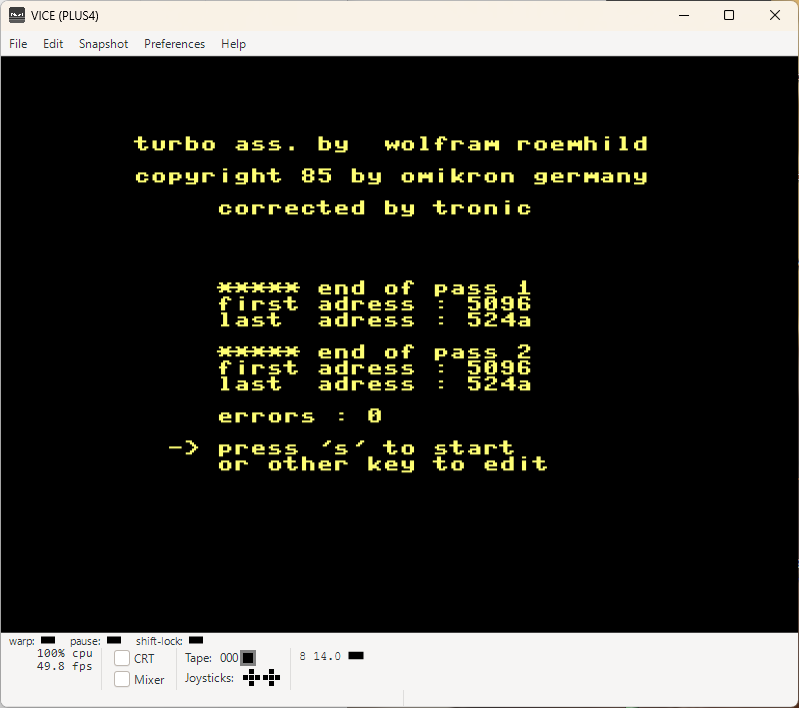
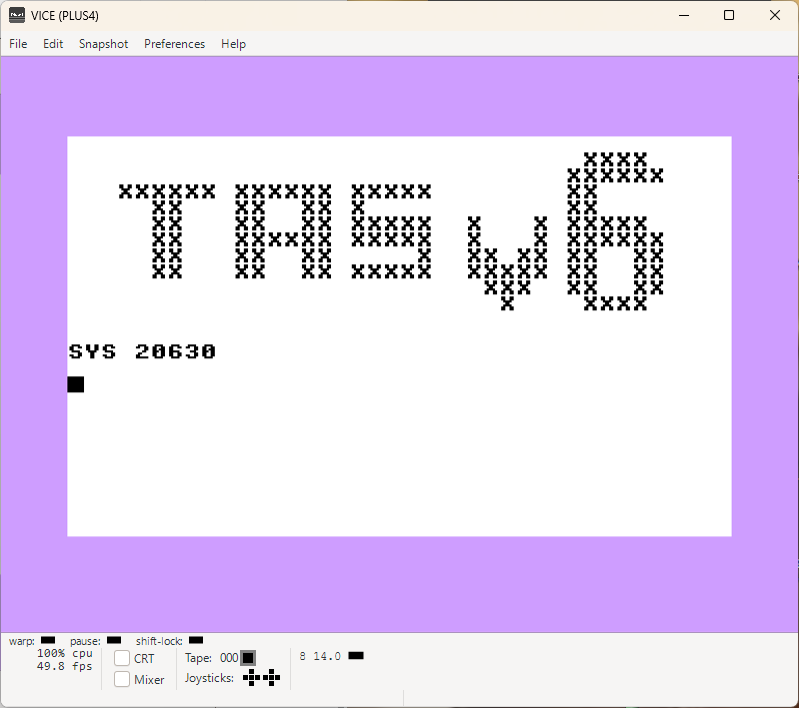
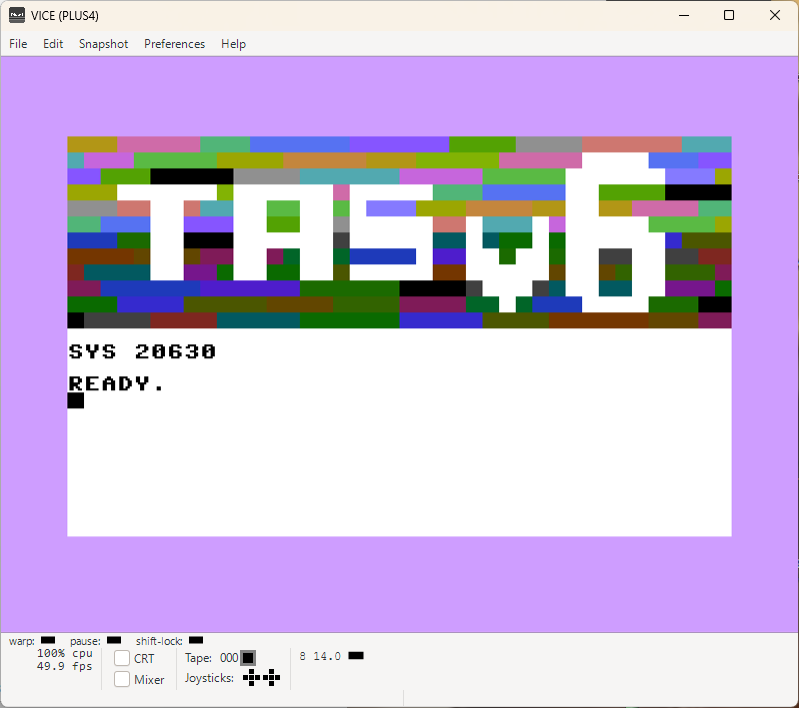
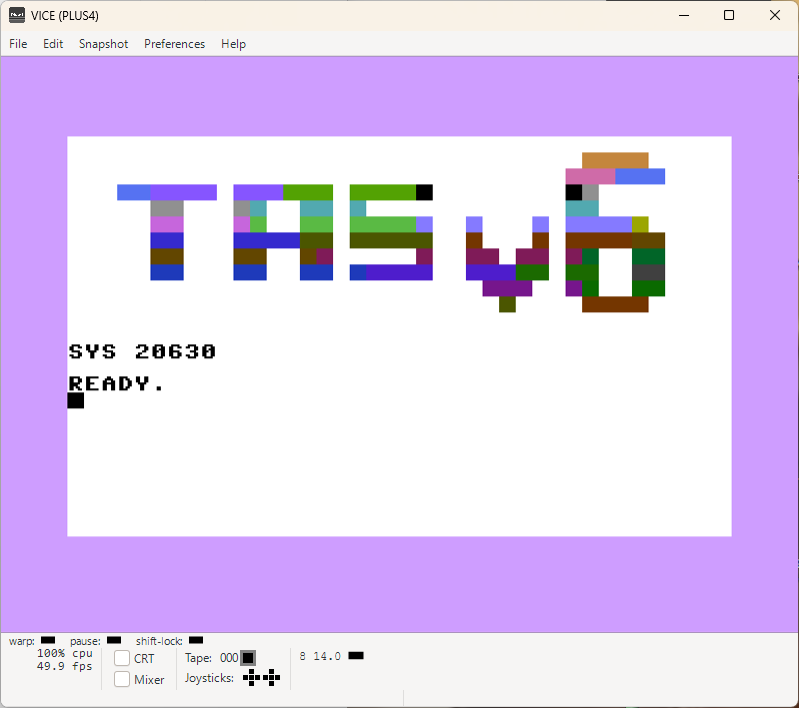
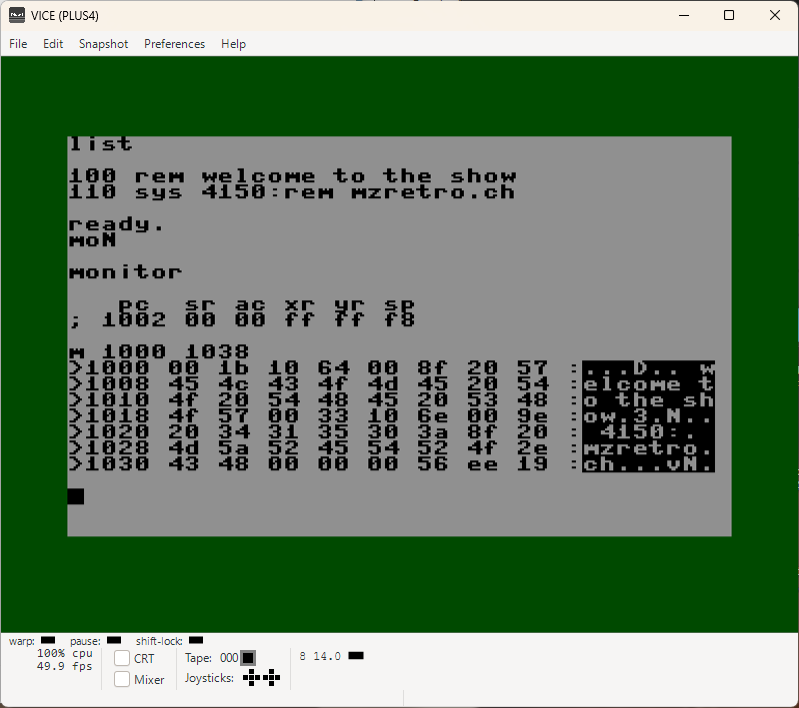
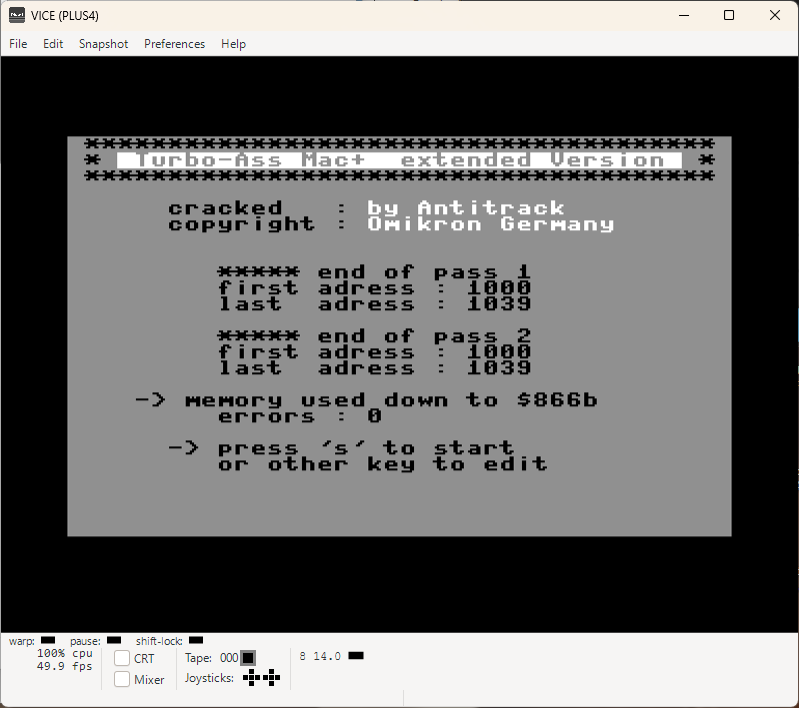
TURBOASSEMBLER-v6.0 Download {.txt File} Turbo-Assembler_v6.d64  
TurboAssemblerv6.0-0 TurboAssemblerv6.0-1 TurboAssemblerv6.0-2 TurboAssemblerv6.0-3
TurboAssemblerv6.0-4 TurboAssemblerv6.0-5 TurboAssemblerv6.0-Crash TAS-20630-Assembled
TAS-20630 TAS-20630-1 TAS-20630-2 TAS-20630-Conclusion
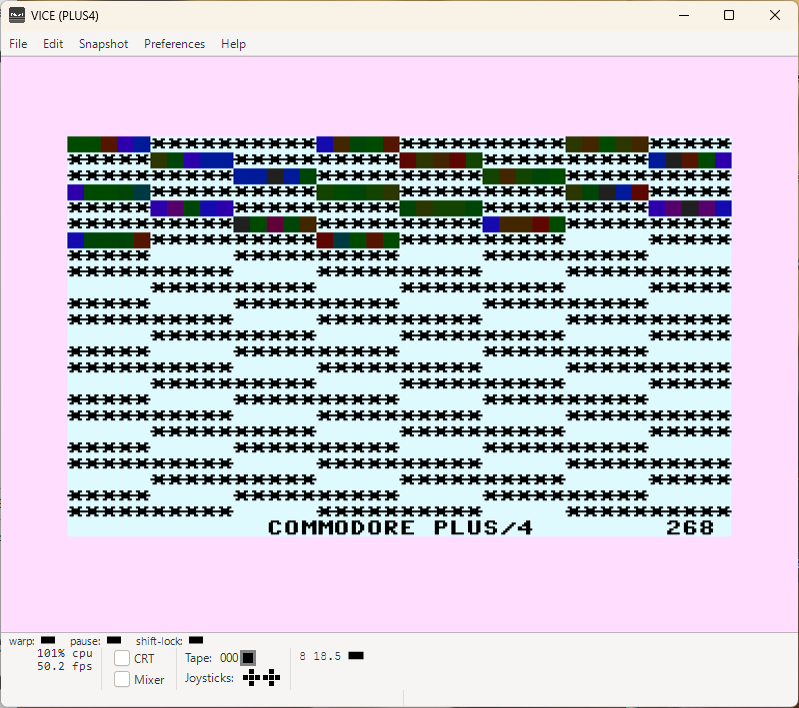
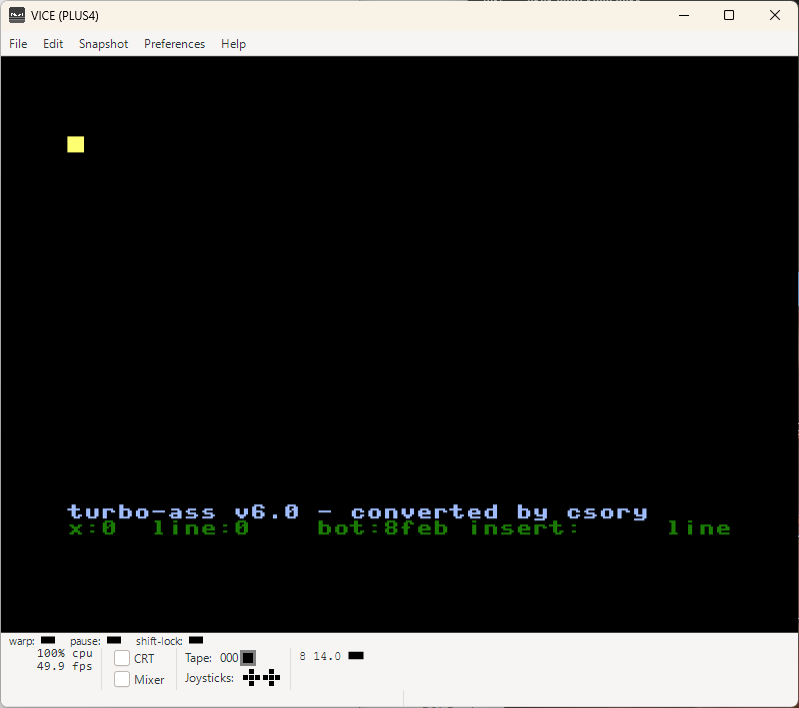
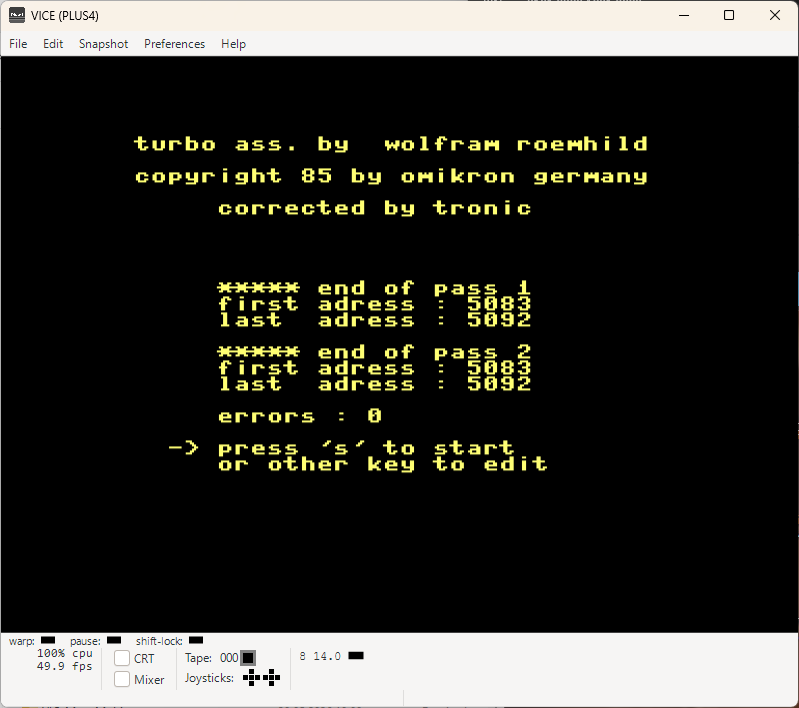
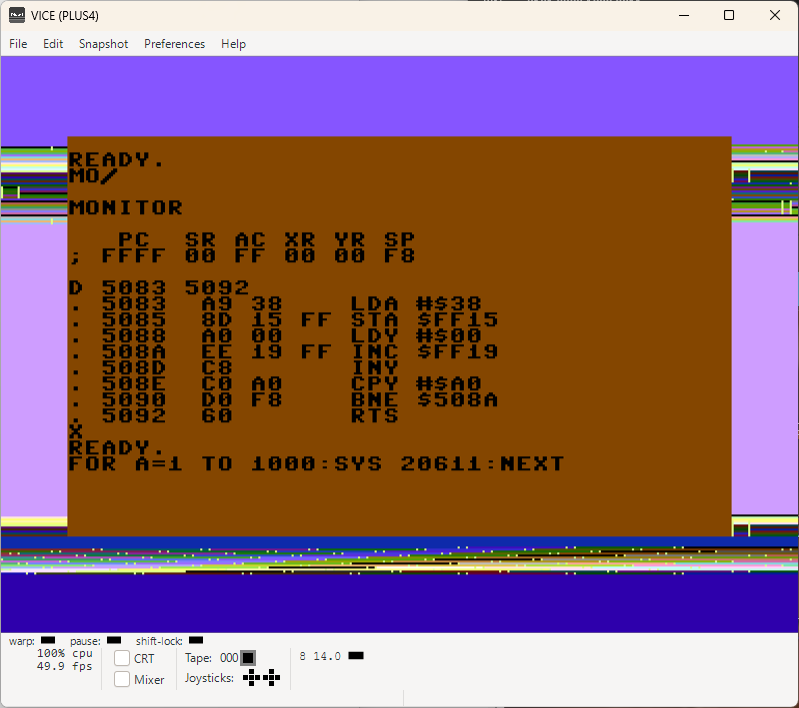
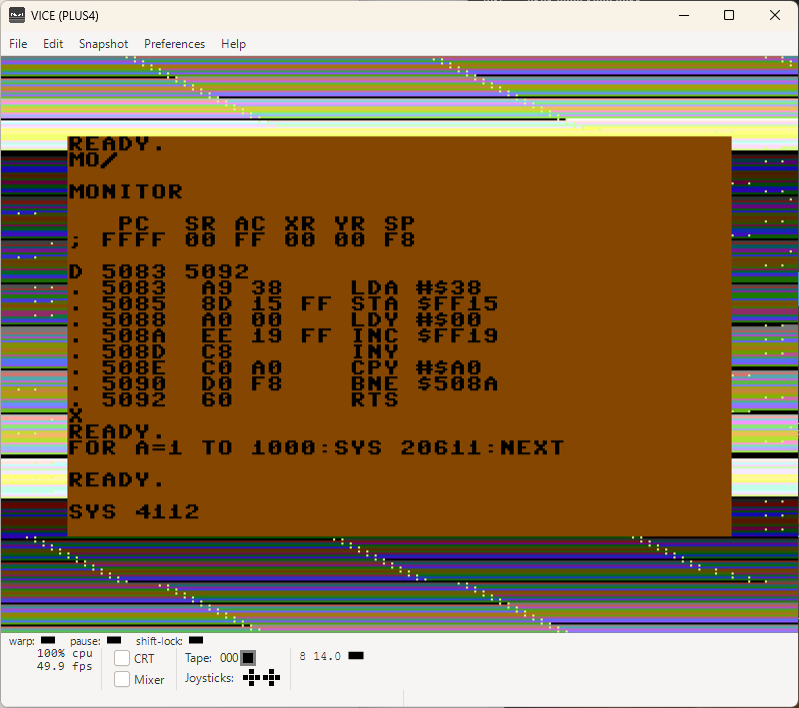
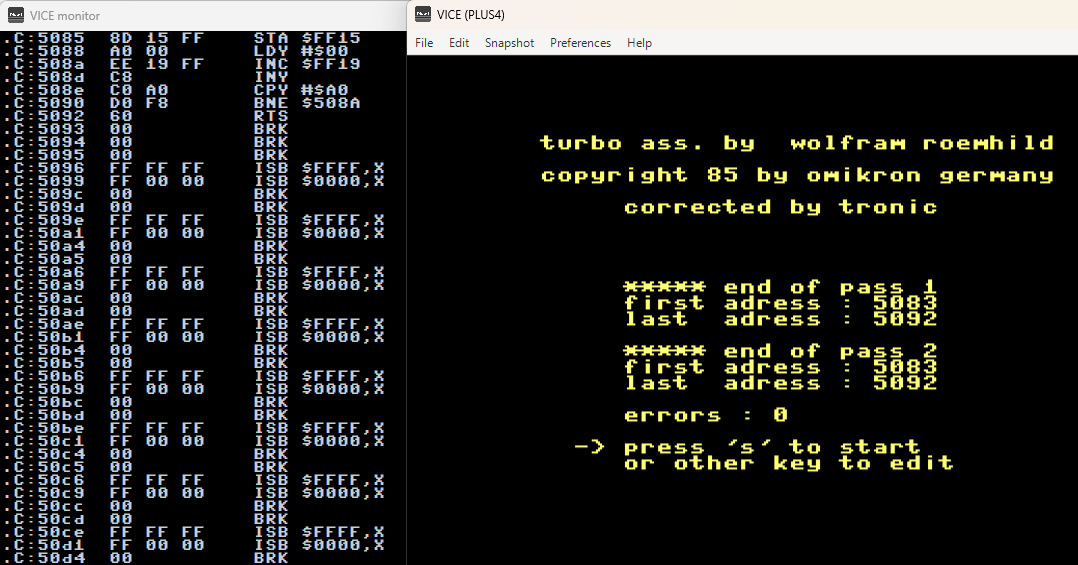
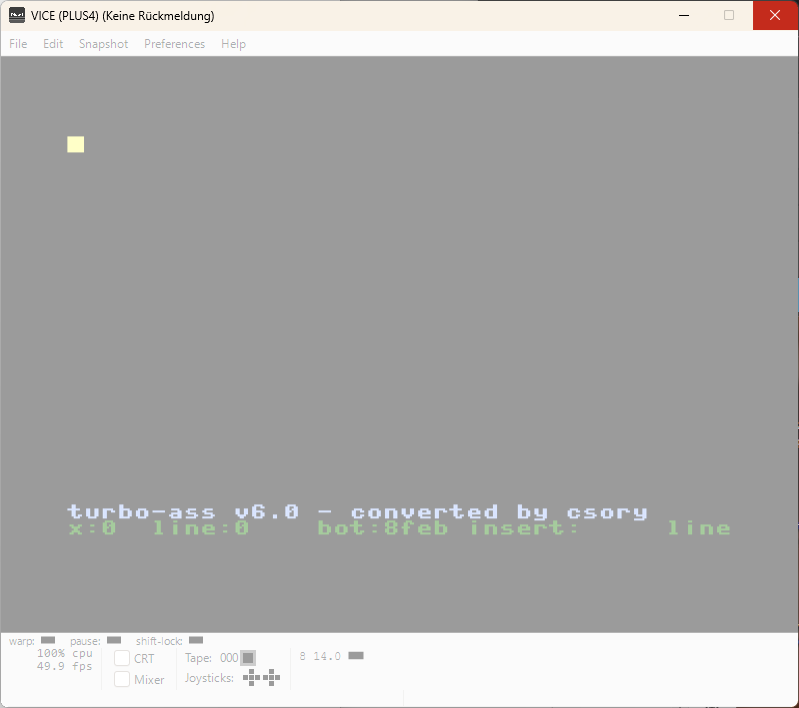
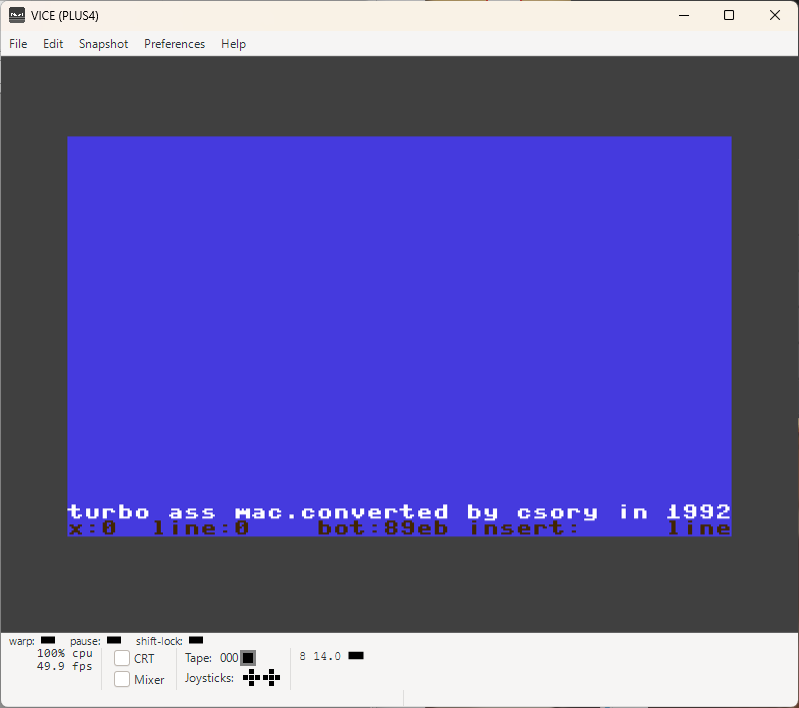
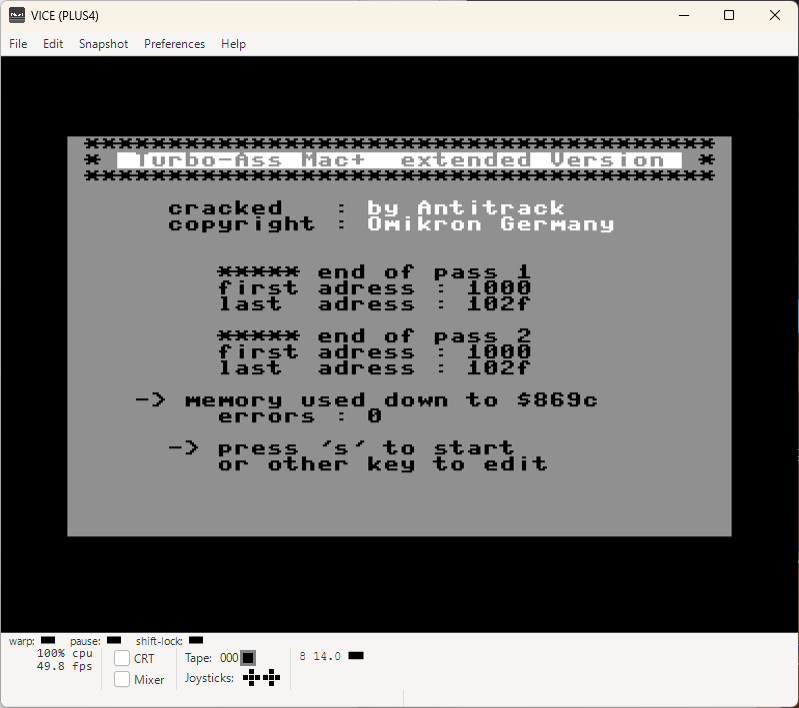
TURBO-ASSEMBLER VERSION 6.0 REVIEW/TEST {COMMODORE-PLUS4}

I knew that there is Turbo-Assembler for Commodore C64 existing, but I had no idea that it is also available for the Commodore Plus4!

I like MERLIN 7501 ASSEMBLER, but couldn't resist to test the TAS v6.0 anyway!
It's attractive especially because it has no lines...

Read the .txt file for the rest of the journey...

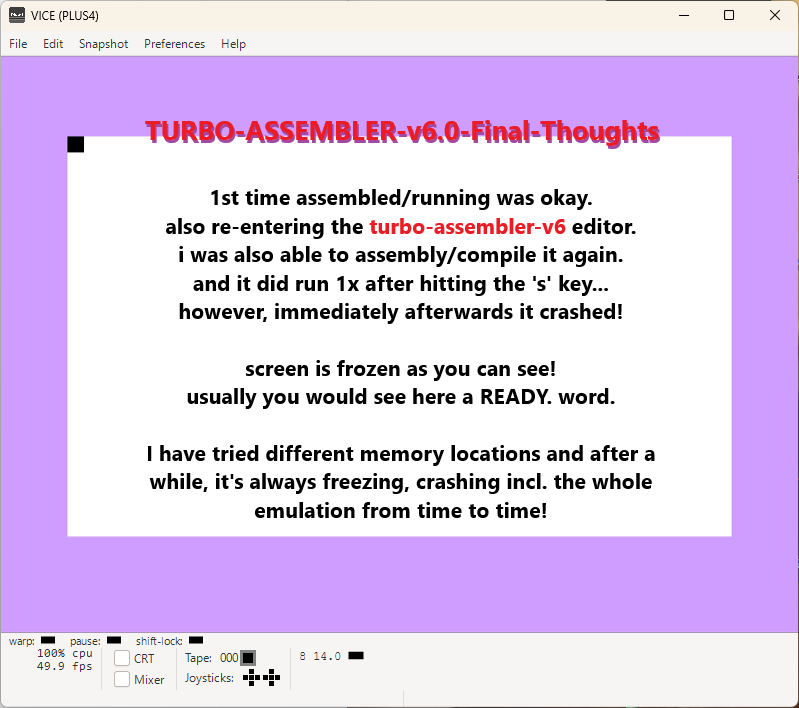
I didn't test this on REAL hardware Commodore Plus4 and it can be that for the NOT SO GREAT EXPERIENCE the emulation is to blame.

-RAT-, the author of the german guide, wrote how he managed 2000 lines of code {actually more}! I constantly got crashes and have no idea how he managed that.

I compiled to $1000, $5090 etc. and it is working the first time and sometimes you can compile the code few times before the system gets frozen out of a blue sky!
Only the almighty RESET button is your partner in such moments!

But as said, it can be it's the VICE Emulation issue!

Therefore, test it for yourself and make judgment first then!

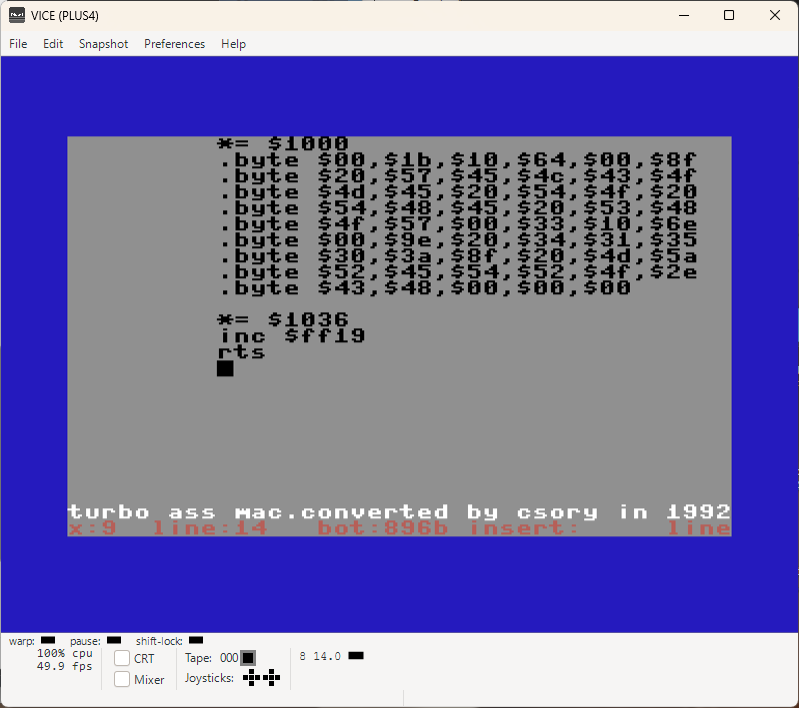
TURBOASSEMBLER-MACRO Download {.txt File} TASM-CommodoreP4.d64 Original-TurboassMac.d64
TASM-CommodorePlus4-6 TASM-CommodorePlus4-0 Compiled Gone
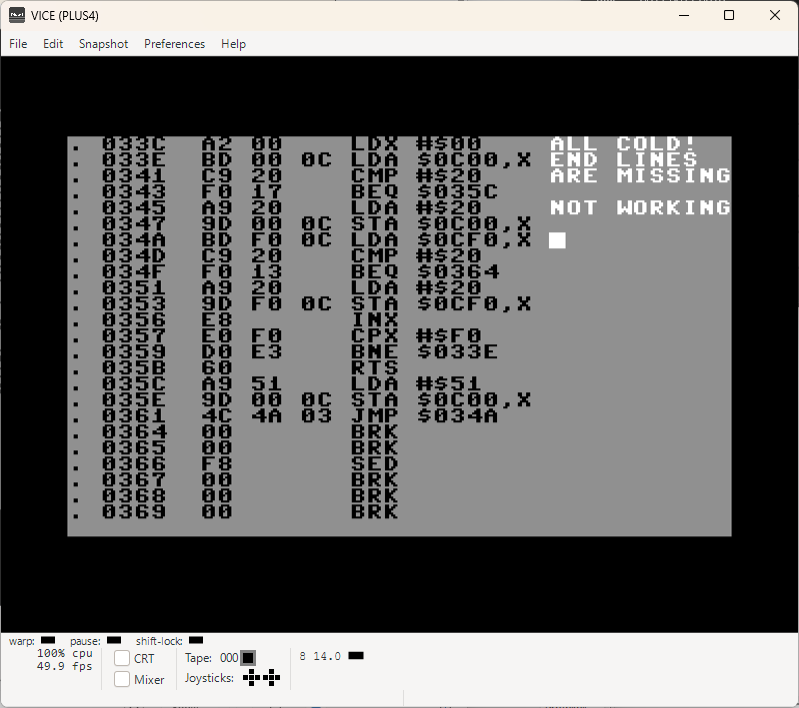
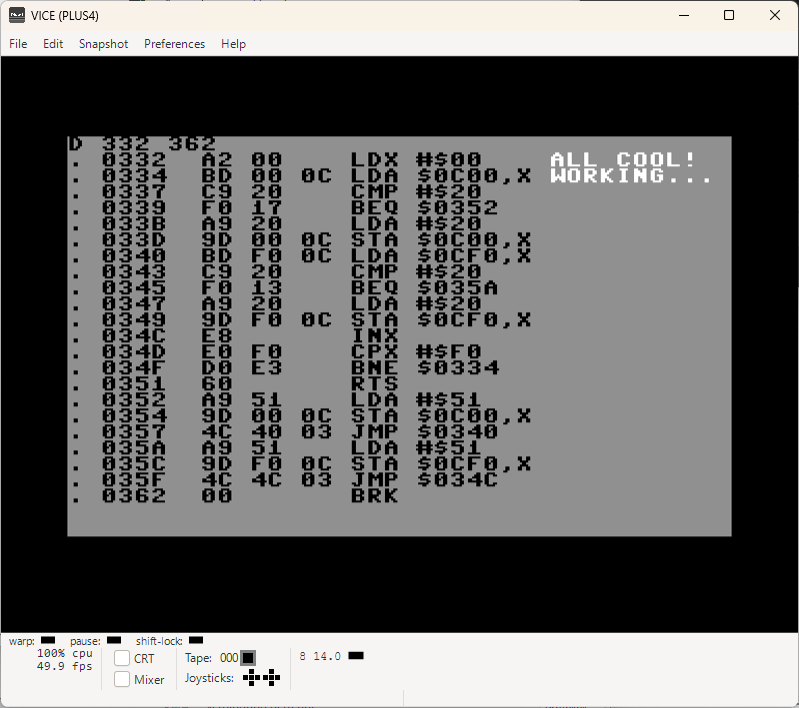
COLD COOL TASM-Color-RVS  
TURBO-ASSEMBLER-MACRO {COMMODORE-PLUS4}

First tests were great and what's more important, the stability is like DAY & NIGHT compared to TURBO-ASSEMBLER-v6.0.

TASM is running very stable and not even the F5 can crash it! It's doing what it should do!
{F5 key is a death sentence in case of TAS v6.0 if you don't remap it!}

Good instructions are as always not available!

That is something I only partly have too and will toss the rest in aftwards on the pile of TURBO-ASSEMBLER-MACRO knowledge {afterwards means: when i first myself find something or figure out}

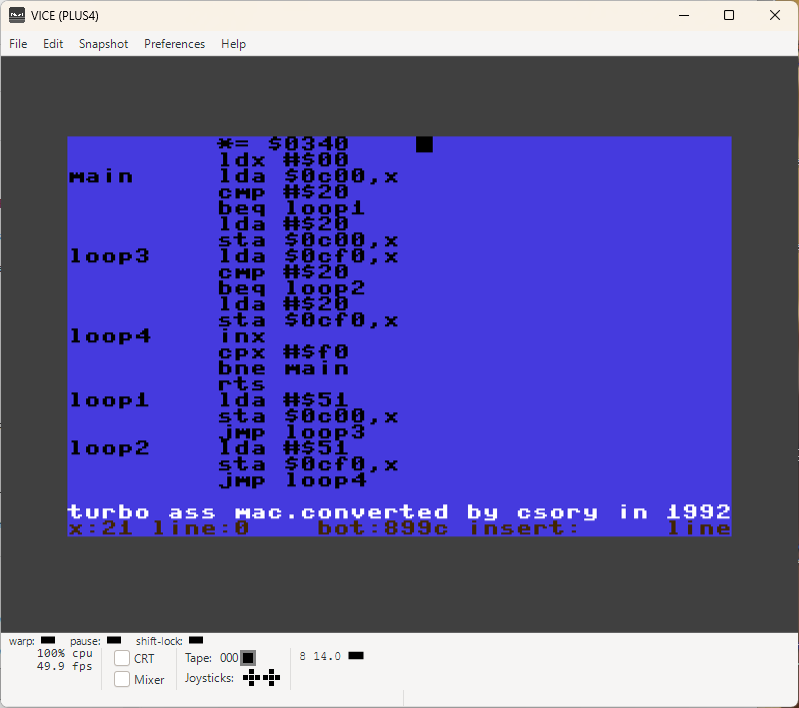
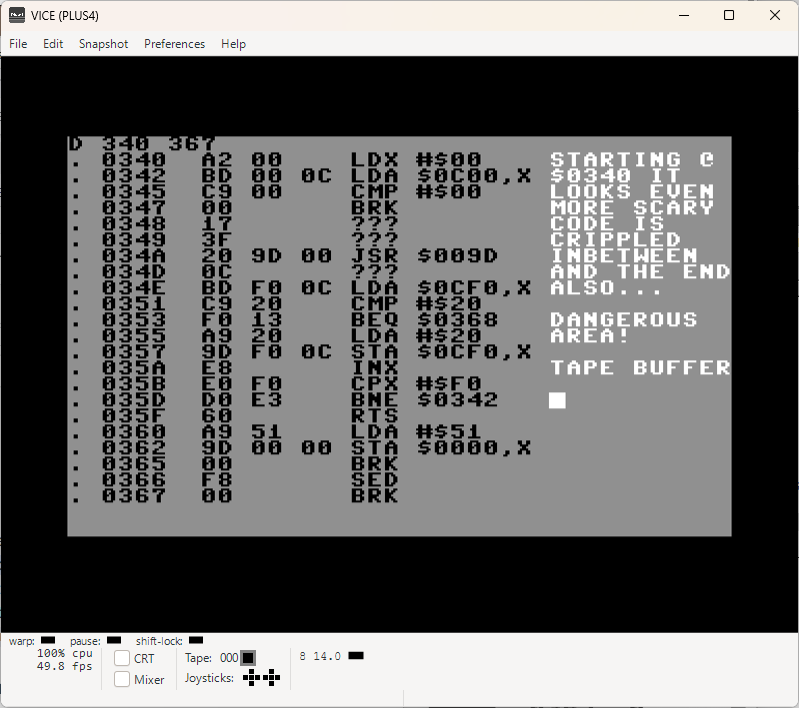
What was interesting, is the address $0332! When you compile there, it's cool!
When you compile to the address $033c or $0340 then your code is crippeled and not executable.

It went so far that it crashes the TASM program when you play too long!

It would be very smart to avoid this area. Find more details in the here attached .txt file.
The memory area to code is start @ $1000 {which is BASIC start address}.

Also, the original floppy disk provided no loader. I made one myself, in BASIC!
And it is doing exactly what it must do. It makes your and my life easier.

In VICE Commodore Plus4 emulation you can just drag/drop the floppy image on the emulation screen and press ENTER 2x...

Later you can start the TASM-Editor with SYS 758 anytime!
{Mostly that is after the assembling {ESC + 3} and testing of your code!}

NOTE:
Commodore Plus4 ESC key is "~" on the USA windows keyboard {that's the left upper corner key, left from #1} and windows ESC key itself is RUN/STOP!

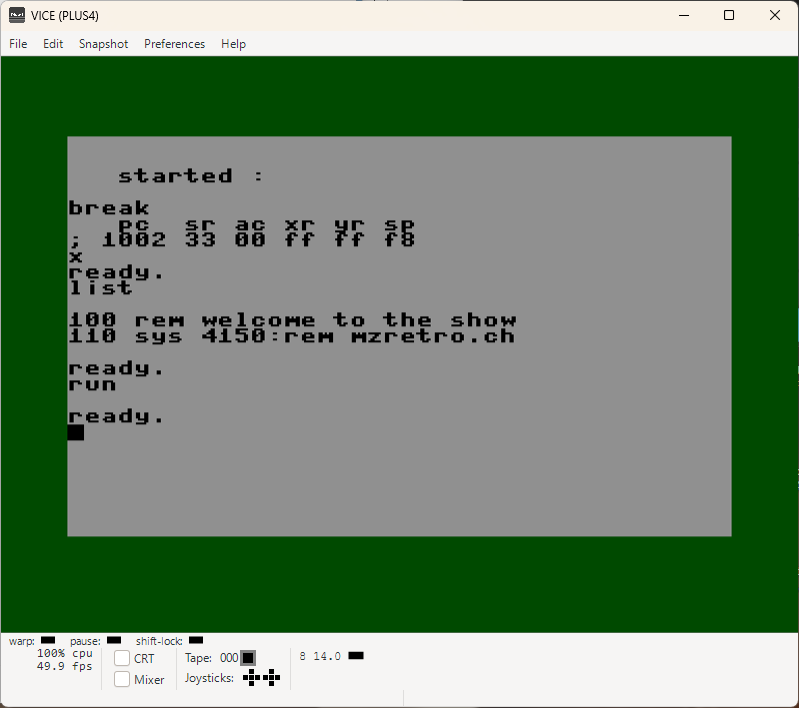
BASIC-ASSEMBLY-START Download {.txt File}    
Starter-01 Starter-02 Compiled Working
BASIC-ASSEMBLY-CODE-STARTER

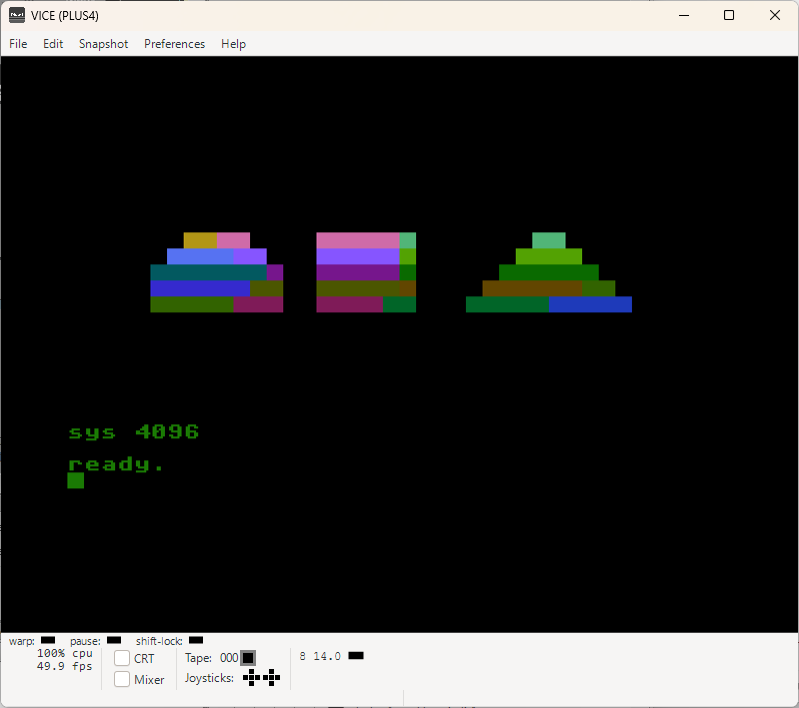
This is one of the ways to make this happen! And as you can see, it's working just fine.
Most people are coding with CROSS-PLATFORM-ASSEMBLER solutions and there you do it differently, but this would work too.

WHAT-THE-HECK Download {.txt File}    
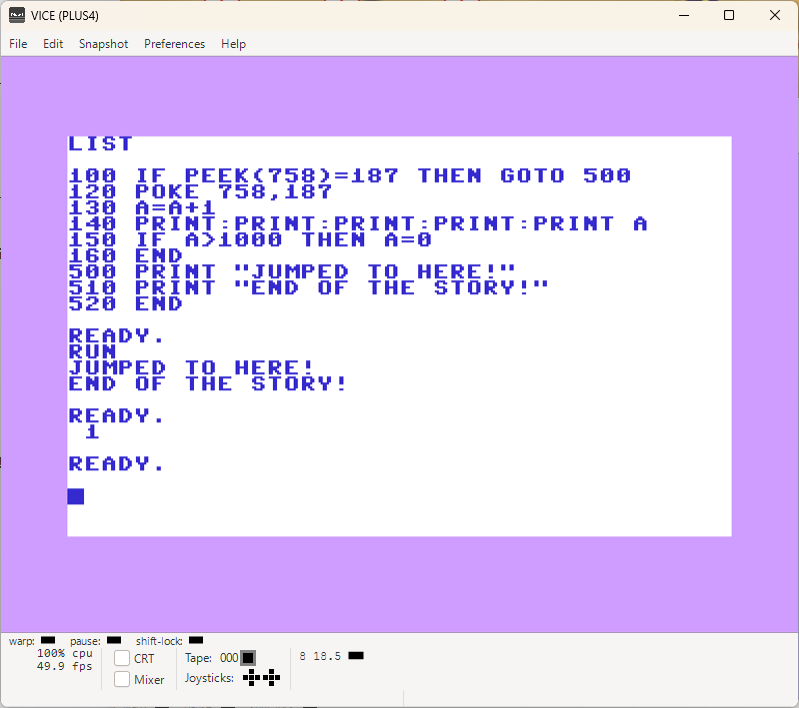
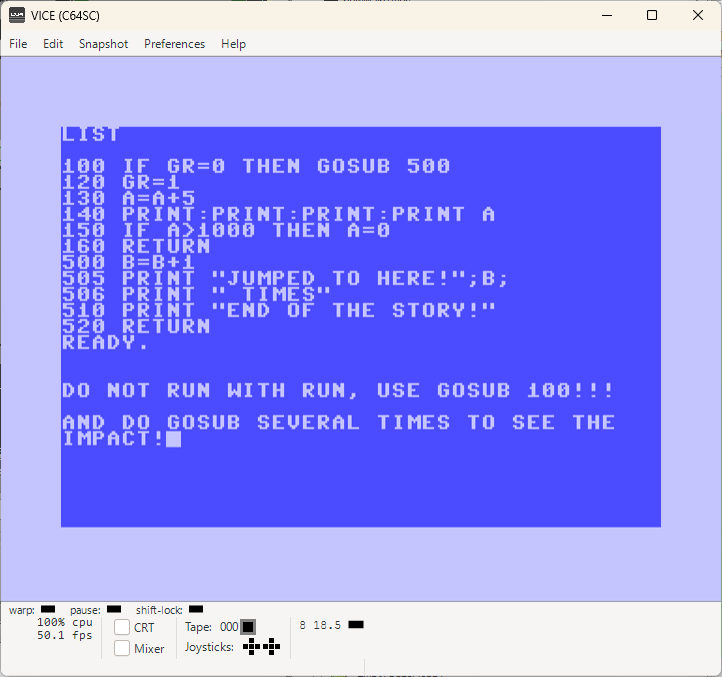
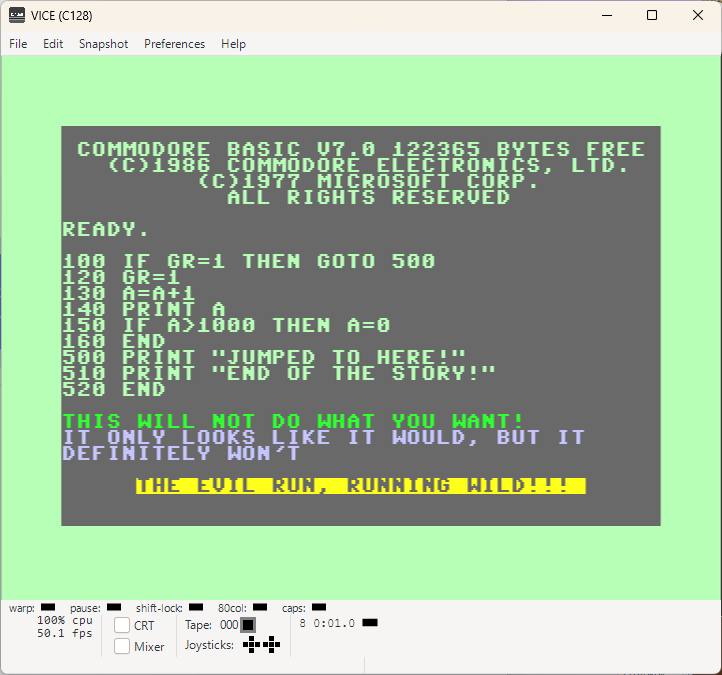
PEEK-Solution GOSUB-Solution EVIl-WILD-RUN  
EVIL RUN AND THE SOLUTIONS

Read the document is all I can say additionally in this lesson...
Damn, > 40 years I didn't noticed that... How is that possible!?

Very strange indeed!

LOAD-Binary-Files Download {.txt File} LoadBinaryFiles.d64 PLUS4-Load-Bin-Short.txt
LoadBinaryFiles      
LOAD-BINARY-FILES-WITH-COMMODORE-PLUS4

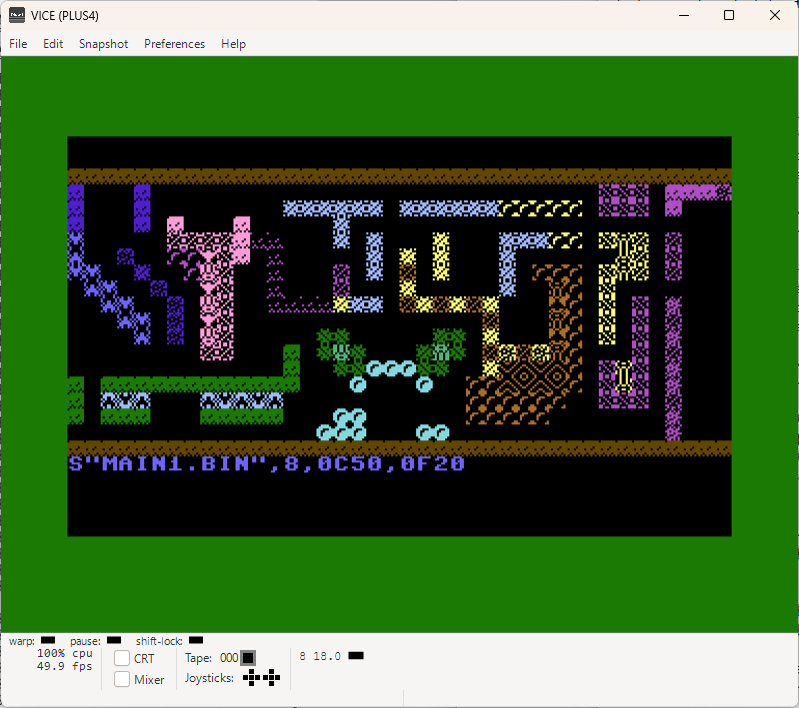
Now you can do it too, from BASIC 3.5! Not just one file, not 2, not 10...
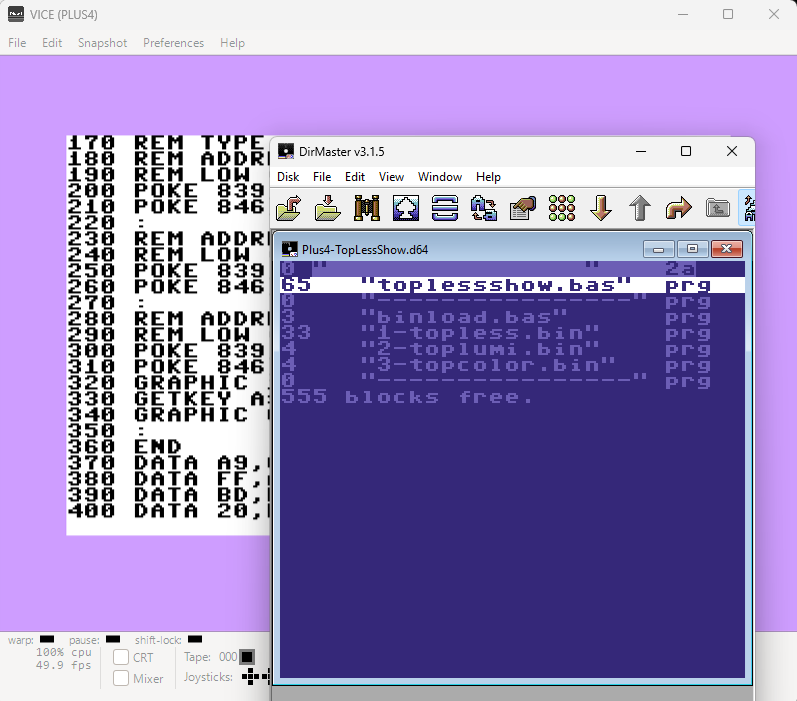
Exactly, you can LOAD hundreds of {well, depending on the floppy disk!} files directly into the SCREEN MEMORY and COLOR MAP!

STOP wasting precious memory on endless DATA blocks!

Floppy disk is containing an example code!
It is loading graphics, color map and of course the assembler lines with animated/static custom characterset running as an interrupt!

{can be disabled by pressing on SHIFT + Q in left upper corner!}

Check the demo to see it in action!

UPDATE! 17.08.2026

PLUS4-Load-Bin-Short.txt is a program with general bin file loader {no need to combine it with any assembler. this program and a ML-Monitor is enough to SAVE and LOAD binary files!}
All is explained in the text document!

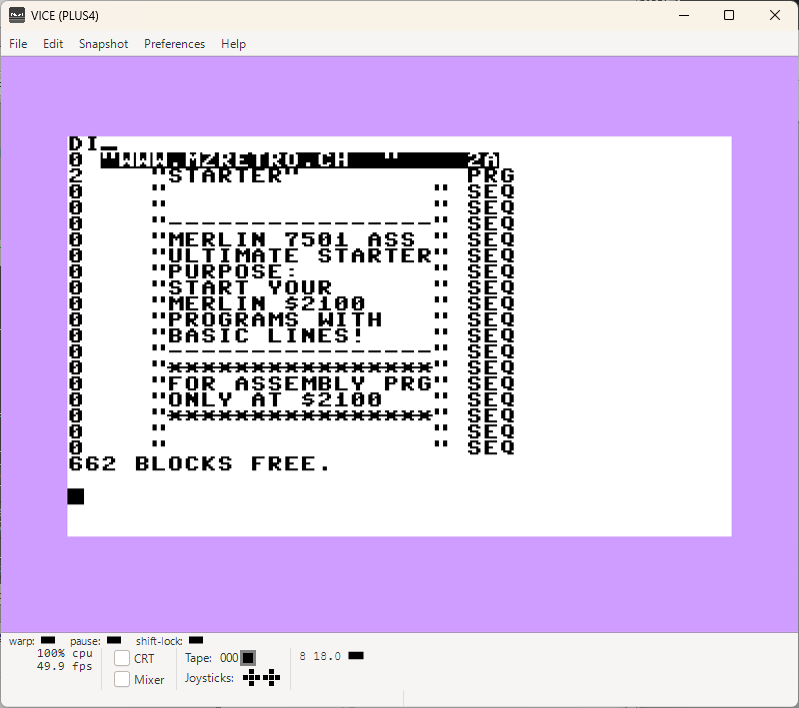
MERLIN-MADE-STARTER Download {.txt File} MERLINMadeStarter.d64  
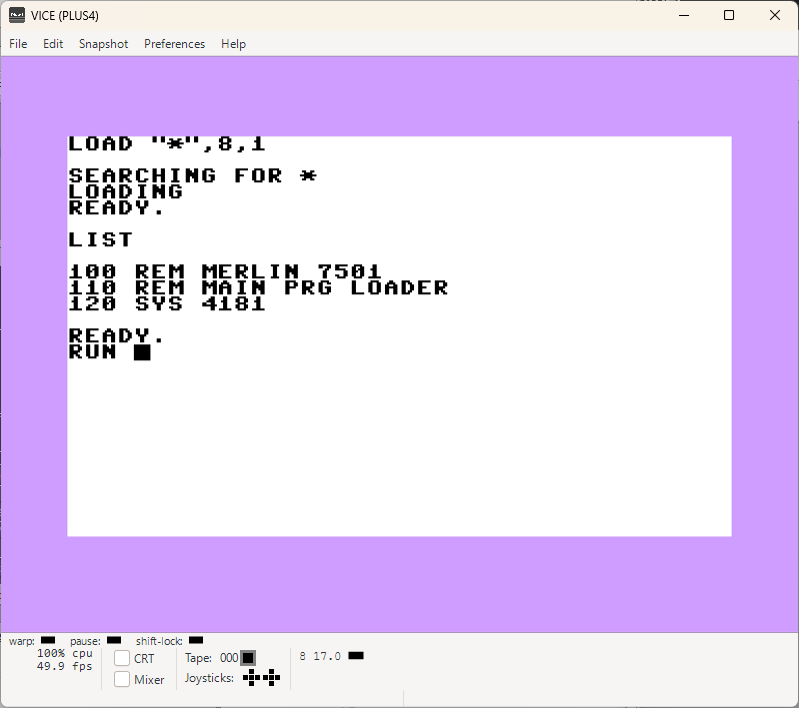
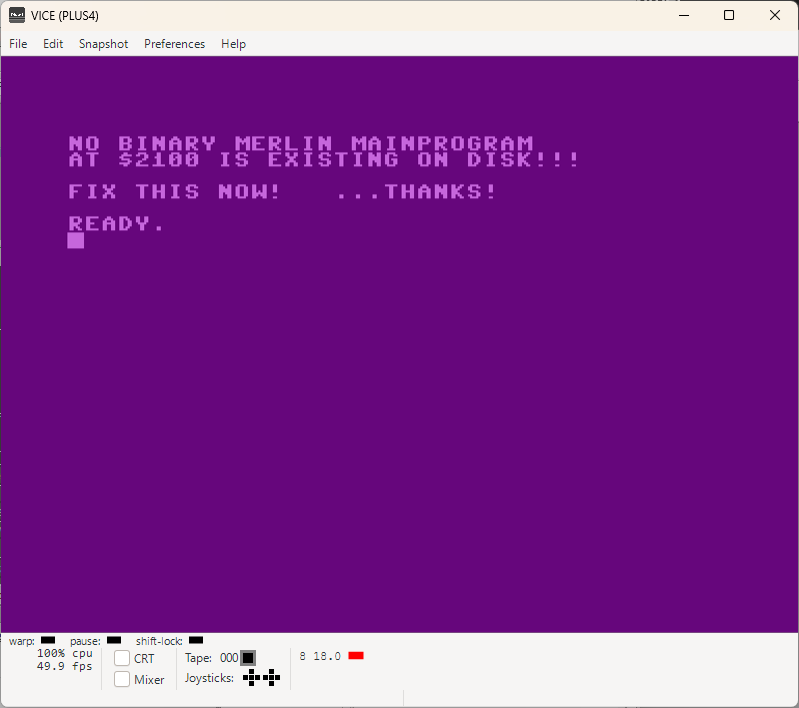
MERLINStarter-DIR MERLINLoaded MERLINMessage  
START YOUR MERLIN 7501 ASSEMBLER APPLICATIONS LIKE A PRO!

This gives you the possibility to start every MERLIN 7501 ASSEMBLER application or maybe just some assembly helpers to support your BASIC coding, just loading the starter and type RUN.

Source code is included {NOT MERLIN 7501 ASSEMBLER because otherwise we wouldn't need this in first place. It's TURBO-ASSEMBLER-MACRO Source Code}

For every other detail, please check the attached .txt file!

IRQ-ANIM-CHARS-2 Download {.txt File}    
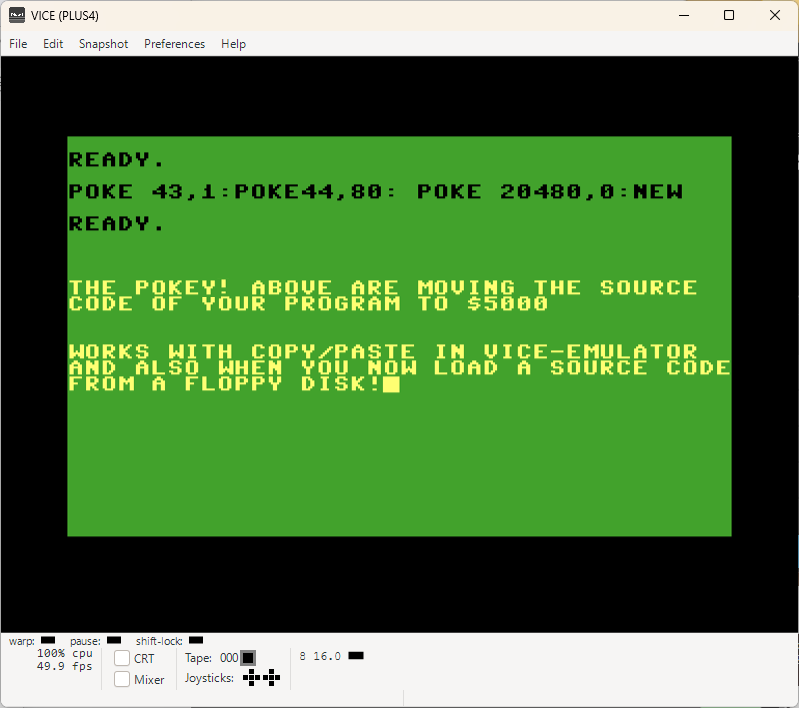
Melrin-MoveSourceCodeAddress Anim2-Preview    
ANIMATED CHARACTERS EXTENDED Version 2 {ANIM2}

A lovely name, Anim2, after adding some additional static characters and blinking soldiers, I mean characters. Hey, It's my baby, I can call it however I want, right... Hehe...

This actually could be {or already is} ready for some interesting BASIC game!

You can give it a try and see what for you could use it!

Source code and some additional information included... Have fun using it!
Again written with MERLIN 7501 ASSEMBLER!


These pages are NOT USING any kind of cookies or whatever tracking, monitoring, controlling etc. tools.
It's pure and old-fashion webseite like back in the retro days {let's ignore some scripting here & there for a little while!}
Complete content was created by using retro systems emulator for all here mentioned computers.
No real hardware was involved so far {and if it will be one day, it will be additionally mentioned within the subject}
 
NOTE: Use all here at your own risk! I am taking no responsibilities in case of any data loses or damages!
In case you doubt your abilities to properly use applications available on MZRETRO.CH, please consider to not use them @ all!