RETRO ZONE POWERED BY MZRETRO © 2025 All rights reserved!  


COMMODORE C128/Machine-Language Monitor    
ML-MONITOR SPRDEF TEXT-TRANSFER HELLO-WORLD
IRQ-MADE-EASY TXA-DO-IT BRANCHING-BEQ-BCC-P1 BRANCHING-PART-2
LOW-HIGH-BYTE-MYSTERY LABYRINTH-AND LOGICAL-AND MAD.-HISCORE-COUNTER
STRANGE-CLS VDC-SMALL-JOURNEY CURSOR-POSITION RONMON-C128
STATUS-BITS-CPU-FLAGS MANAGEMENT-TODO CONVERT-TO-DECIMAL SPEED-VIC20-C64-C128
BRANCHING-PART-3 J-COMMAND THE-OPPOSITE-SIDE  


ML-MONITOR Download {PDF-Info}    
C128-ML-Monitor C128-ML-Monitor-Code    
Machine-Language Monitor for Commodore C128

is already a part of the C128 ROM an nothing to install here.
We could say it is a pre-installed software and it really is good.
When i got my c128, back in 1985, i had no idea what for could that be, what to do with it.
That thing was left to collect dust for many many years and i tortured BASIC 7 of Commodore C128.

Much much later I discovered how useful it actually is.
All small helper routines here were created using just the ML-Monitor.
It isn't always easy to make them, but many time it really is even though the editing possibilities are equal to zero when using ML-Monitor.
That's why it is good to know what you want and how you want it.
Actually, I am using MS-Windows Editor first {not always}, write the code approx. the right way and do copy/paste that to ML-Monitor {being able to do so, is one of the major advantages when emulators are used}
---
NOTE:
It is possible to paste the assembly code to ML-Monitor, but you should preffer to copy the Machine-Language Code from the examples you'll find here.
ML-Code one isn't really readable by humans, but it can be copy/pasted in one go and no manual corrections are necessary like in cases where you paste the assembly code.
When the code is really short, then you could probably do the manual corrections as it isn't so exhausting like in the case where the code is going over the 25 lines!
---
Now grab your copy of the ML-Monitor Info and let's start coding!
Be sure to get familiar with the commands ML-Monitor is offering!
---
Not to leave it unmentioned, there is another external ML-Monitor called MighyMon-128 and it really is a beast with millions of possibilities. Way to complex for what we will be doing here.
Can be that I'll put that one here for download in due time, but for now it isn't needed.
I just wanted to let you know that it is existing.
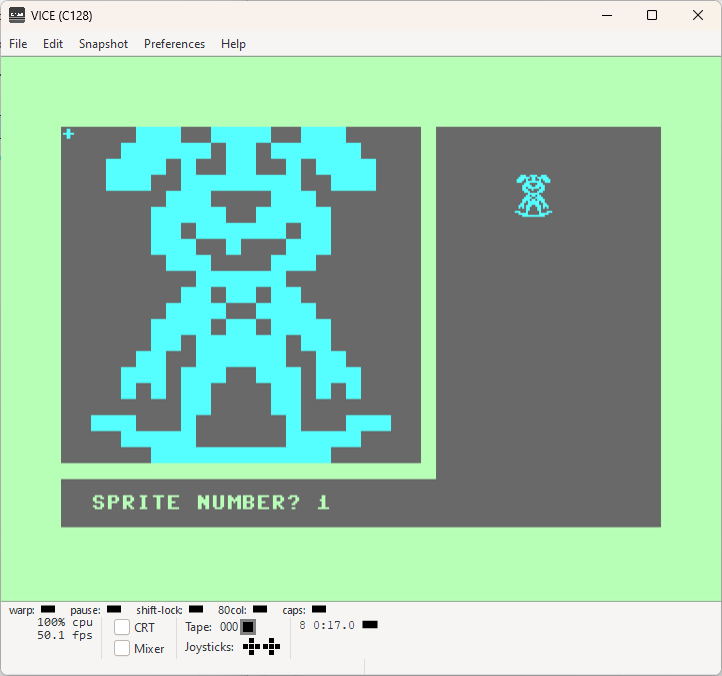
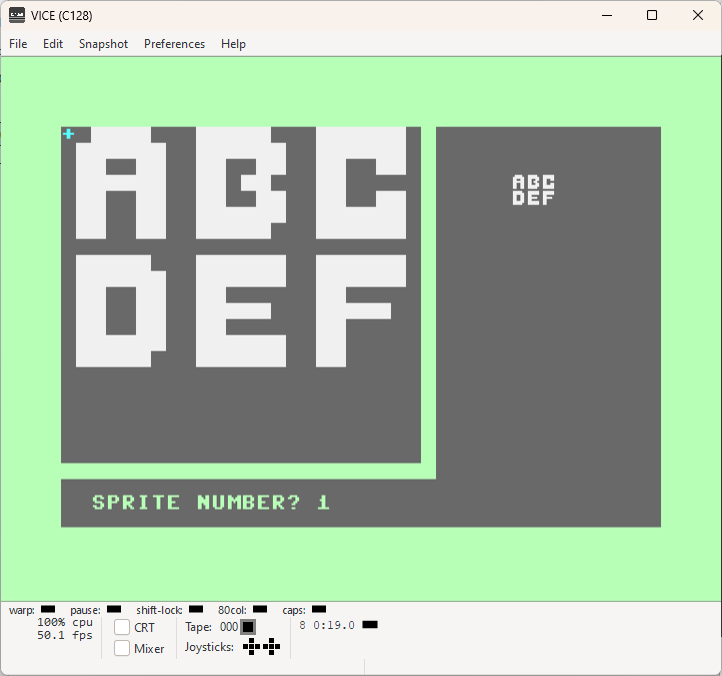
SPRDEF Download {PDF-Info}    
SPRDEF-CashDog SPRDEF-Characters SPRDEF-MultiColor  
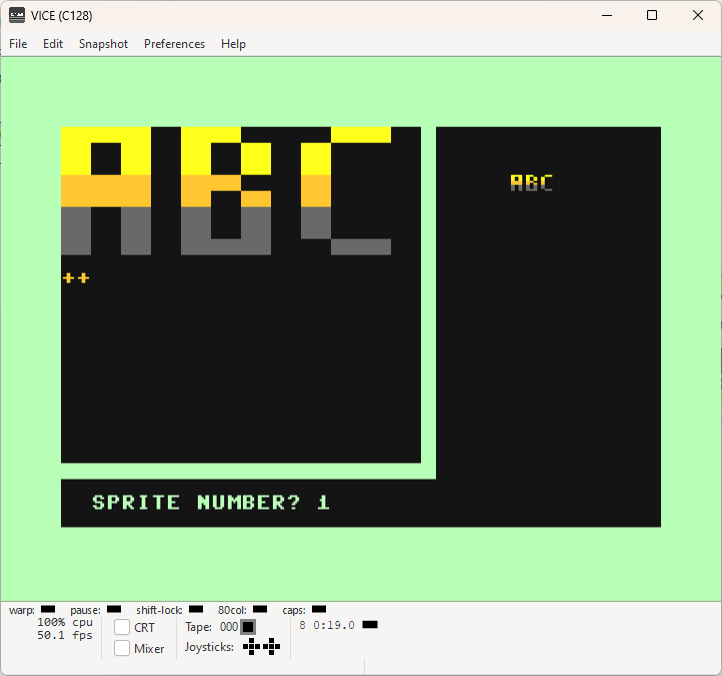
SPRITE DEFINITION TOOL {SPRite DEFinition Tool}

I can already see you asking: What has this to do with ML-Monitor?
Well, the answer is easy:
We will work with sprites too and for that what's better and faster than creating sprites with the built-in sprite editor or better said SPRite DEFinition tool, caled SPRDEF!?
Exactly, nothing is better than that and that's why it is here.
---
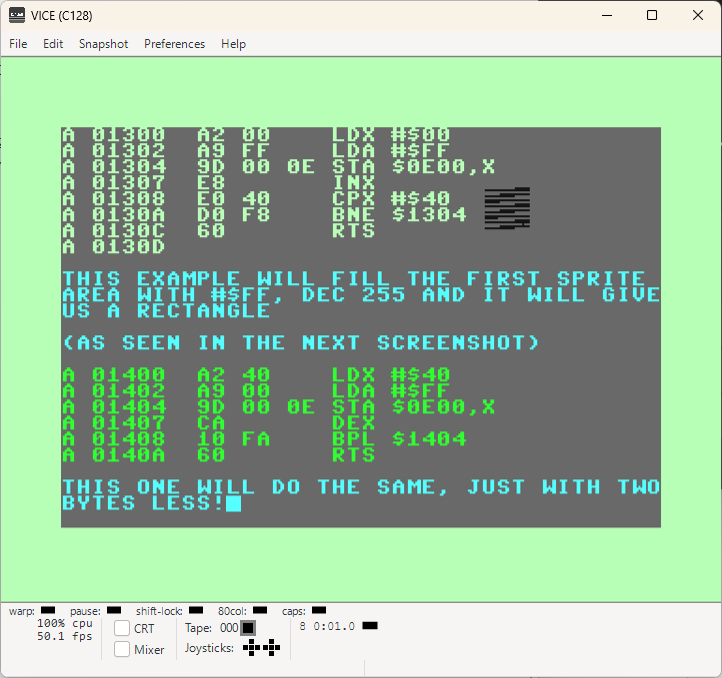
With SPRDEF you can create SPRITES and also custom characters are't problem and can be created in no time and activated with just few POKE commands {actually just one is needed, haha}... And when you don't need SPRITES you can use the space {$0e00 - $0fff} to place your assembly code there. FANTASTIC!
---
Therefore, read the attached SPRDEF document and play with SPRDEF to become a Commodre C128 SPRDEF Master!

TEXT-TRANSFER Download {.txt File}    
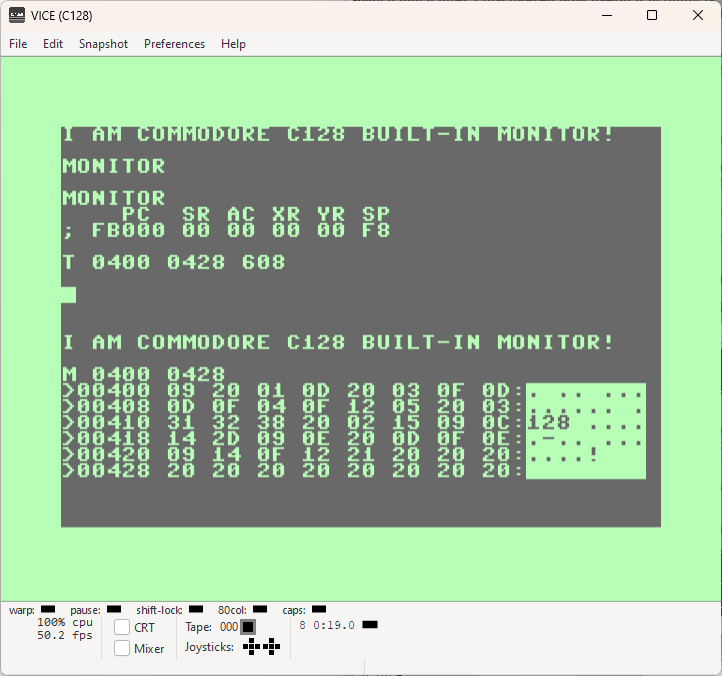
Text-Transfer      
Built-In Machine Language Monitor

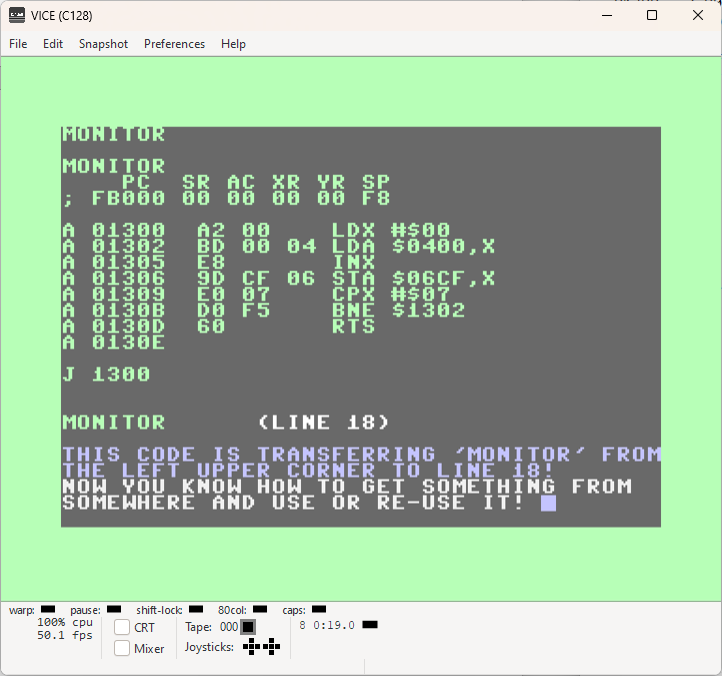
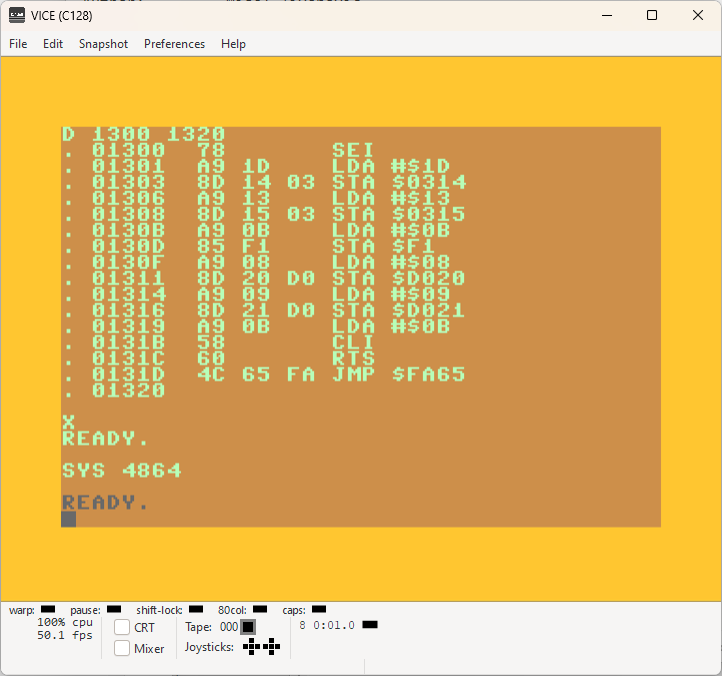
Let's start with our first example and start the ML-Monitor assembly coding with this very ease code.
Even if it is easy, you can use it for many other things to!
Actually, this is very often used for "Hello World" examples of which some are made highly complex!
As you can see, totally unnecessary.
The downloadable file is containing all you need to understand how this is working and that will makes it easier for you to learn coding in assembly on Commodore C128

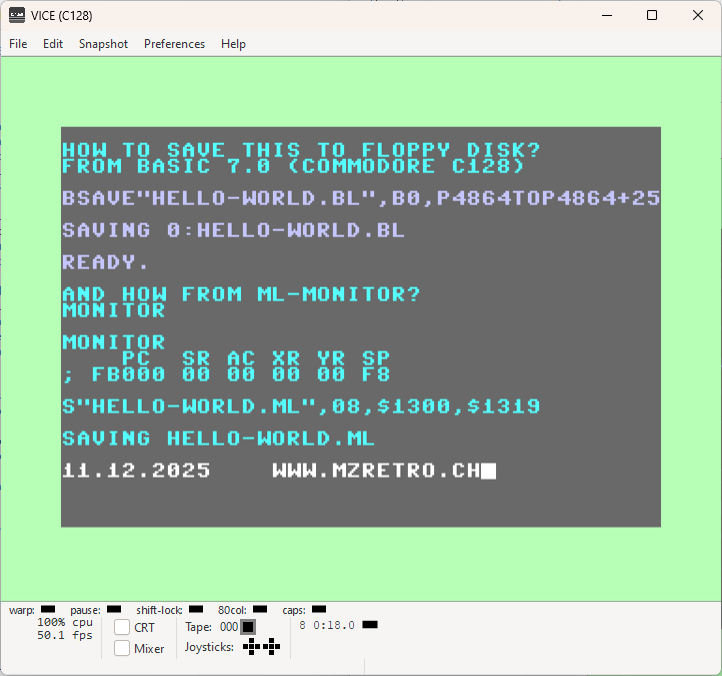
HELLO-WORLD Download {.txt File} Download {Floppy .d71}  
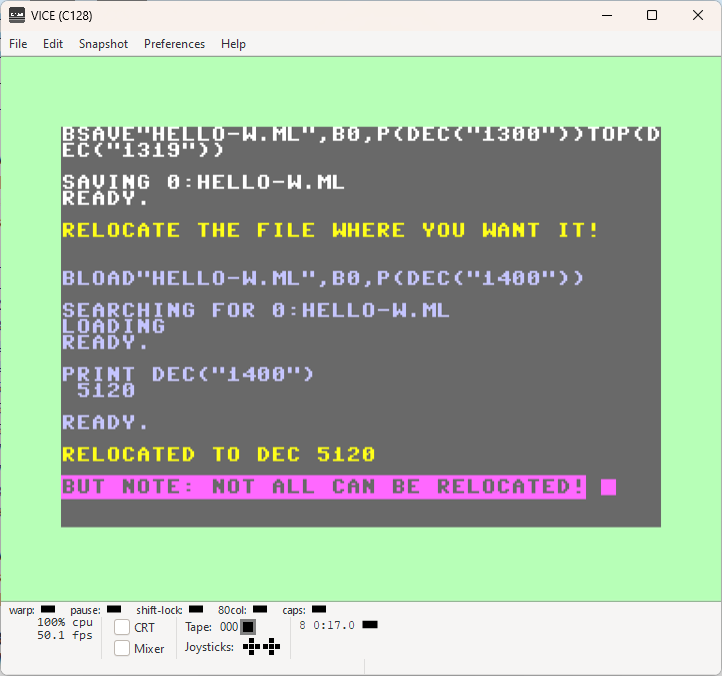
HelloWorld1 HelloWorld HowToSaveMLCode Relocate-ML-Code
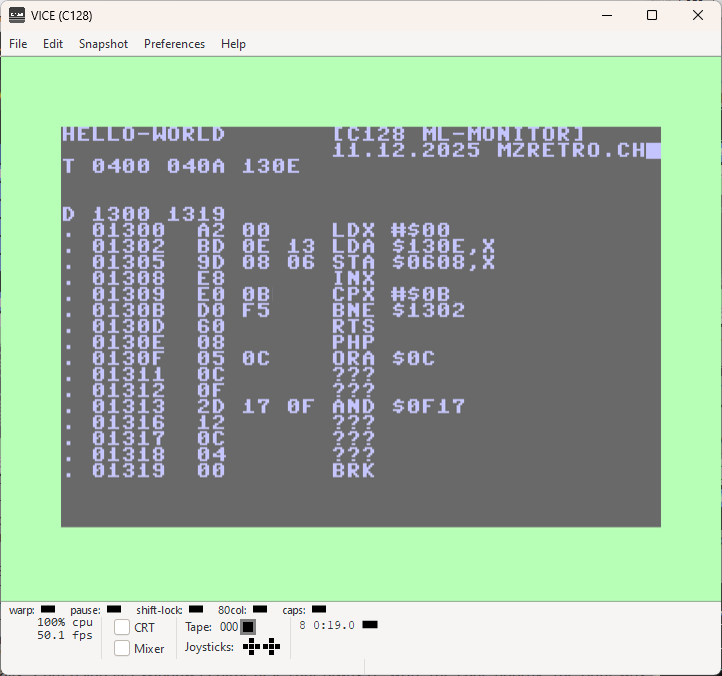
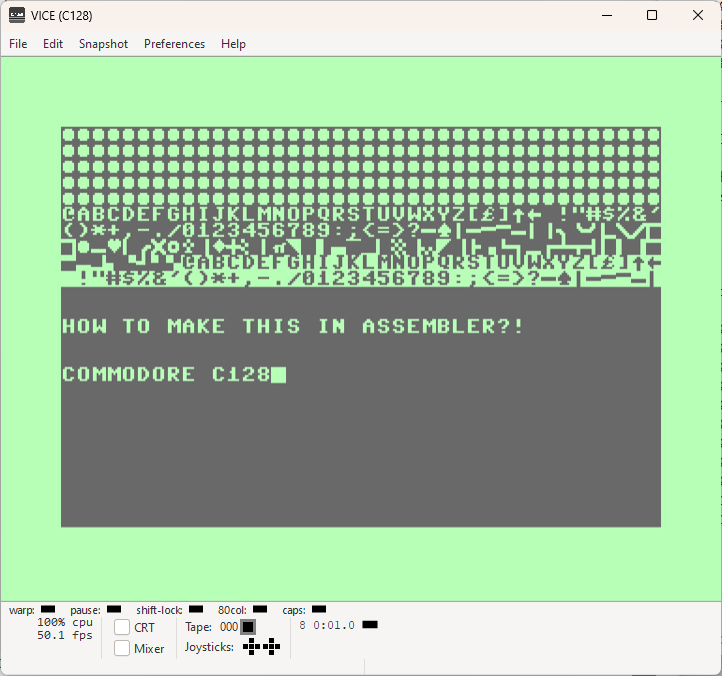
EVERYONE NEEDS HELLO WORLD!

This two words are practically a mandory case for all who are trying to learn assembly coding.
We will have the same procedure as above with some minor changes.
Writing "Hello-World" in assembler has never been easier especially not without any assembler editors because ML-Monitor can't really be called an assembly editor!
---
This looks like a little example but it is containing a lot of useful information which will come in very handy in case you want to get involved properly and be a part of the Commodore C128 world. Check the text file you can download above.
---
It's inevitable to not include also some BASIC when we are talking ML-Coding on C128.
That is why you'll also have the honor to learn a few BASIC 7.0 commands here:

BSAVE, BLOAD and DEC

which are a very nice supporters when you work with C128 ML-Monitor.
You won't wanna miss them anymore, so better learn how to use them properly.

IRQ-MADE-EASY Download {.txt File}    
IRQ-MadeEasy      
CAN WE ALL DO INTERRUPTS?

Interrupts aren't so difficult after all
{well, not quite true as some things requires extra attention}
---
When i was a little one, i was saying: Wow, how are they doing that!?
This looks great. I wanna be able to do it too!

...Hmmm, 40 years later: Yes, I CAN! Hehe...

And now you can too! GREAT!

You will notice how re-arranging the lines is delivering different results even if the lines {commands} are absolutely the same.
We learn how it is important where you place your code to achieve the results you want.
Try this little program out, add some additional functionality and have fun.
---
Even if it is C64 like, this will not work with C64!
Well, at least not with this IRQ handler address! And not with #$F1.

TXA-DO-IT Download {.txt File}    
TXA-Do-It      
TRANSFER SITUATIONS!

Let's see what kind of magic TXA can produce.

The code to create this looks the same, but the impact on the screen is quite different.
Text file you can download here {or just read it}, is showing and informing what's going on and how to achieve this.

Also how to optimize the code, save few bytes and get the same result in no time!
It is all in practice and thinking! You can do it!

BRANCHING-BEQ-BCC-P1 Download {.txt. File} Keyboard-Matrix {.txt}  
Branching-AssemblerPart Branching-BASICPart Branching-RUN  
WHERE DO WE GO NOW? SOUTH!

You can't write practically nothing much if you struggle with the branching commands!
That is why we will talk about 2 of them, BEQ and BCC and how you can use it.
Actually, if you are following this, then you know we were working with one already, namely we've used BNE {Branch if Not Equal to zero! It means the result is not what we were looking for!
In other words, after this here, will will know:

BNE, BEQ, BCC - Branching commands

It is really mandatory to understand how this works!
Luckily, no big deal!
After few examples you'll be a C128-Assembler-Branching-PRO!
---
Check the text file and try it out. Play with the these branching commands to understand them better. They can be used in many ways, so don't hold back! Execute the branch-attack!

BRANCHING-PART-2 Download {.txt File}    
Branching-Part-2      
WHERE DO WE GO NOW? WEST!

Part 2 of the branching journey!
Don't miss the 1st part hiding somewhere above this one.
We are now dealing with BCC, BCS, BEQ, BNE it this easy to understand example program!
I already wrote a book about it, so to speak, and the information can be found in the .text document which you can download here.
So, no more small talk, adios amigo...

LOW-HIGH-BYTE-MYSTERY Download {.txt File}    
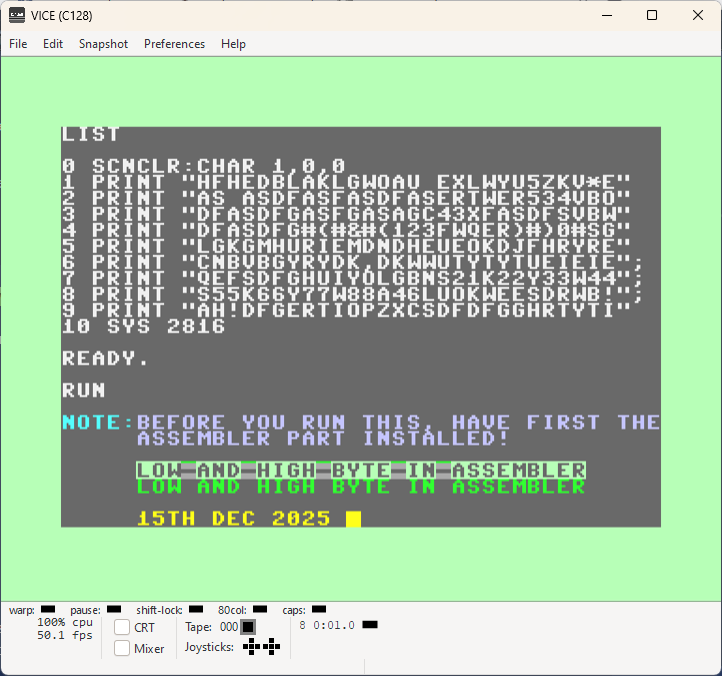
LOW-HIGH-Byte      
USE MSB and LSB WISELY!

We have incremented the LOW Byte last time. Let's deal now with the HIGH Byte too!

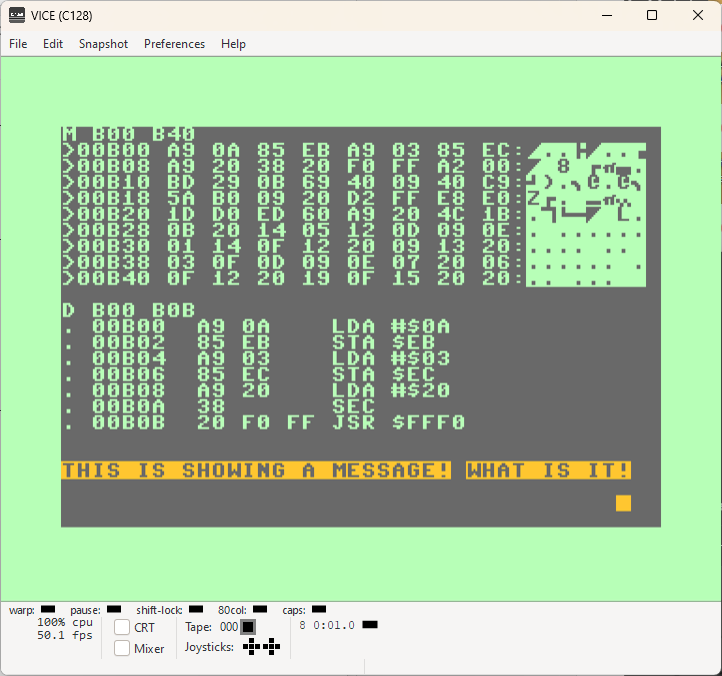
This example is showing how easy it is to read the content from different locations of the screen. It is one way of many, but we all need to start somewhere.
Text file which you can download here will explain to you all you need to know.
I am putting efforst into explaining what the source code is exactly doing and i hope that is helping to understand it much better.

There is a hiden message which will be shown when you do everything correct!
First part of the mesage is from the LOW-Byte and the second part is from the HIGH-Byte!

LABYRINTH-AND Download {.txt File}    
Labyrinth Logical-AND    
WE WONT'T GET LOST, HOPEFULLY!

As expected, everyone have seen this already:
-
10 print chr$(205.5+rnd(1));:goto10
-
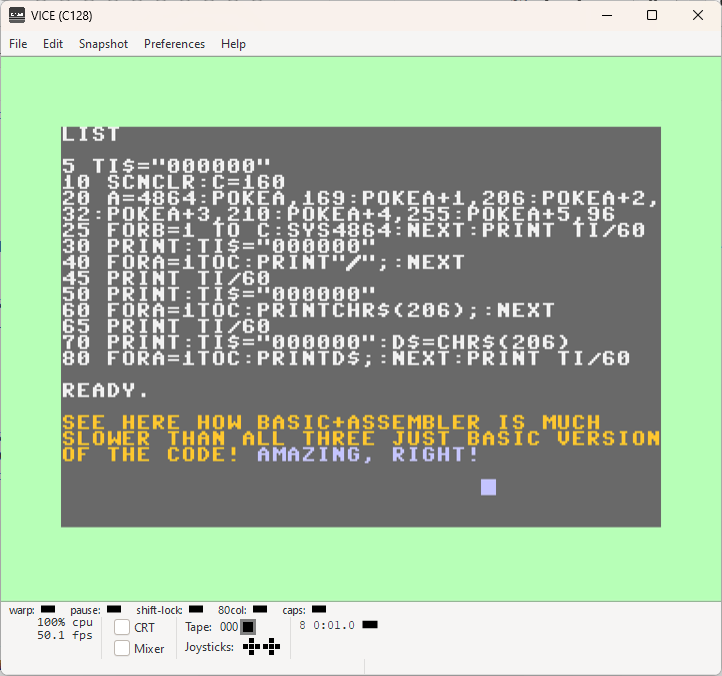
We will do kinda pseudo version of it in assembler. It looks equal, it looks good and it's a small optical illusion because in reality what you'll see are 2x2 different sectors filling the screen.
Then we will quickly check the speed difference between assembler+BASIC combo, PRINT command, and CHR$ as variable and as a part of the normal CHR$ command.
Results will definitely surprise you.
---
And finally, I am delivering you the best LOGICAL AND explanation on the market!
No doubt! Hehe...
Now grab and open the .txt File and start reading and learning!

LOGICAL-AND Download {.txt File}    
Logical-AND Logical-AND-Update    
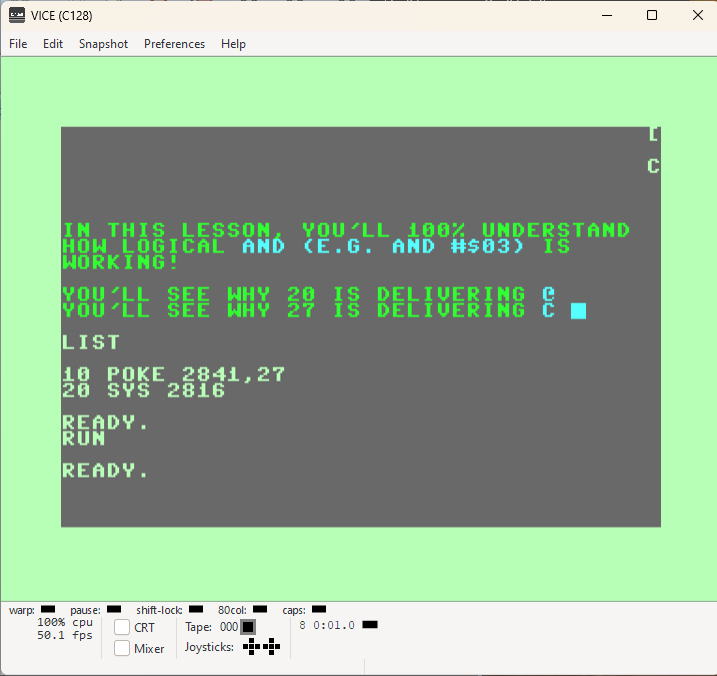
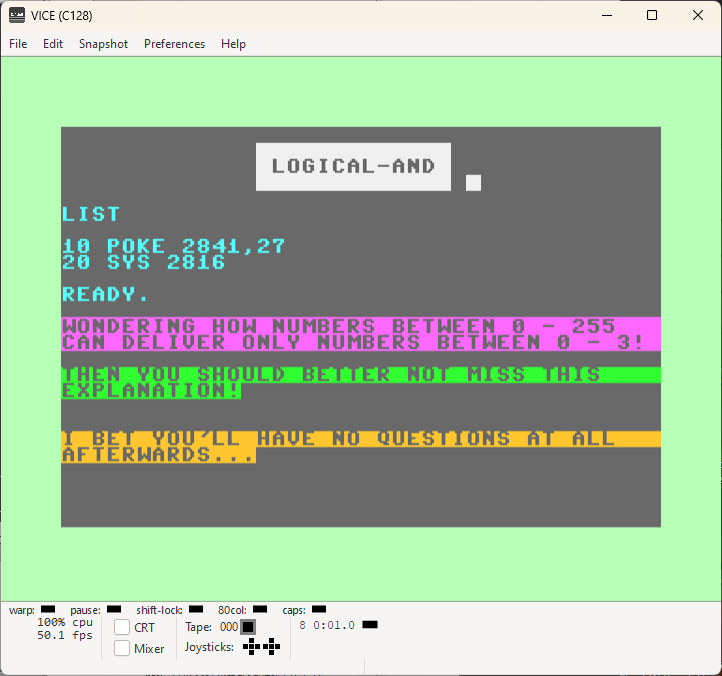
CAN LOGICAL THINGS NOT BE LOGICAL IF THEY ARE LOGICALLY LOGICAL?

I have this explained as a part of the previous lessons, however, chances are big how there nobody is going to read it as it is at the bottom of the text file.
So I decided to put it here too.
And while I was at it, I did extended this one a little bit.
Now even birds should know how Logical And is really working and not just computer nerds, freaks and possessed once!

MAD.-HISCORE-COUNTER Download {.txt File}    
Madness-HiScore-Counter      
ALL TOGETHER NOW, COUNT!

One thing is probably more than sure!

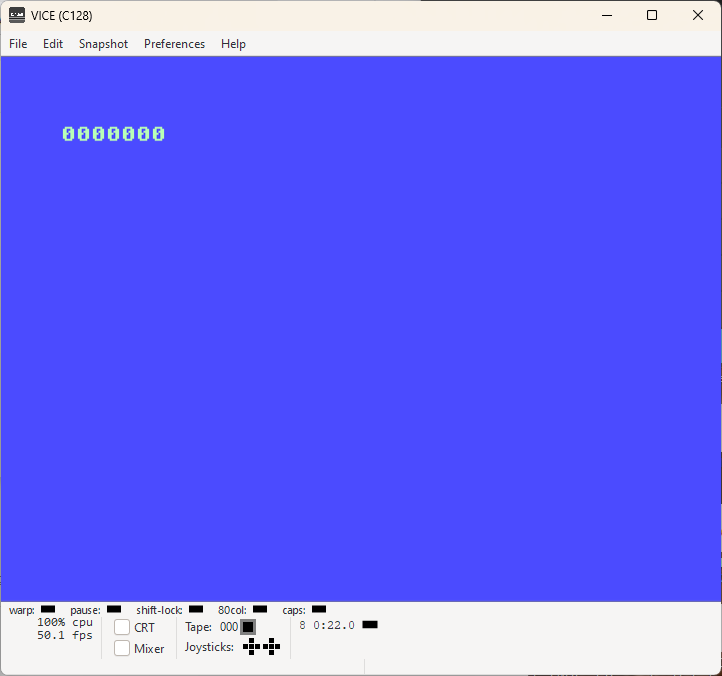
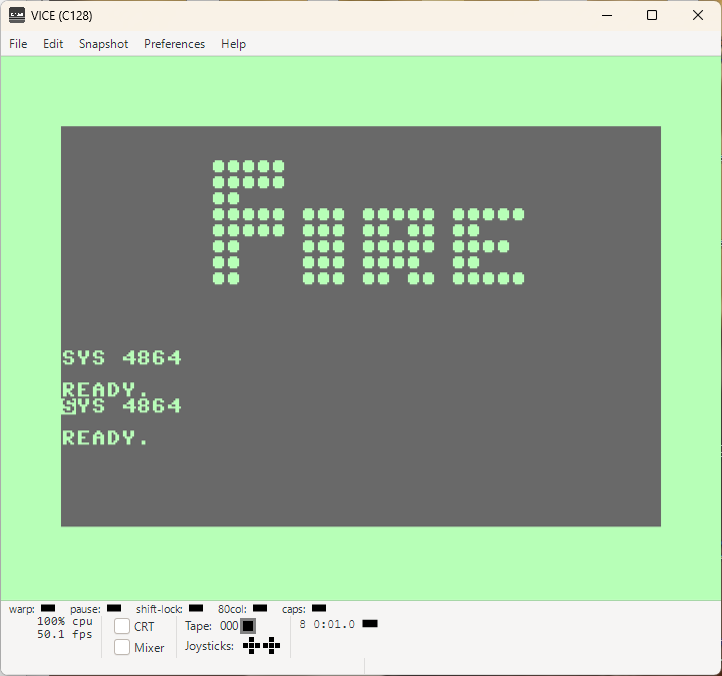
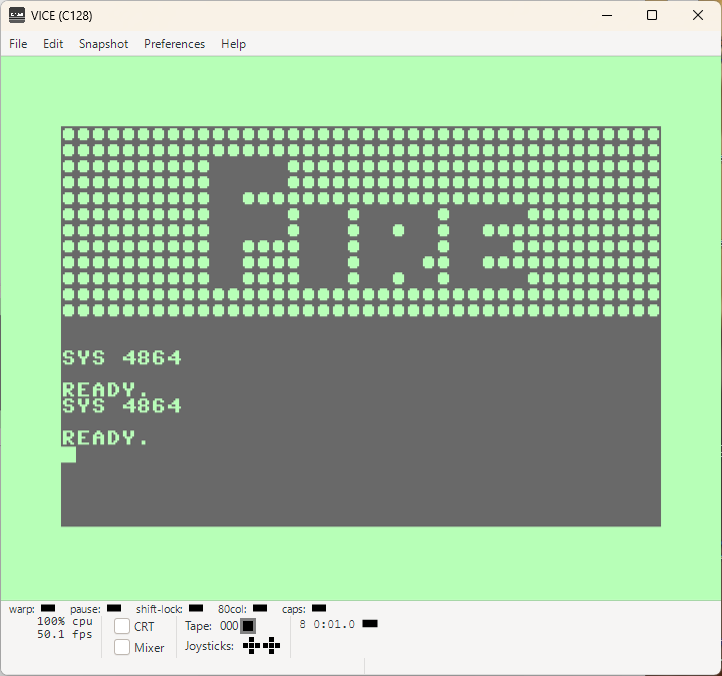
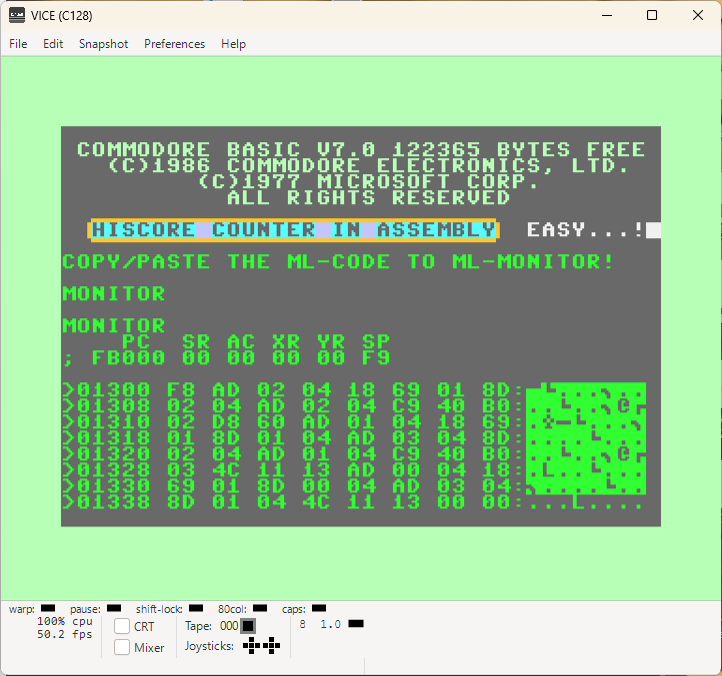
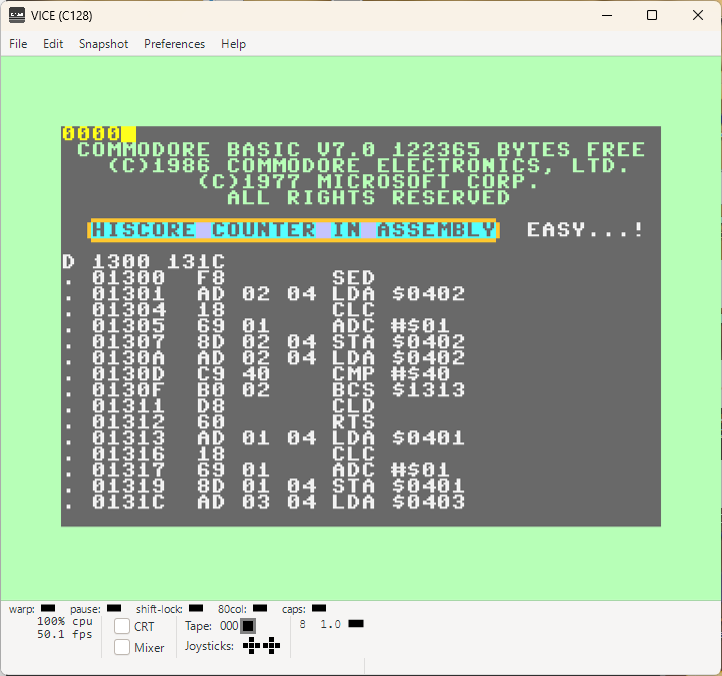
You have never seen a counter which was made this silly way and have wasted 456 bytes to realize that. It is a proof how in assembler all is possible and doable.
Yes, we wasted many bytes, but now a fully working counter is alive.
Screenshot is not saying much... Haha...
---
However, first when you press the needed key {numeric keys 1-5} you'll see some magic.
---
There is alway an idea behind everything we do, right!
My idea was to have a specific score added when you do something when you play a game.
Then just call the addition subroutine which will add a score according to your presets.
---
Because i just started with learning assembler, I left the counter be and went to follow all there is in assembler world. And that is a lot...
---
Luckly i found the code again and here you have it now {just the assembler part, not the EDASS-128 source code, but better than nothing!}

STRANGE-CLS Download {.txt File}    
Strange-CLS      
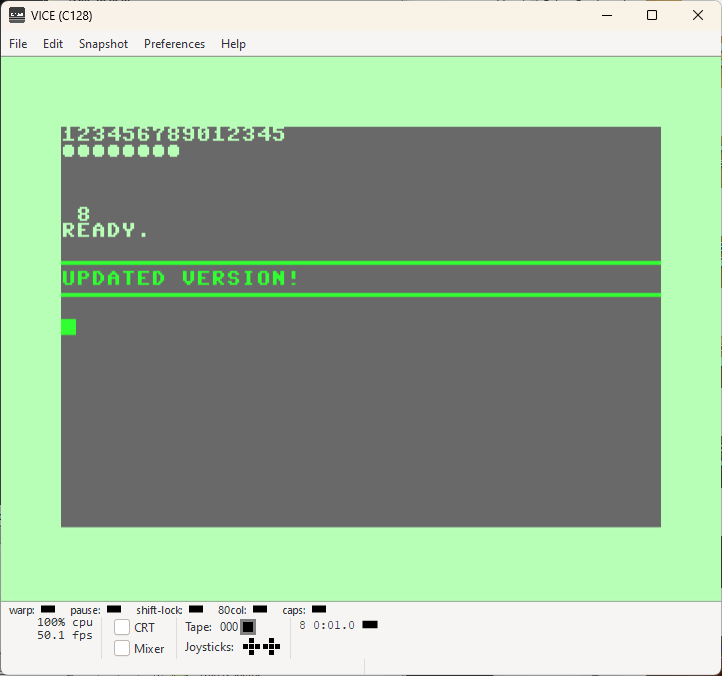
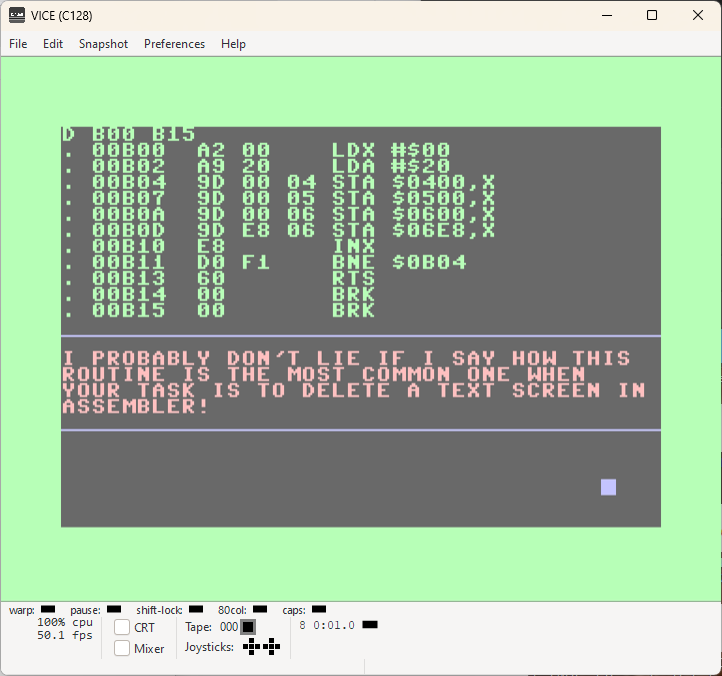
LOOK OVER HERE, ANOTHER AMAZING CLS ROUTINE!

BASIC 7 is having SCNCLR command to clear the screen!
Then also PRINT CHR$(147)
You could program any kind of BASIC routine to clear the screen, it just might take a while.
You can do the same in assembler and then also play a bit with the given options and waste bytes like a madman to avoid using the 4 bytes {actually 3, if you don't need RTS}.
Exactly that was done here in a couple of examples!

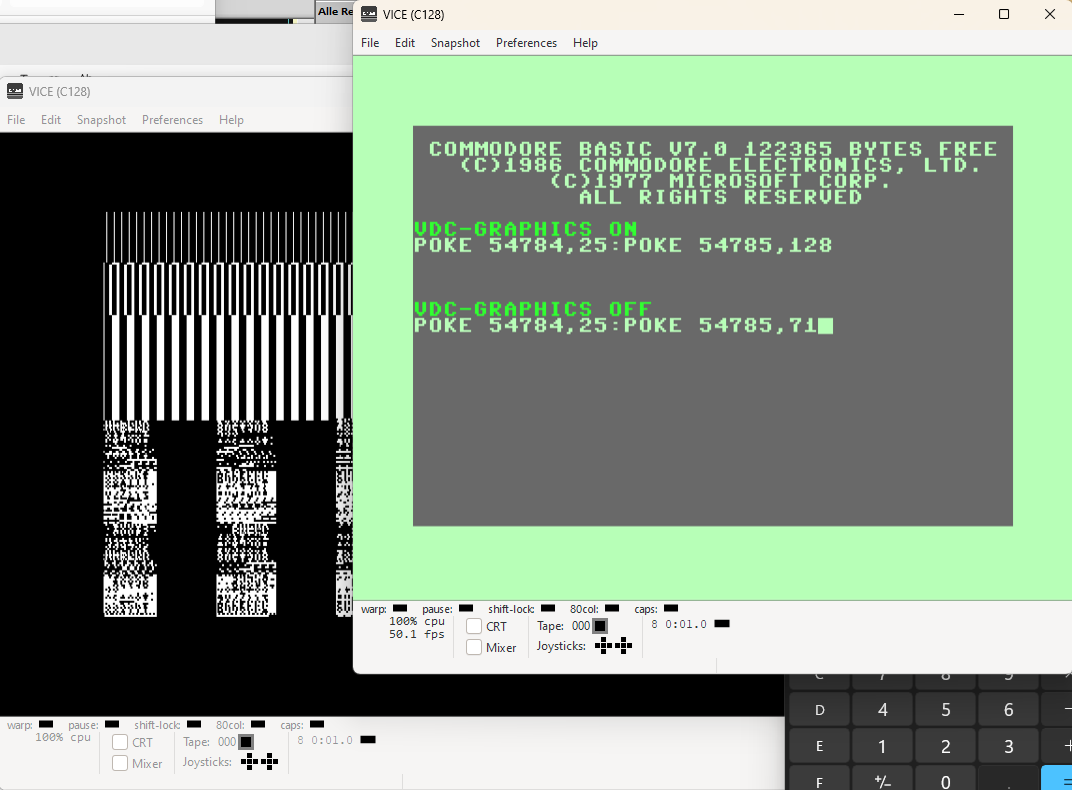
VDC-SMALL-JOURNEY Download 1{.txt File} Download 2 {.txt File}  
VDC-World VDC-Graphics-ON-OFF    
VDC, 16KB or 64KB?
No, it's 256 bytes guy and if more then you better listen well!
There might be an incoming call! Don't wanna miss that! Trust me!


VDC is part of the C128, so why not check that too!
It was a quick journey and i won't talk much about it. Just check the two text files available here and paint your own picture of VDC and see if that is something you would like to explore deeper than what's here available.
Back then i did not continue the VDC Journey, because it has no sprites...
Today, I would probably go further, especially in regard to graphics and text modes VDC is offering... Maybe one day... In any case, if, then I'll add this here!

CURSOR-POSITION Download {.txt Files}    
CUrsor-Position      
EVERYTHING CAN BE POSITIONED!

In BASIC you have a CHAR command and it can be used to just position a cursor somewhere, but also to have any text on a specific position on the screen.
You could also use the PRINTTAB(0 - 255) command and position your text accordingly.
And even use the KERNAL routine as in assembler...

All easy, no sweating needed. Assembler version isn't difficult too.
Just a few lines and you can have your text where ever you want to any at time of the day.
I am using T command to transfer the text i want to have within the code.
We did the at the begining, no need to chew this here again. Check that there
You won't be needing it for the example, but in case you want to have your own messages and adapt the code, then you do need it!

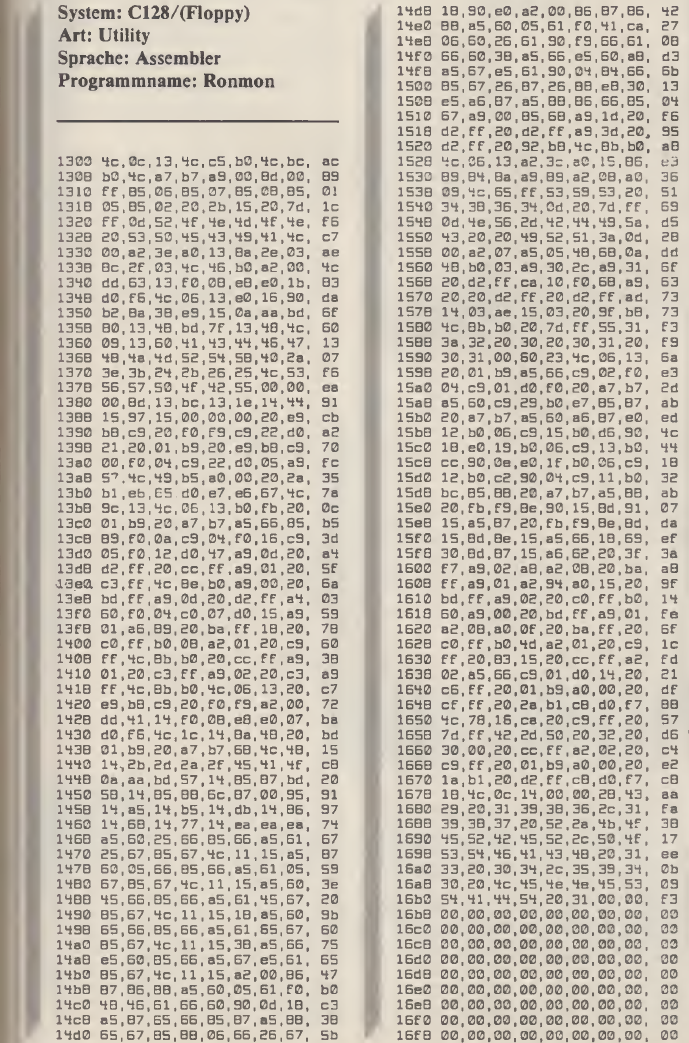
RONMON-C128 Download (.txt File} Download {.pdf File} Readable Source Code
RONMON-C128      
I HOPE I MADE NO TYPO HERE!

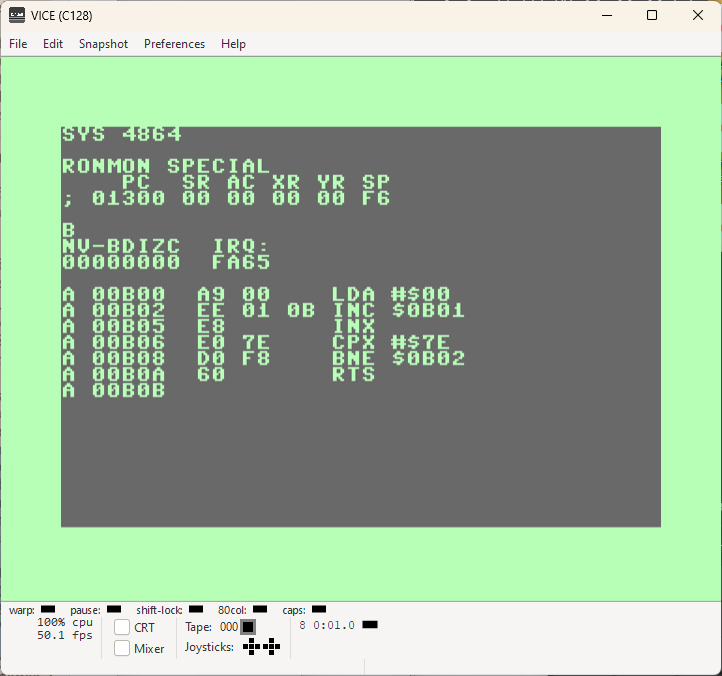
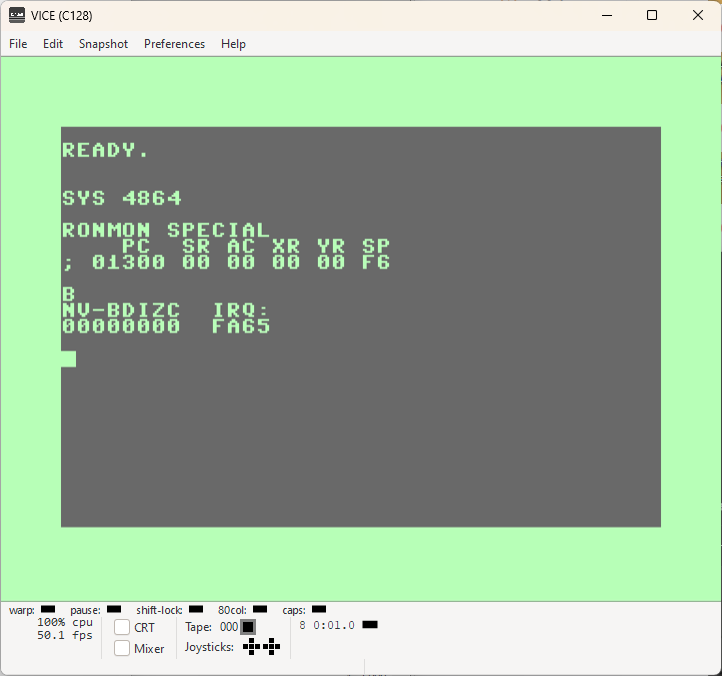
I found this one interesting because you can check the impacted flags which were effected by your assembler program. What are CPU-FLAGS?
Well, just check the next lesson below and find out and also see how you can use them to your advantage!

It is just 7 of them. No big deal at all, right...
Well, you will see it soon enough.

Note: The source code {text file} can be just copy/pasted into the ML-Monitor of C-128/
It is occupying RAM memory from $1300 - $16FF. Do not use that area for the examples when RONMON is running.
Unfortunately, the explanation {GERMAN} in regard to RONMON wasn't the best.
That being said, the B command fortunately needs no manual.

B and ENTER will show what's needed!
{just make to use it when ML-Monitor is running}

STATUS-BITS-CPU-FLAGS Download {.txt File}    
CPU-FLAGS      
HELP YOURSELF!

Probably you did not expected this like that, but i will just put it here and the rest is up to you!
No more holding hands! Haha...

|Bit... -| 7 | 6 | 5 | 4 | 3 | 2 | 1| 0 |
|Flag..-| N | V | - | B | D | I | Z| C |

These are little brothers that will make your assembler life difficult and not to forget those guys constantly telling you how it is easy, where is the problem!?
---
For starters i smashed all in this one text document!

It'll help you to understand why BNE {Branch if NOT EQUAL to zero} is branching as long as the result isn't zero and why it is perfect for FOR NEXT LOOPS.
While BEQ {Branch if EQUAL to zero} is best for user inputs because that thing is desperately awaiting any zero or better said a confirmation that it is allowed to do something, meaning to branch and lead the way!
...
Let me tell you one thing: PRACTICE or FORGET IT!
Your choice, but with Commodore C128 Machine Language Monitor with installed RONMON from above lessons, you absolutelly have no excuses not to practice and quickly learn how assembler is breathing!

MANAGEMENT-TODO Download {.txt File}    
Management Management1    
SOMETIMES YOU DON'T KNOW WHAT TO DO... Hmmm

NO! This will not be the MMU of the C128, no worries! Haha...

We are having here to tasks which are executed exactly then when you want it!
It means, you can set the "timer" or better said a delay value individually for both of them.
There are som many scenarios possible here which would go beyong showing a characters on the screen or just changing the colors.
You could use it for the animations or showing a text on the screen with delayed appearance.
How about blending any kind of obstacles in the game and then keep it a while and let disappear.
I see many possibilities!
Now the rest is up to you, but i will probably make another "usage" example in the near future!

CONVERT-TO-DECIMAL Download {.txt File}    
ConvertToDecimal      
WE HAVE NO MONEY, LET'S CONVERT regular NUMBERS!

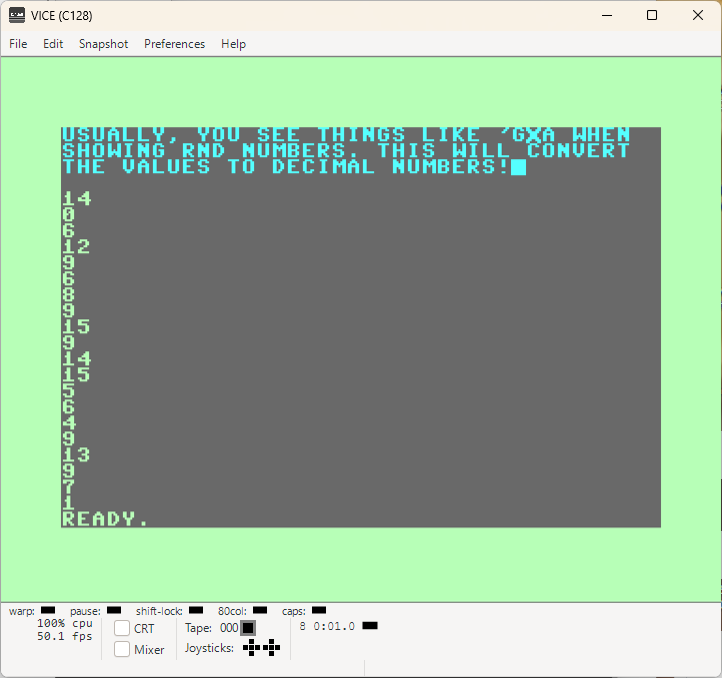
Instead of seeing cryptical graphics symbols while showing RND numbers using the assembly routine, this will display the real decimal numbers on the screen!

Now it's just for the numbers between 0 and 15, however it is not so difficult to make a range from 0 to 255. Just either remove the and #$0f or change to and #$ff at the end of the code.
If you'll remove it, don't forget to move rts to be the last line!

SPEED-VIC20-C64-C128 Download {.txt File} VIC20-C64-Tools {.7z} MiniMon & SMON incl.
VIC20 C64 C128 C128-GO64-Mode
IF I HAD A TIME MACHINE, I WOULD RIGHT NOW VISIT 1984/1985...
and tell Bil to use 4MHz CPU for the Commodore C128, hehe...


Well, it's obviously just me feeling not so great knowing how 1MHz Commodore C128 had no chance against the C64 and even the blind 2MHz CPU Mode also had no chance against the 4 year older little brother, VIC-20! That said it all already...
Yes, my idol Commodore C128 lost every single battlefield!

In BASIC examples {check VIC-20 department} and in assembler too!
What can I say, my idol isn't the greatest and was very unfortunatelly created without involving any kind of simpathy or love, but that little fellow is still the one I prefer!
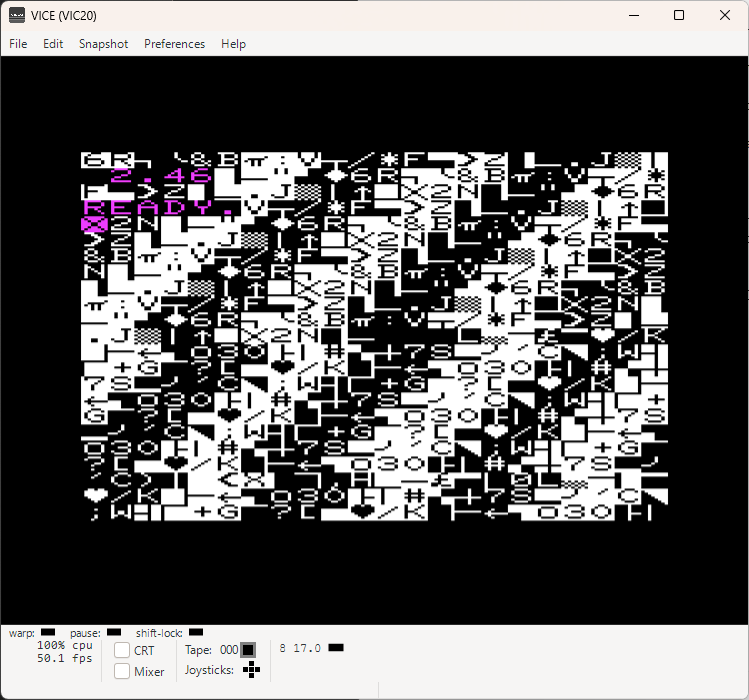
This assembler code was written by me to check the speed differences.
It is not any kind of super ultra master code involving who knows what, however, it is clearly showing how C128 is overloaded with the functionality and 1MHz CPU was clearly the worst decision C128 had to survive!

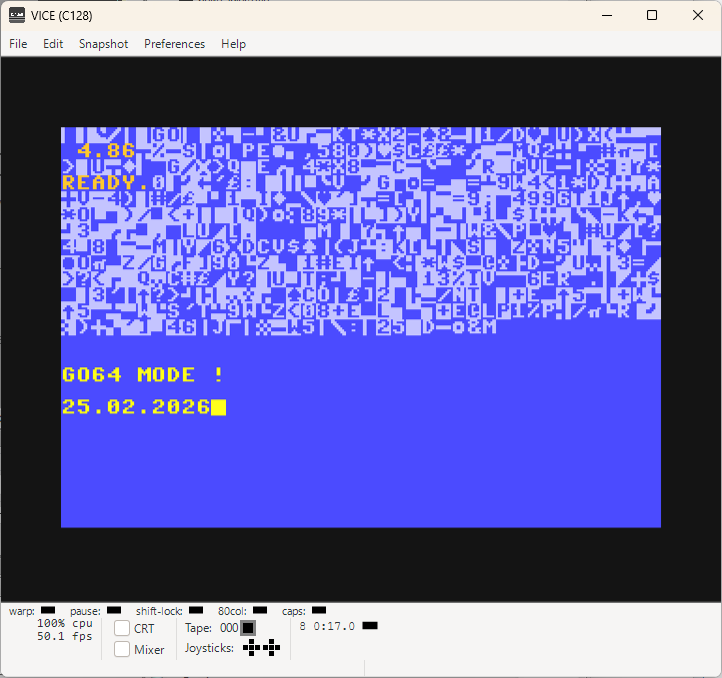
For to many companies, Commodore C128 was in most cases just another C64, GO64!
Practically, a Commodore C64 inside of the Commodore C128 and even faster than C128!
What a PARADOX... Haha... A nightmare for the Commodore C128 users in C128 Mode...

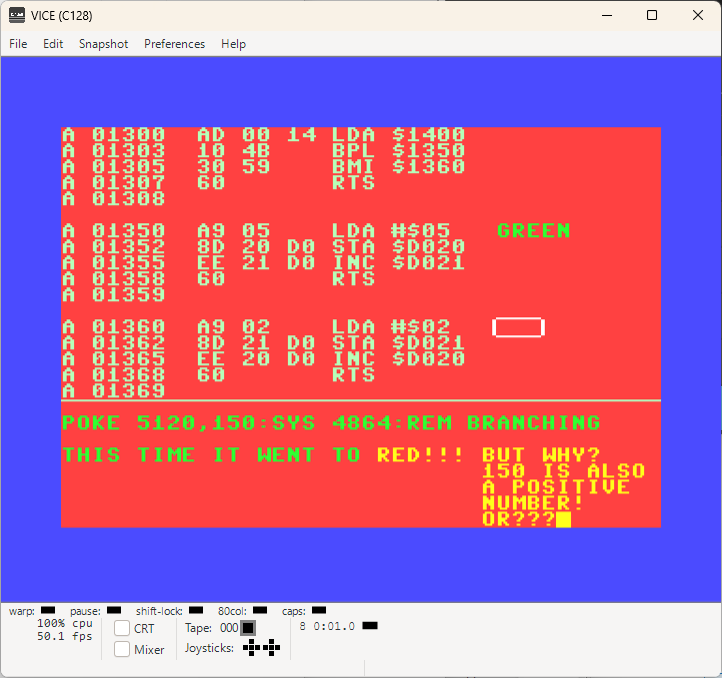
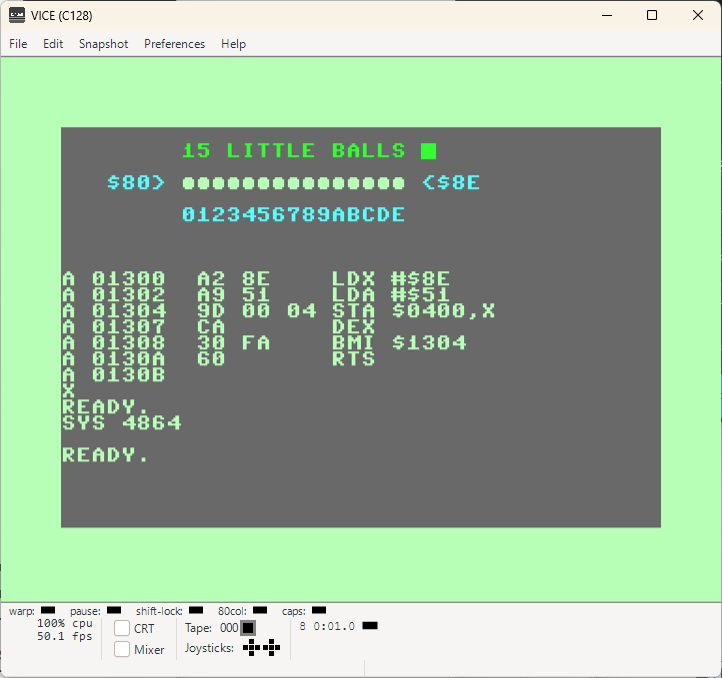
BRANCHING-PART-3 Download {.txt File}    
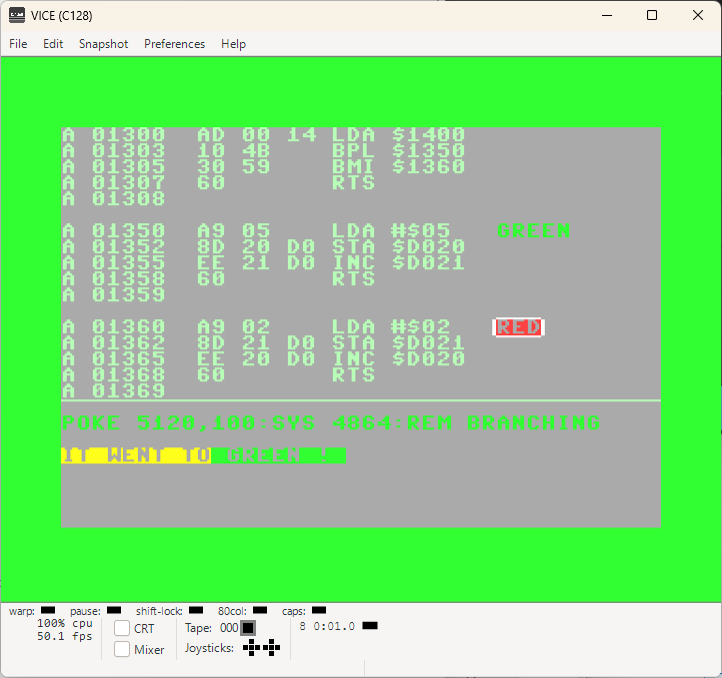
BPLvsBMI GREEN RED 15LittleBalls
BNE-Sprite BPL-SpriteFull    
WHERE DO WE GO NOW? EAST!

This time we are dealing with:

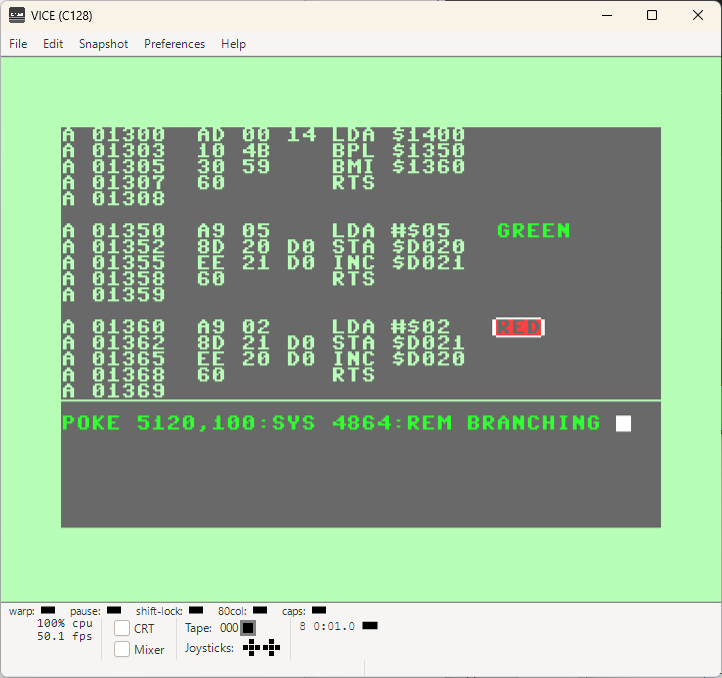
BPL - Branch if the result is positive
BMI - Branch if the result is negative

Many times things are difficult to explain and not always easy to understand.
As you know i am always doing small examples and explain things as good as i can.

That's why we have here few examples and they were made the way even I would understand them and check why it is branched with BPL and not with BMI and vice versa!
Check the here attached text document for more information!

J-COMMAND Download {.txt File}    
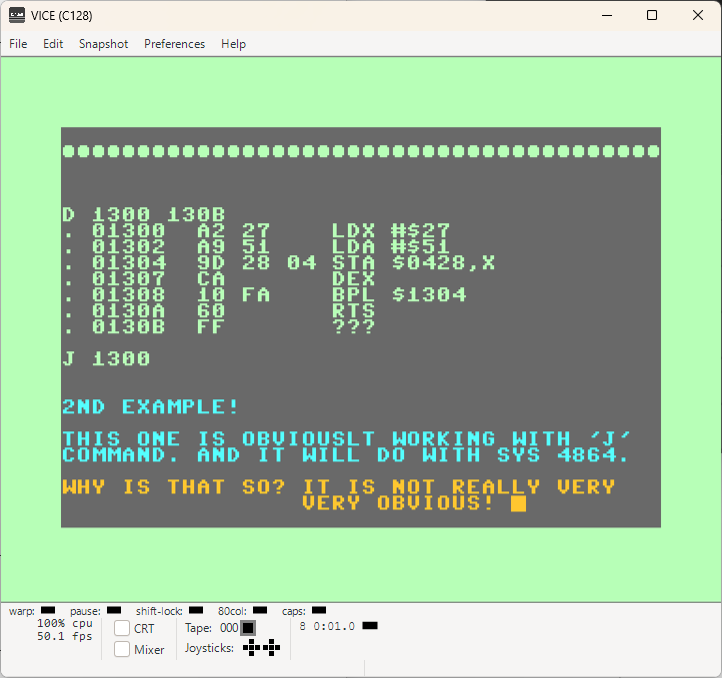
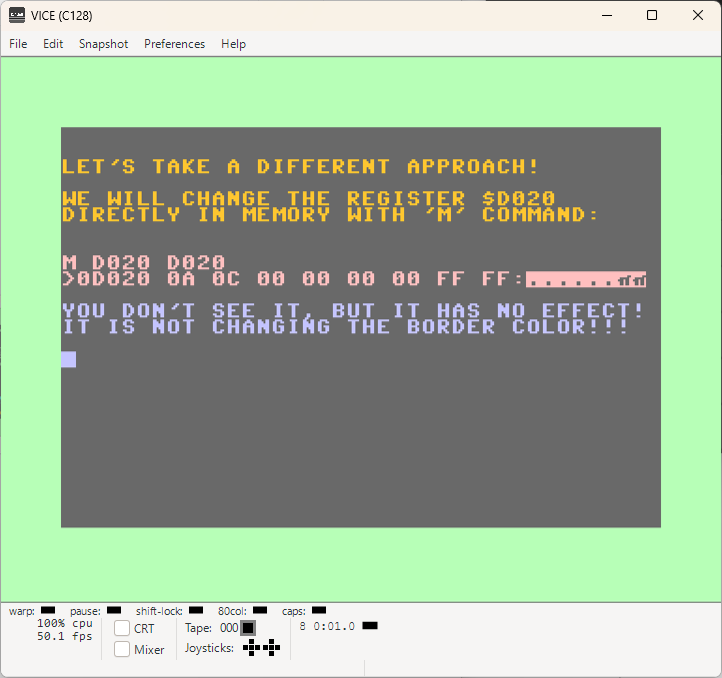
J-Command SYS-BASIC J-COMMAND-2 D020
FD020-WOW FD020-READY    
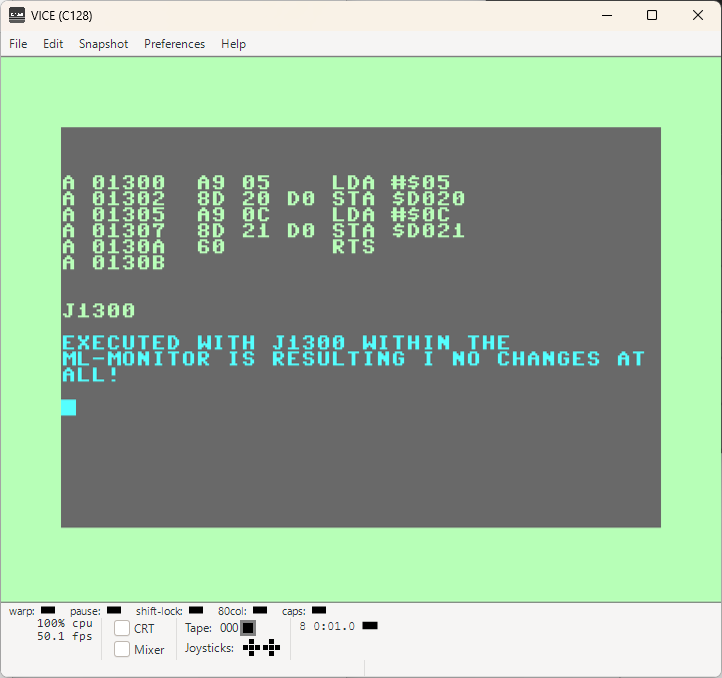
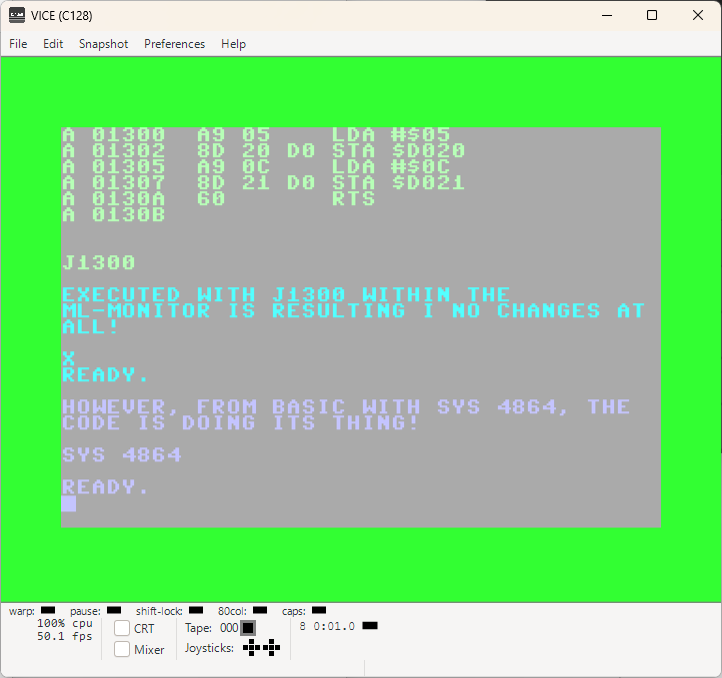
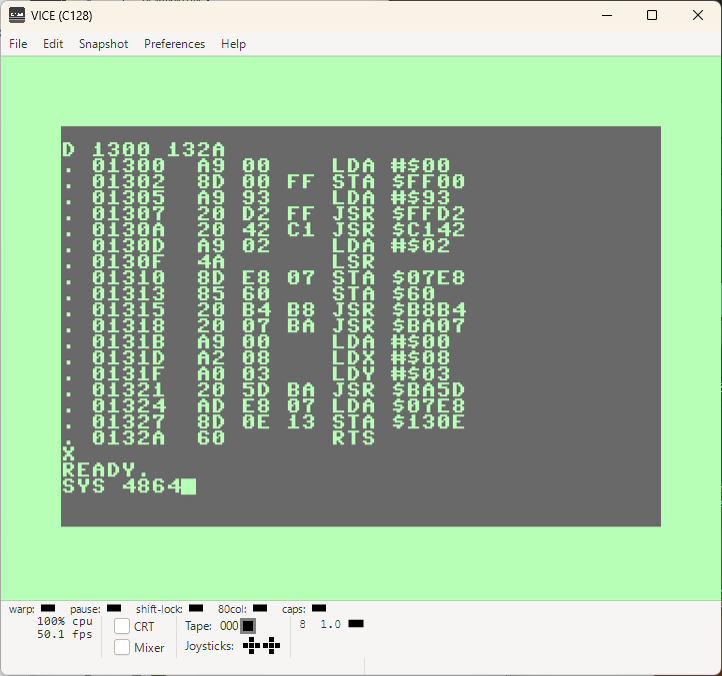
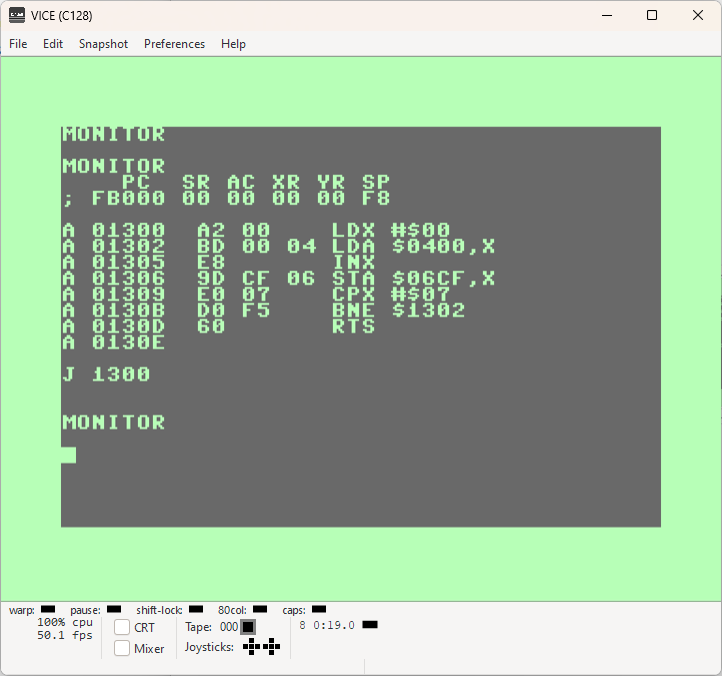
J-COMMAND {for the ML-Monitor of C128}

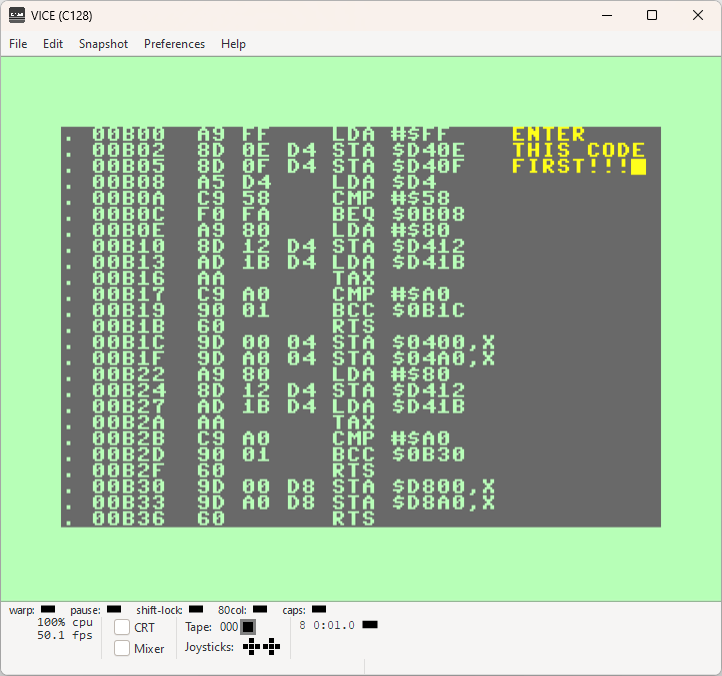
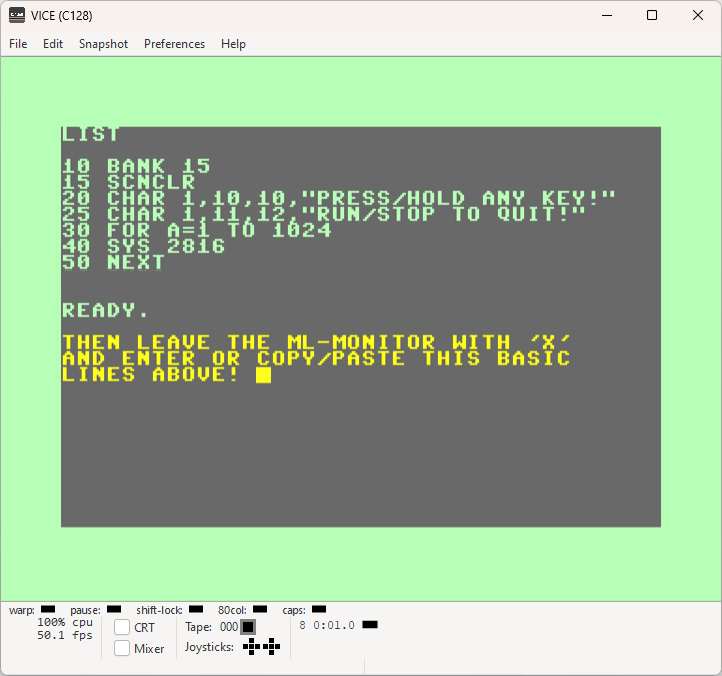
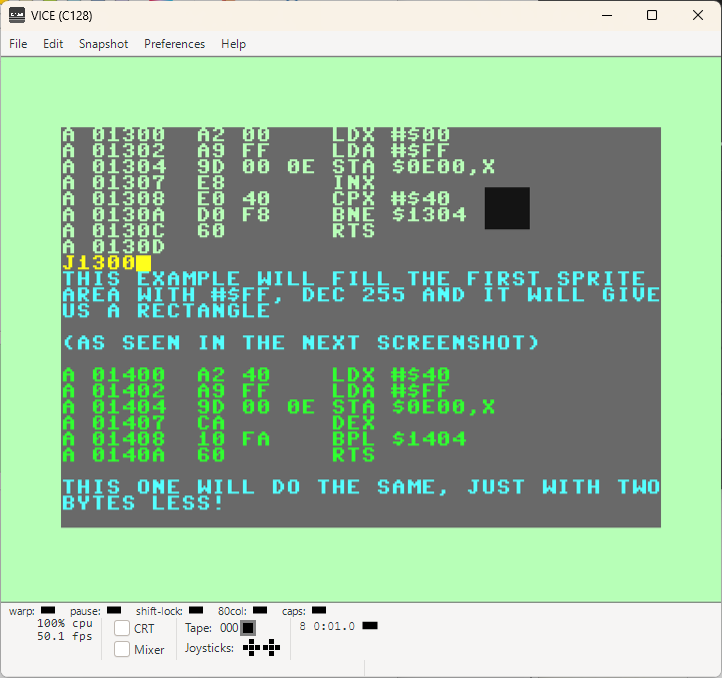
This king can execute your code directly in ML-Monitor environment.
No need to exit to BASIC and type SYS xyz!

But in many cases it just didn't work at all. And from BASIC it was no issue.
I never really bothered with that, until today.

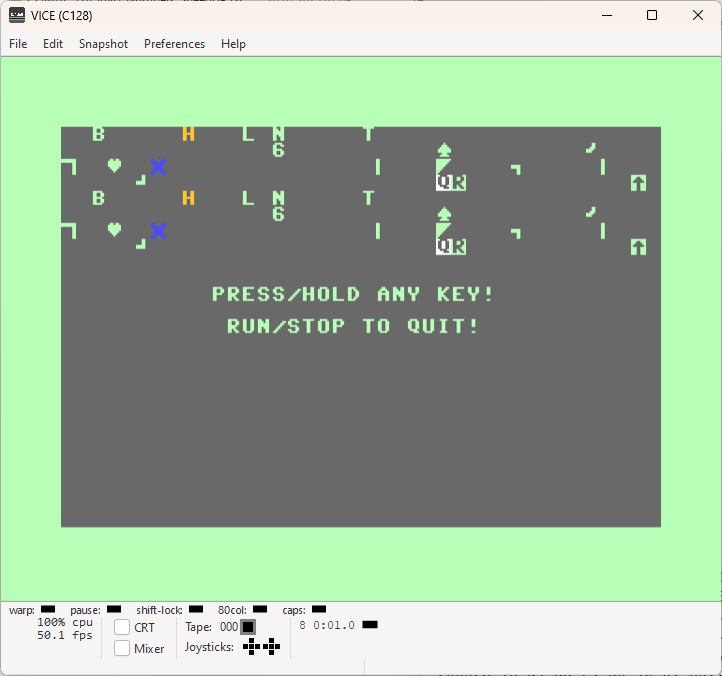
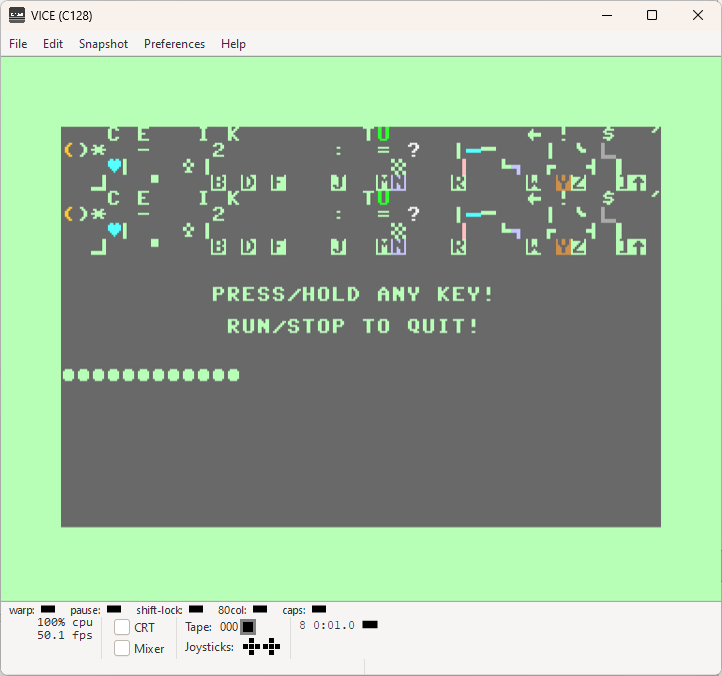
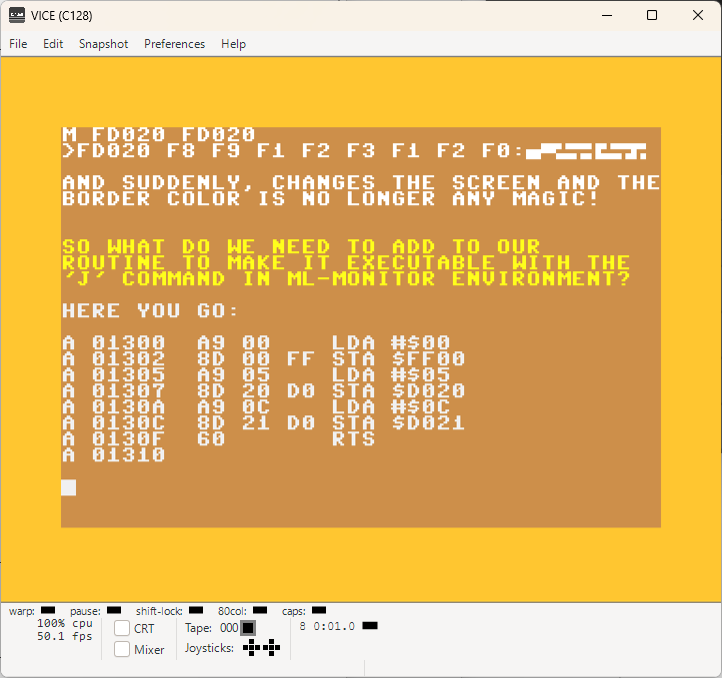
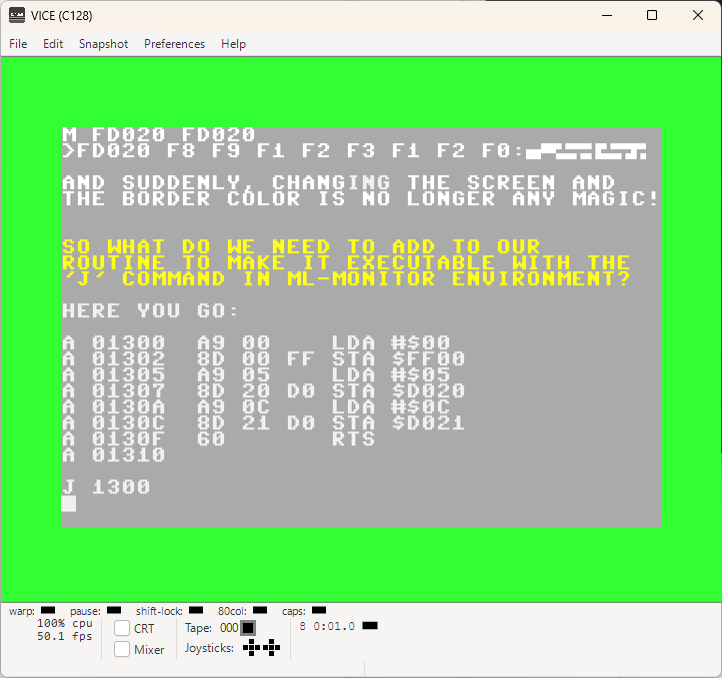
To spare you from unnecessary sweating, i made a few examples to explain the problem and also to present the solution. And that one was so easy that i for many decades did't even think it could be that...

So your part is to activate the BANK 15 and get rid of all worries!

In any case, if a code is not working, but it should, you forgot the BANK 15 {again}!

THE-OPPOSITE-SIDE Download {.txt File}    
TheOppositeSide0 TheOppositeSide1    
NEGATIVE CAN ALSO MEAN GOOD!

In BASIC this could be well done with PEEK and POKE!
In ASSEMBLER, it isn't much different. It's LDA and STA which equals to PEEK and POKE.
The only difference, it is much faster and using less memory.

The "NEGATIVE" side effect! You can call it 2x and bring things back to "POSITIVE"
That's really cool!

This is just a basic thing, nothing fancy, but it is doing what I needed.
More details in the text file you can view/download!


These pages are NOT USING any kind of cookies or whatever tracking, monitoring, controlling etc. tools.
It's pure and old-fashion webseite like back in the retro days {let's ignore some scripting here & there for a little while!}
Complete content was created by using retro systems emulator for all here mentioned computers.
No real hardware was involved so far {and if it will be one day, it will be additionally mentioned within the subject}
 
NOTE: Use all here at your own risk! I am taking no responsibilities in case of any data loses or damages!
In case you doubt your abilities to properly use applications available on MZRETRO.CH, please consider to not use them @ all!