RETRO ZONE POWERED BY MZRETRO © 2025 All rights reserved!  


VIC-20-EXTRA {THE little BIG BOSS!}    
BIG-CHARACTERS VIC-20-COLORS MULTICOLOR-MASTER CUSTOM-CHARACTERS
MULTICOLOR-CHARS LITTLE-ANIMATION MEMORY-PARADE LITTLE-ANIM-SPEED-UP


VIC-20-TOOLS-Utilities-&-Helpers    
       
MONITORS      
VIC-20-SuperMon+ Supermon-VICMon VIC20-MiniMon MightyMon-Version3.0
C'MON VICMon {.crt file} HESMon TinyMon-Version1.0
PunyMon      
       
ASSEMBLERS      
wAx[4K] Mikro-Assembler wAx2-v2.0 TinyAsm-v.1.1
Monster-Assembler Pal-Assembler    


BIG-CHARACTERS Download {.txt File}    
BigCharacters      
BIG CHARACTERS - My first {never published} VIC-20 challenge

Back then, on December 25th 2025, this was my first face to face meeting with the VIC-20 computer {emulator} and it went so well that i did not publish the collected experience.

At that time I had no clue about the VIC-20 and how everything is or was organized
As you know by know, that didn't stop me from proceeding further and make step by step progresses with the little big pioneer VIC-20

Text file will tell you why I am publishing this first lesson anyway.

VIC-20-COLORS Download {.txt File}    
VIC-20-COLORS      
COLORS and VIC-20

I had no plans to include also the VIC-20 here, but then i noticed that this Computer actually is pretty interesting and even faster than C64 and C128.
That was new to me. I never thought something like that could be possible!
I mean VIC-20 came in 1981 and C64 in 1982 and C128 in 1985!
And who is the slowest!? What a surprise, right... Exactly! C128 is the slowest!
So slow that in some scenarios even 2MHz 8502 CPU isn't helping...
Well, all that moved me to start also this VIC-20 category. Who knows, maybe one day someone will find it useful.

We are starting with VIC-20 Colors. That is a bit different compared to C64 and C128.
But you need to understand it in order to make progress!

MULTICOLOR-MASTER Download {.txt File}    
VIC-20-MC-1 VIC-20-MC-2    
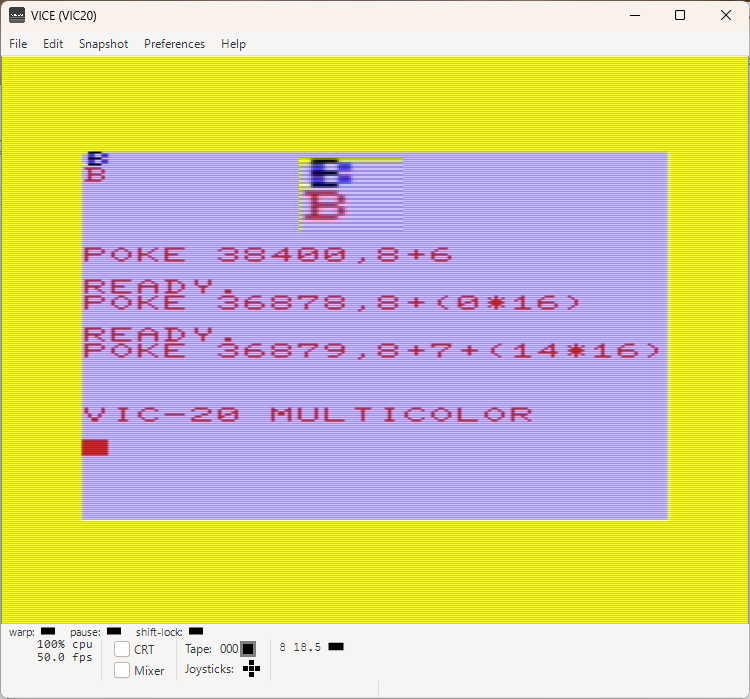
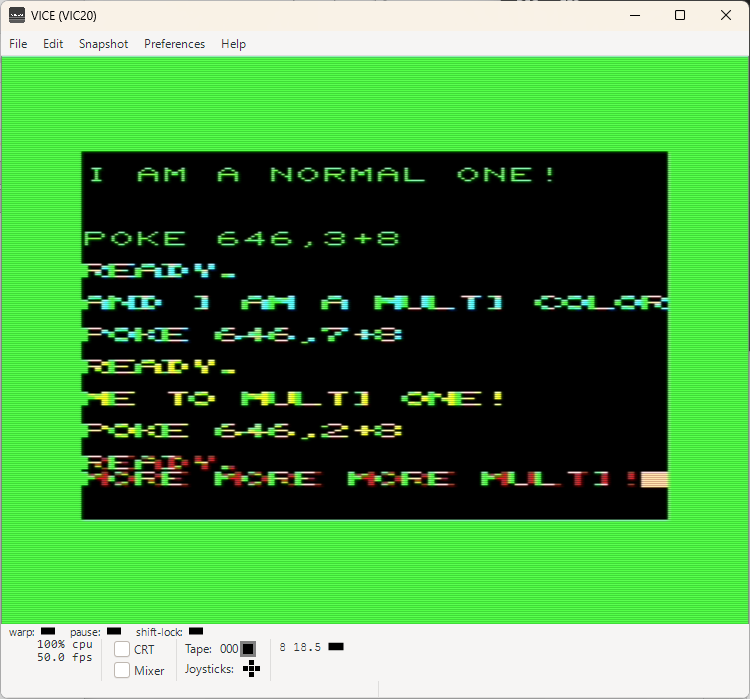
MORE COLORS ON VIC-20

MultiColor is a small mystery on C64 and C128! Especially because even C128 with BASIC 7 has not one single command to access Multi Color Characters. Basically, the situation is almost the same compared to VIC-20.

Almost the same is again the Low and High Nibble where the difference is.

No worries, it is doable and I made a swifty little text doc to help you understand better the Multi-Color Situation on VIC-20. Practically a place where all started!

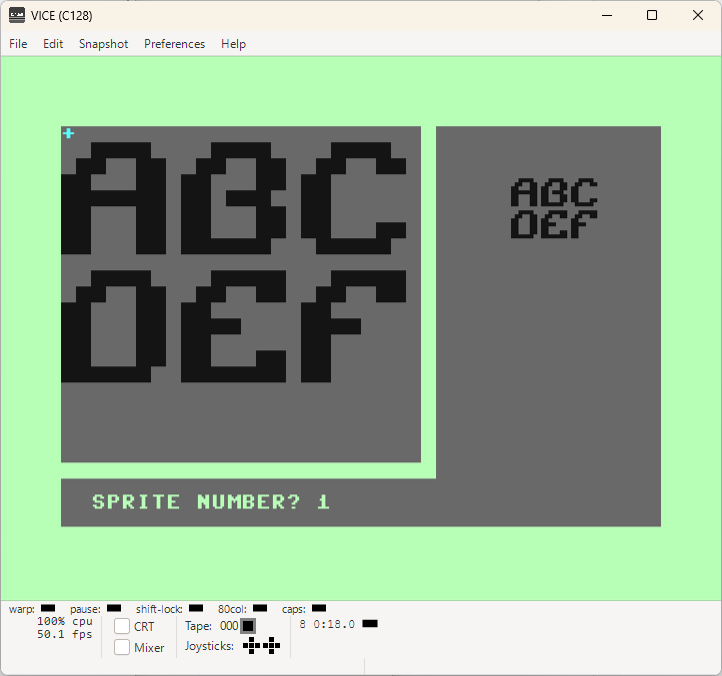
CUSTOM-CHARACTERS Download {.txt File } Characters {.txt File}  
CustomCharsGfx Sprdef-Help CustomFont  
What belongs to me is mine!

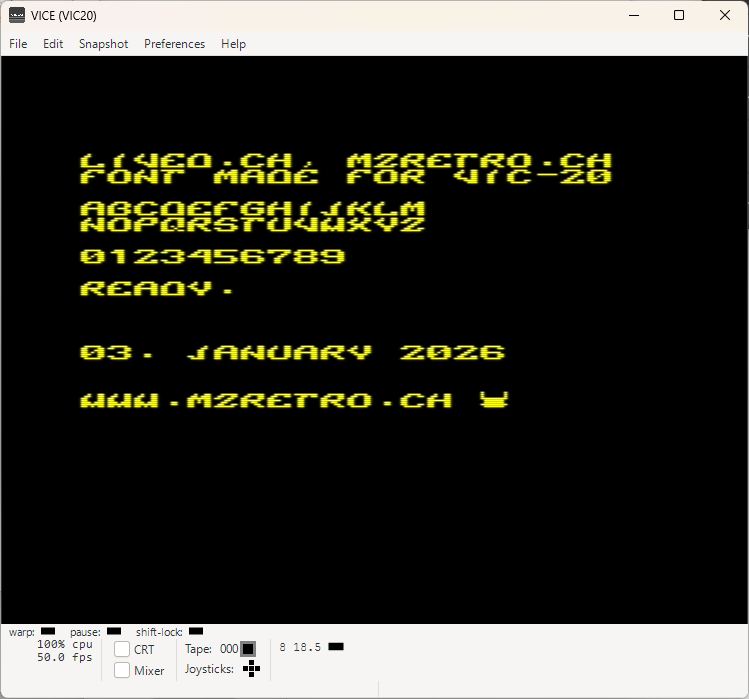
When I was a little one, having my own font was a dream... And now > 40 years later, it is a reality! On VIC-20, a computer i never used in my life!

You can grab a fraction of this dream and use this font in your projects.
It's only the alphabet, numbers, but even that is sufficient to make a little game.
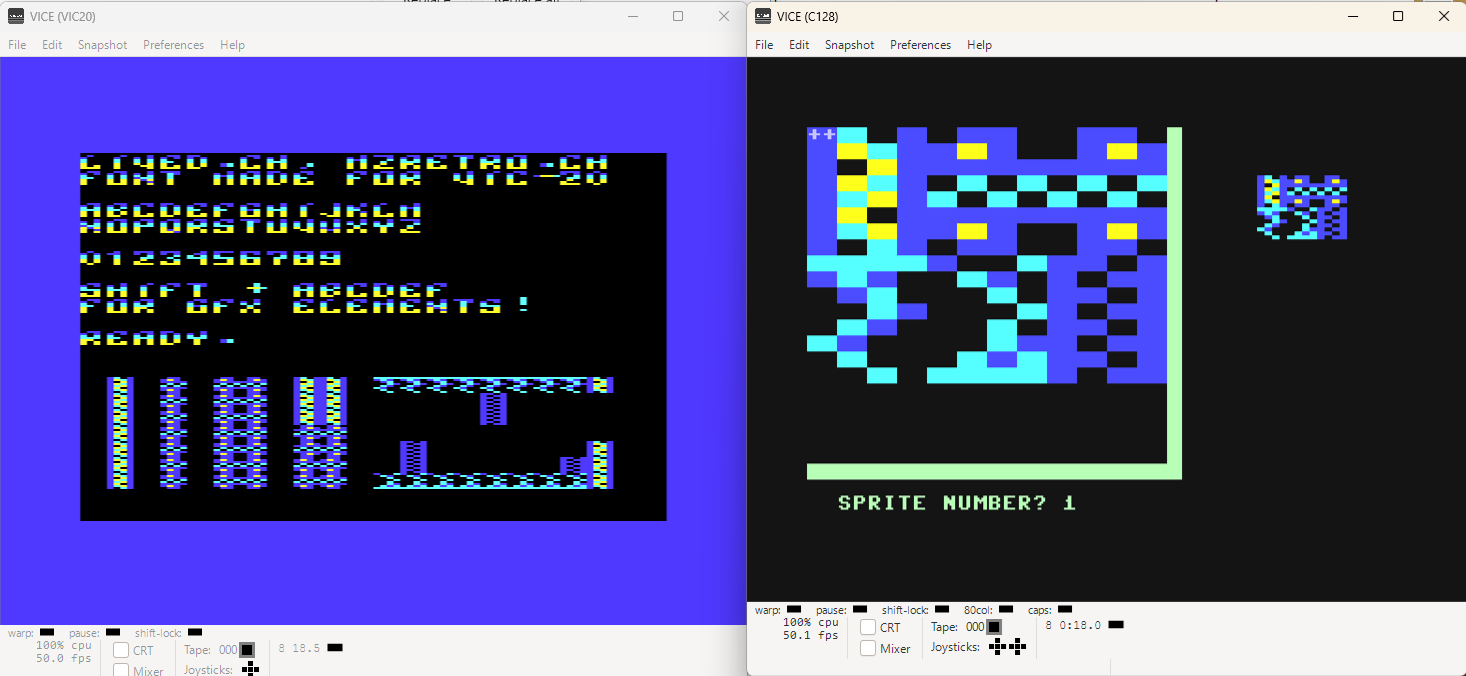
It is all in BASIC and before I forget, a few GFX Elements are included too.

Basically you can add more graphic elements by adding more DATA lines and increasing the READ counter:

157 form=288 to 335+(nd*8):readn

where nd = new data line. e.g. DATA 255,129,129,129,129,129,129,255 would make a square
accessible under SHIFT+G.

Ergo, if you add 7 new DATA lines, then it is: 157 form=288 to 335+(7*8):readn
DATA line should be placed underneath the line 164. I made enough room for it.

Have fun creating while new graphic elements!

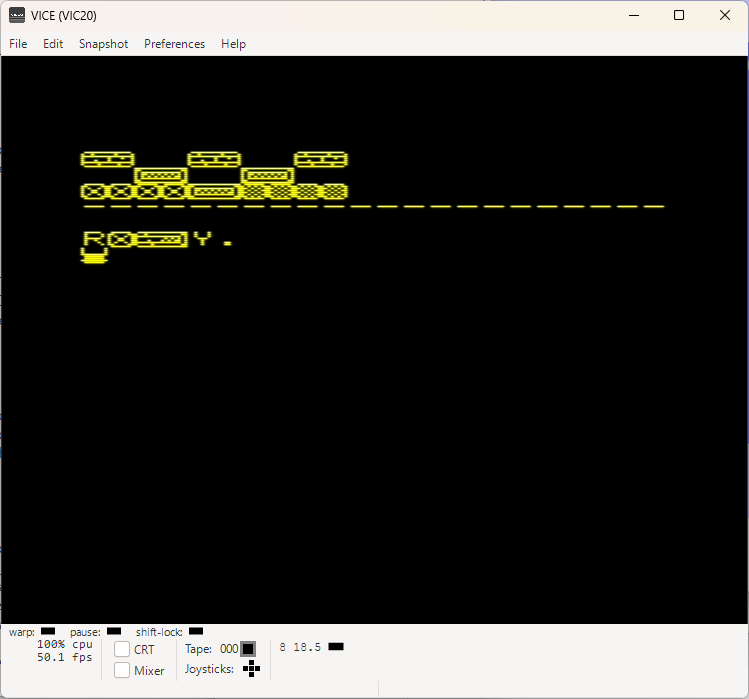
MULTICOLOR-CHARS Download {.txt File}    
MultiColor-1 MultiColor-2    
Characters and the colors, more than one!

This was interesting!
What i am actually missing now are the hardware sprites!
Commodore missed the opportunity to make billions back in 1981 with VIC-20.
History is showing us how they tend to miss oportunities to make real money after the C64.
So it is actually old news.
Well, let's go back to our MULTI-COLOR Characters.
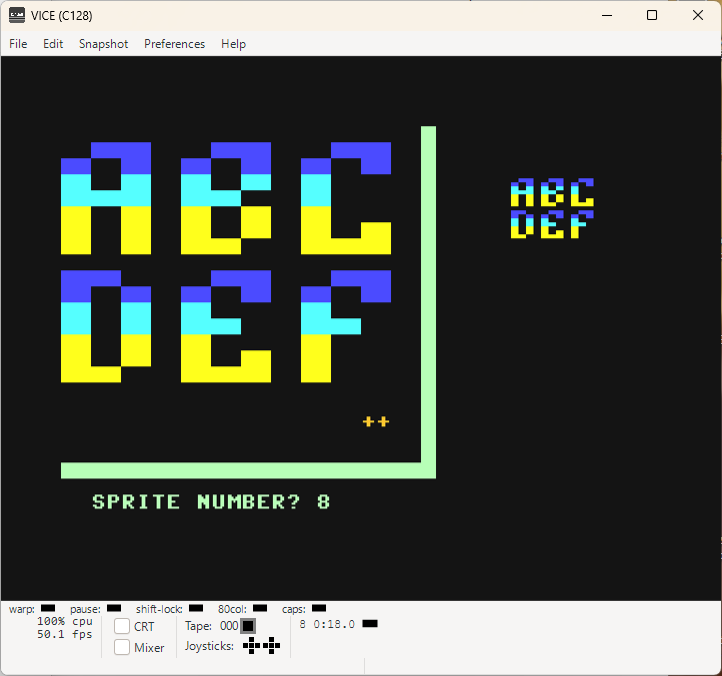
This was easy and interesting only because i was able to use Commodore C128 and its SPRITE-DEFINITION EDITOR to create new font and graphic elements. Normal and Multi-Color.
Exporting DATA to VIC-20 was then just copy/paste job with some manual adjustment before that in Windows Text Editor.

LITTLE-ANIMATION Download {.txt File}    
Little-Anim      
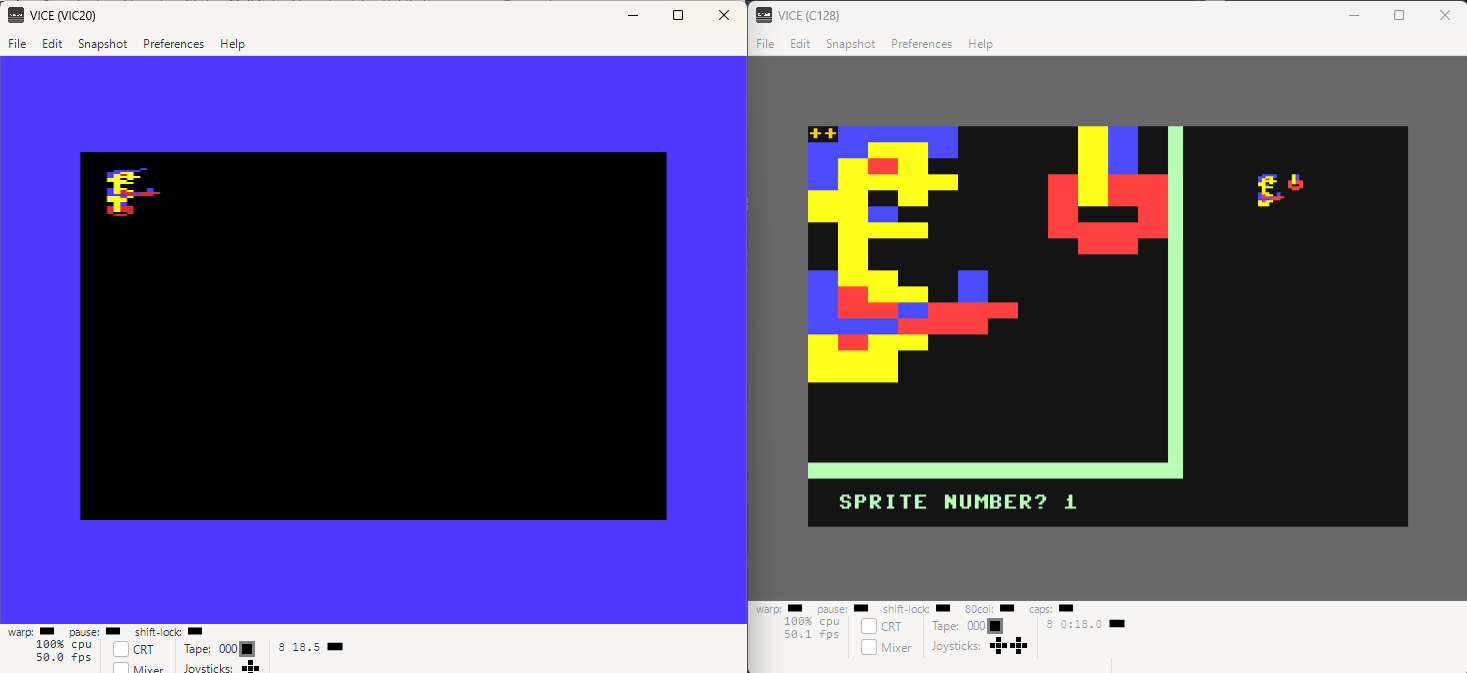
Yes, we can move!

What can i say!
I doesn't look so bad at all for the first try!
Now everyone is free to make a game around this character(s)

MEMORY-PARADE Download {.txt File}    
Memory-Parade      
The space and the limits and the what and why!

Just a small overview over the memory, default addresses, possible addresses and a few other things... Pure theory, not coding or just a little...
Will very probably be extended in the future!

So don't forget to check back in case you are interested in VIC-20!

LITTLE-ANIM-SPEED-UP Download {.txt File}    
Anim-Speed-Up      
Push it, let's fly!

Assembler is fast, some are telling even 100x faster than BASIC!
I did some testing, but never went so far to confirm the number 100, ergo, I'll just believe it is correct because it really is fast!

This is a small update to previously shown Little-Animation lesson.
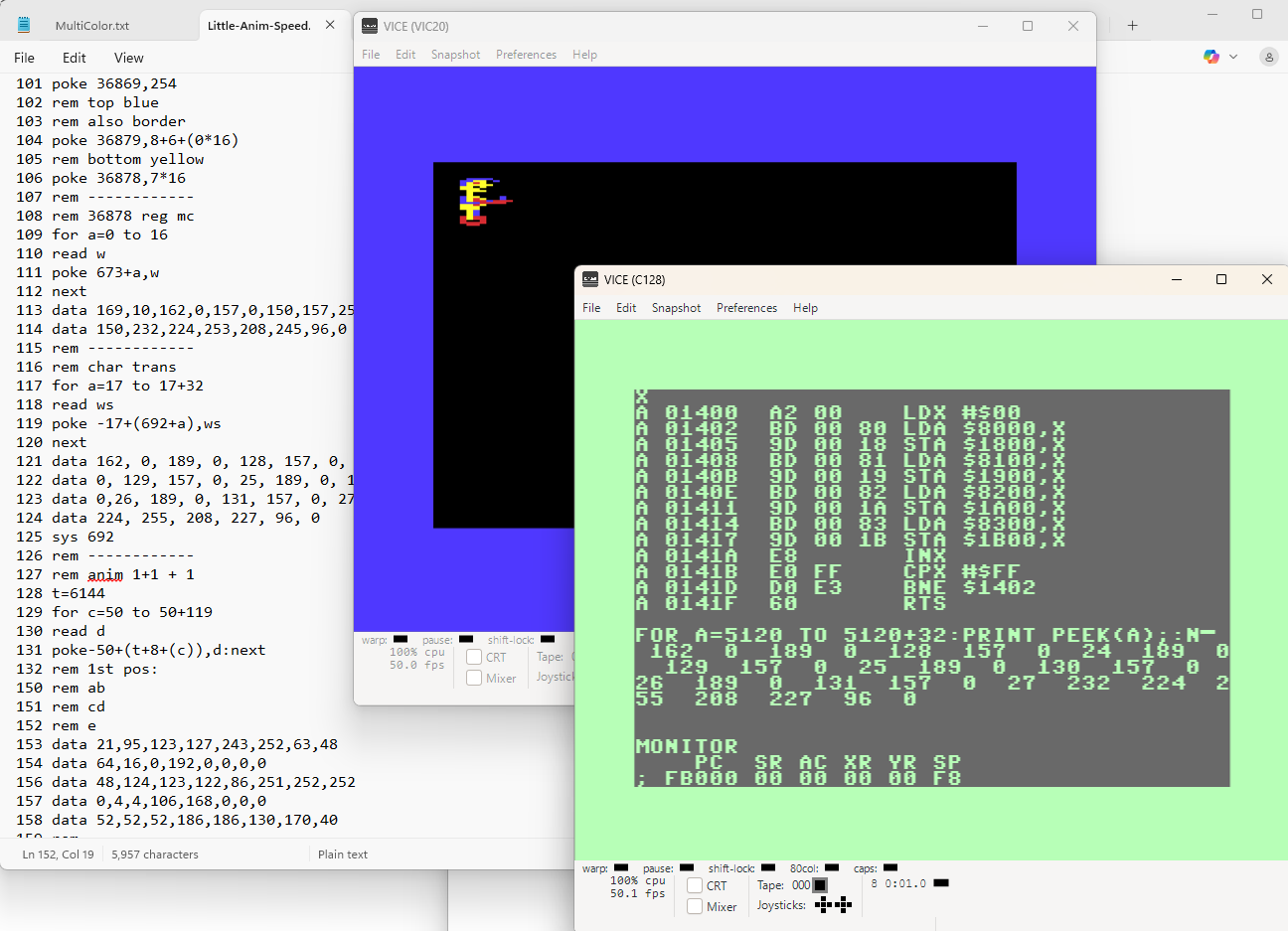
What we did here, is replaced the FOR NEXT BASIC LOOPS with a small ASSEMBLER version and see there, we went from nearly 13 seconds, down to 2.5 seconds!

Assembler FOR NEXT LOOPS are easy to learn and can be implemented in any BASIC program to increase the execution speed in many areas!

Hope this example will help in your BASIC projects!

VIC20-ML-MONITORS      
       
Commodore VIC-20 Machine Language Monitors

While looking to find a good and small Machine Language Monitor, i was able to find many, however, as it looks, only these two are worth mentioning {it means, i like them, haha}
= MiniMon and VICMon-2 & {update} HES-Mon is coming too to join the part. Nice ML-Monitor-!

Note:
VIC-20 is loading .prg {machine codes} files with LOAD"name",8,1 as it looks!
To make sure they won't be loaded into BASIC area.
Some programs, however, are written to occupy exactly that space anyway.


ML-MONITORS Def. RAM/EXP RAM Start / Restart Info-Guide-Doc Remark
         
MiniMon [.prg] YES / NO sys 4110 / sys 5632 Info - official-doc best for small projects
SuperMonitor+ [.prg] YES / YES dynamic, 1 basic line Info weird code structure
SuperVICMon [.prg] Yes {unstable} / YES dynamic, 5 basic lines Info Good {but hmmm...}
MightyMon-V3.0 [.prg] NO / YES {min. 3KB} dynamic / or sys 820 Info 100% weird & Decimal
C'MON [.prg] YES / NO sys 4608 / basic line Info - official-doc is showing active flags!
VICMon-2 [.crt]* 4KB YES / YES sys 24576 Info - Guide best for large projects
HESMon [.crt] 4KB YES / YES Autostart/sys 40960 Info - Guide Now squeeze me tight
TinyMon [.prg] YES / YES Drag/Drop/Load/Run Info Cute & Cool - Die Hard
PunyMon [.prg] YES / NO SYS 4974 Info Decimal Mania Infected
         
         
*=VICMon-Bandits        
There is a bunch of VICMon versions available and it actually took me a while to have them running under VICE-Version 3.9. Even if file ending is .crt, the VICMon files cannot be started automatically.
Normally you can just attach the cartridge and it will run without having to sweat additional amount of time.
Well, if you try that with VICMon cartridges, Smart-Attach won't work!

What has to be done, how to proceed?
0. Add 8KB RAM in RAM BLOCK 3 [$6000)
1. Choose attach cartridge image... from the FILE menu bar
2. Navigate to the folder where you have the cartridges
3. Choose GENERIC as cartridge type {NOT SMART-ATTACH!!!}
4. Choose the system address {cartridge ID}, {can be seen on the cartridge name, e.g. $6000, $A000}
5. Click on attach
6. Nothing much will happen...
7. Until you start the VICMon with e.g. $6000 = SYS 24576

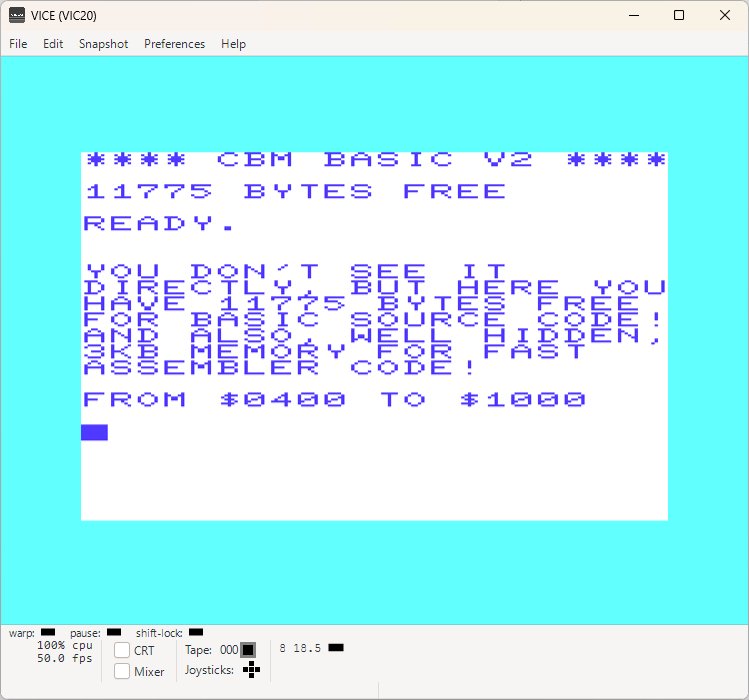
From what i have found out, the VICMon Version 2, $6000 works pretty well and it leaves you the full size of the BASIC source code area free for your assembly code. Meaning 3.5KB free space.
This VICMon version is what you can download here!

If that is divided properly, it is more than enough even for a BASIC/Assembly combo.
In fact, adding a 3KB more RAM in BANK 0 will give you 3KB for assembly code and 3.5KB for BASIC lines!
{$0400/dec 1024 until $0fff/dec 4095, assembly code}, {$1000/dec 4096 to $1dff/7679 basic code}

So why not do a small game as a next project {in due time, of course}


VIC-20-ASSEMBLERS      
       
ASSEMBLERS FOR VIC-20

No doubt, Machine Language Monitors are better than assembly editors when it comes to quickly write a short assembly routine and look inthe hexadecimal number world.
Basically, to write a 10 line assembly code, there is no needed to start an overloaded assembler program...

However, if there is a plan for a slightly more lines than 10, then it is clear; the 1st and logical choice is an assembly-language-editor!
Especially where would wanna write a bunch of BASIC helpers and have them as one file which would you load into memory.

I will list also those which I wasn't able to use properly due to missing manuals or instructions of any kind. During my tests I am trying to find out as much as possible about them...
The same thing I did with the VIC-20 machine Language Monitors!

Green cell background means: this is what i've decided to use to write examples in the future. It's almost older than i am. but still kicking assembler butts on the left, right and middle!

ASSEMBLERS Def. RAM / EXP RAM Start / Restart Info-Guide-Doc Remark
         
wAx{4K} [.prg] NO / YES {3+8KB} SYS 24576 Info serious identity crisis
MikroAssembler [.prg] NO / YES {all BANKS} SYS 40960 Info BIG BOSS {no doubt}
wAx2 [.crt] 8KB NO / YES {all BANKS} SYS 40960 Info - WebSite private planet master
TinyAsm1.1 [.prg] YES / NO Autostart Info 90% wasted potenial
Monster-Assembler NO / YES / Final Exp. Autostart Monster Journey Pure Construction Site
PAL-Assembler [.crt] NO / YES {all BANKS} Autostart Info - C64PalAss It is the one! Still great!
         
         
PAL-Assembler & VICMon Combo Dev System      
         
After I have finished testing many packages, I saw that there was or is a need for a combo solution to make a nice native developer system out of Commodore VIC-20 {emulation}.
No huge expenses involved therefore, actually none! And you don't even have to sweat blood to figure out how to make it run. Just follow the available documents in this download and you'll be ready in no time!
Inside is all you need to start programing in assembler and have the access to ML-Monitor at the same time.
On top of that, RAM is no issue with emulators....PERFECT, what else!
         
VICMon-&-PAL-Assembler-Combo.7z      
         

IMPORTANT INFORMATION:

What i have noticed is: When you set up your RAM BLOCKS to be able to use a Cartridge or load a software to a specific address, it is so that RAM BLOCK where the Cartridge is, won't be recognized as an additional RAM-BLOCK.

That is effecting the locations of the COLOR MAP, SCREEN and BASIC START ADDRESS, which are depending on the MEMORY SETUP.

THE RESULT IS:

RAM BLOCK 0, 3KB and RAM BLOCK 5, 8KB, {$A000 Cartridge} is still just a RAM BLOCK 0 and 5KB default RAM which places the BASIC start address to $0400.

Related to this new knowledge, I have updated the MEMORY PARADE document accordingly.
.


These pages are NOT USING any kind of cookies or whatever tracking, monitoring, controlling etc. tools.
It's pure and old-fashion webseite like back in the retro days {let's ignore some scripting here & there for a little while!}
Complete content was created by using retro systems emulator for all here mentioned computers.
No real hardware was involved so far {and if it will be one day, it will be additionally mentioned within the subject}
 
NOTE: Use all here at your own risk! I am taking no responsibilities in case of any data loses or damages!
In case you doubt your abilities to properly use applications available on MZRETRO.CH, please consider to not use them @ all!